PW Gift Cards
This page covers the legacy PW Gift Cards plugin, which is deprecated. Please refer to the new Globber Gift Cards page instead.
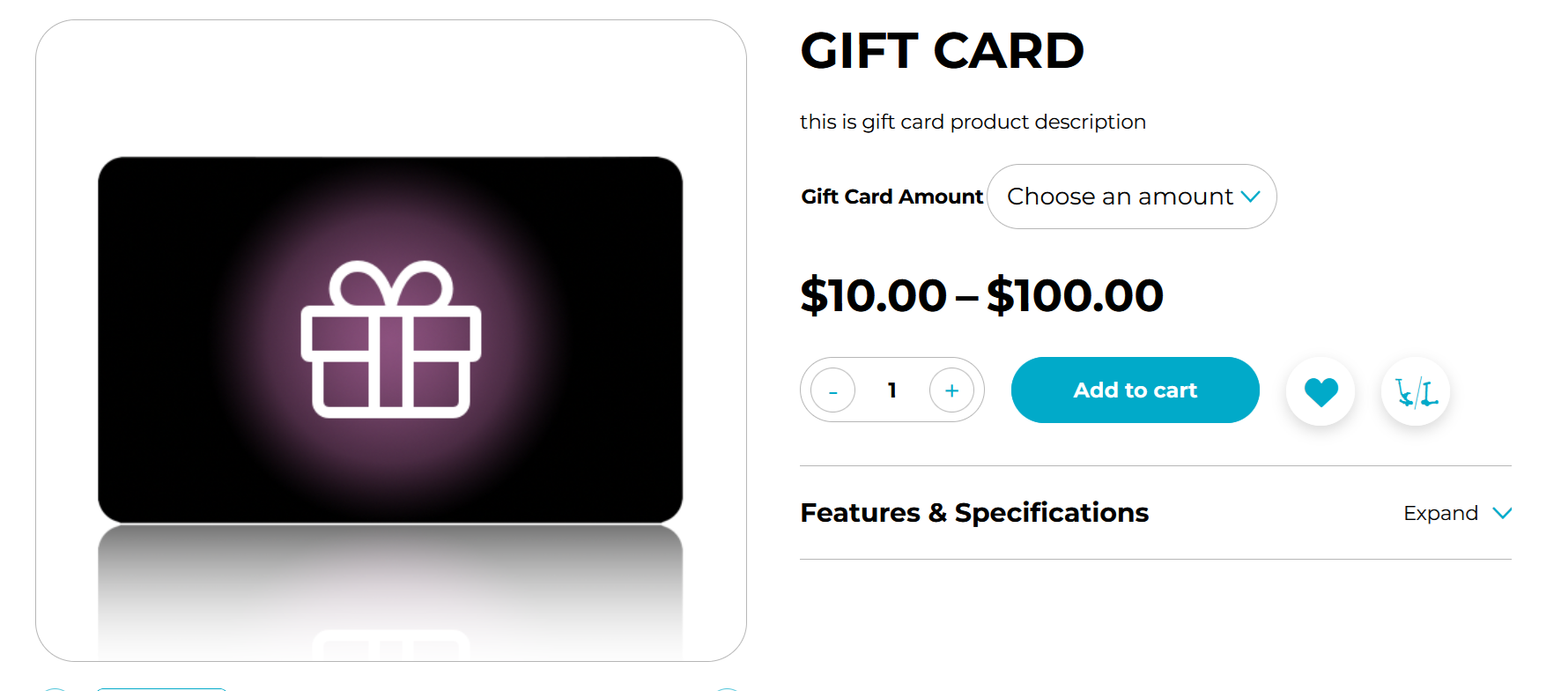
Gift cards are prepaid cards that people can buy and give as gifts.
Each Globber gift card has a set amount of money. When a customer uses the card, the purchase amount is deducted from the card’s balance.
How to Manage Gift Cards
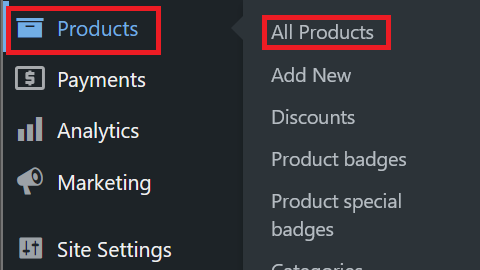
Navigate to Products at the left-hand side menu on WordPress and select All Products
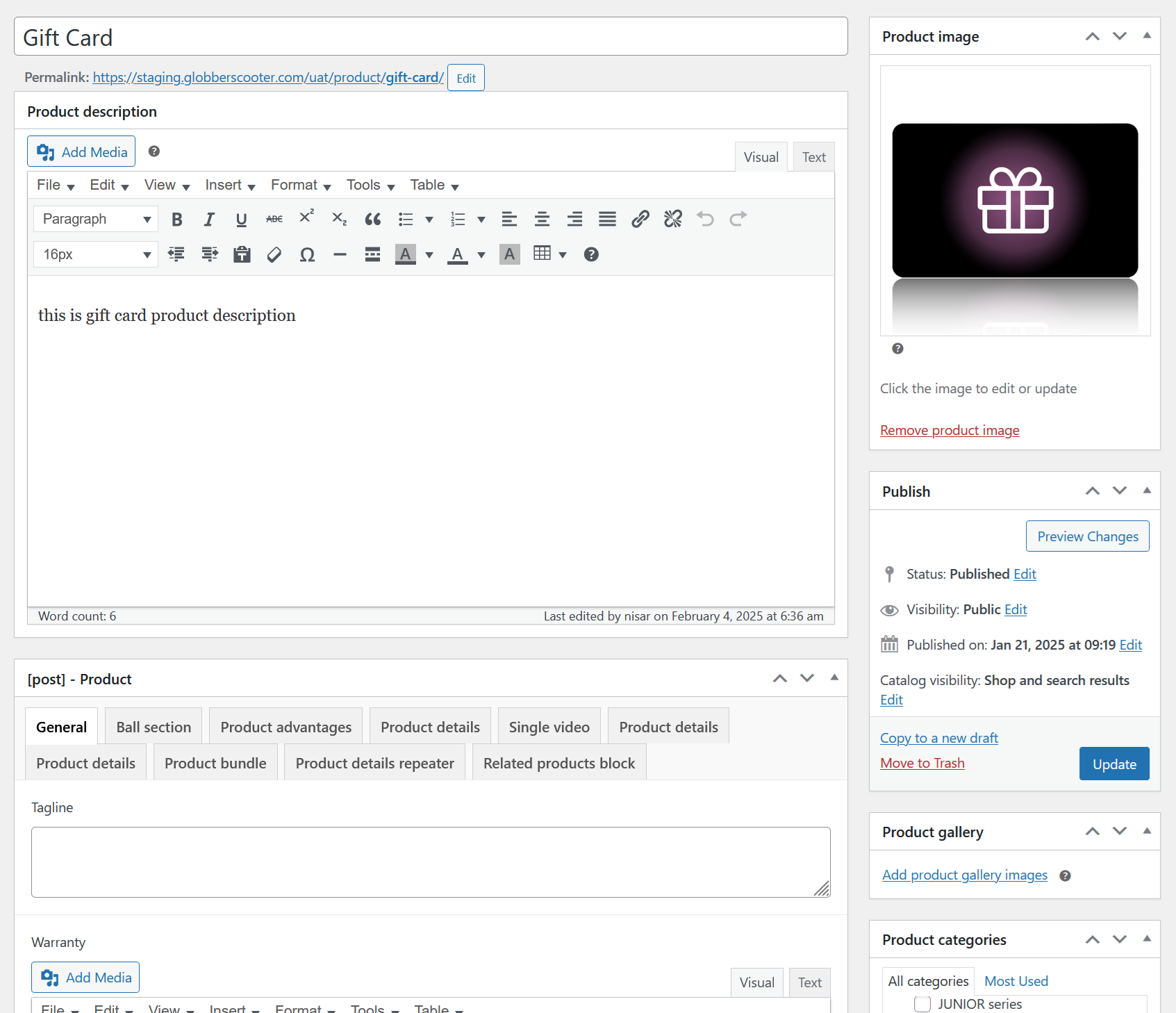
On the all products section, find Gift Card and select Edit

Inside the product page, you can edit all descriptions for the gift card just like other Globber product pages. Here you can also sort out the product category to make it easier for users to find in the website.
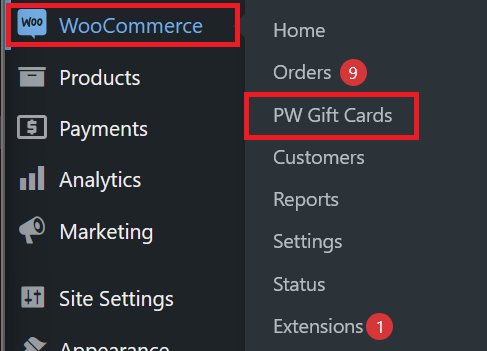
To have an overview of all your Globber website's gift card distribution, navigate to WooCommerce at the left-hand side menu on WordPress and select PW Gift Cards
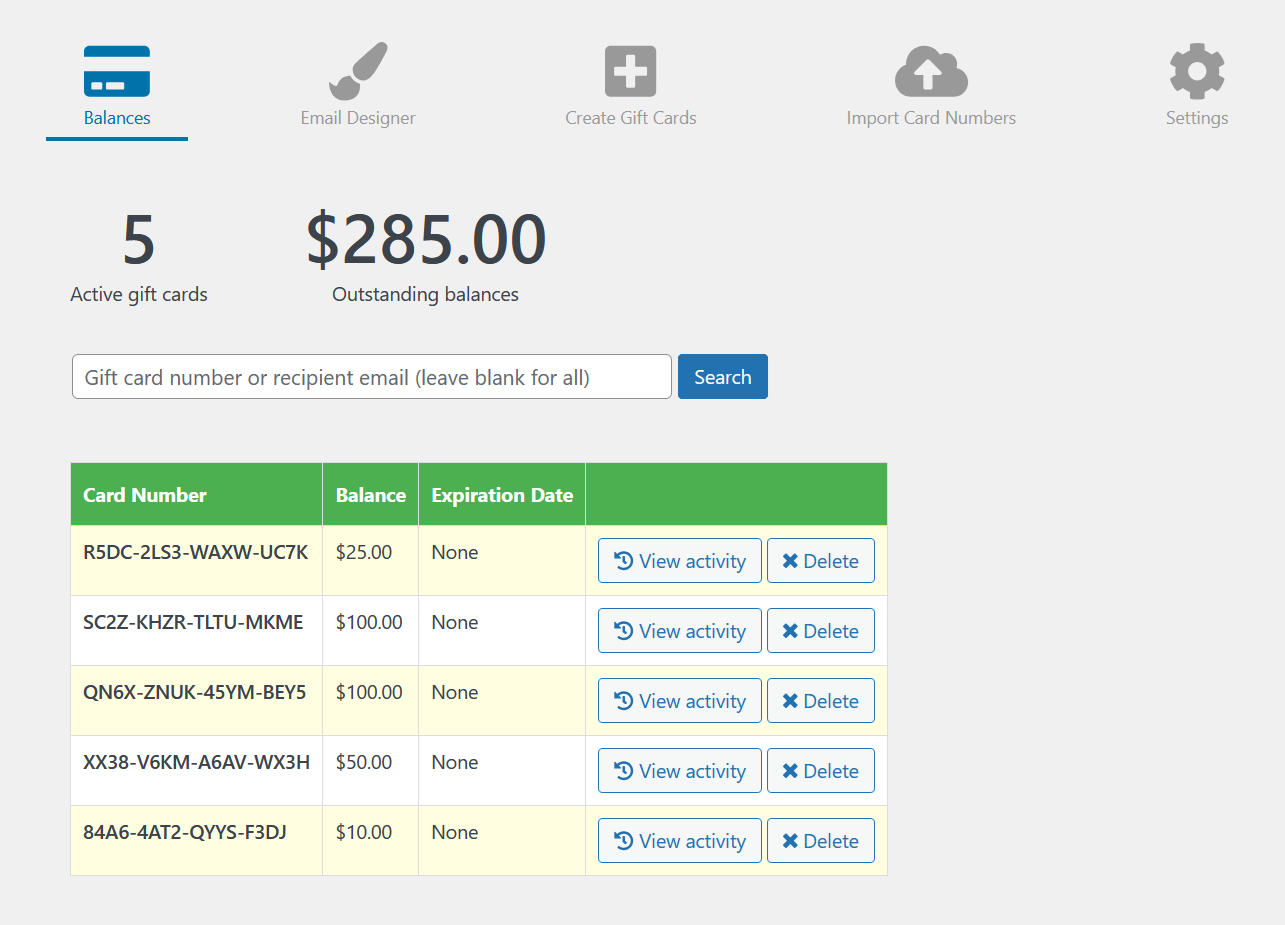
On the Balances section, you can see all active/inactive gift cards and their statuses.
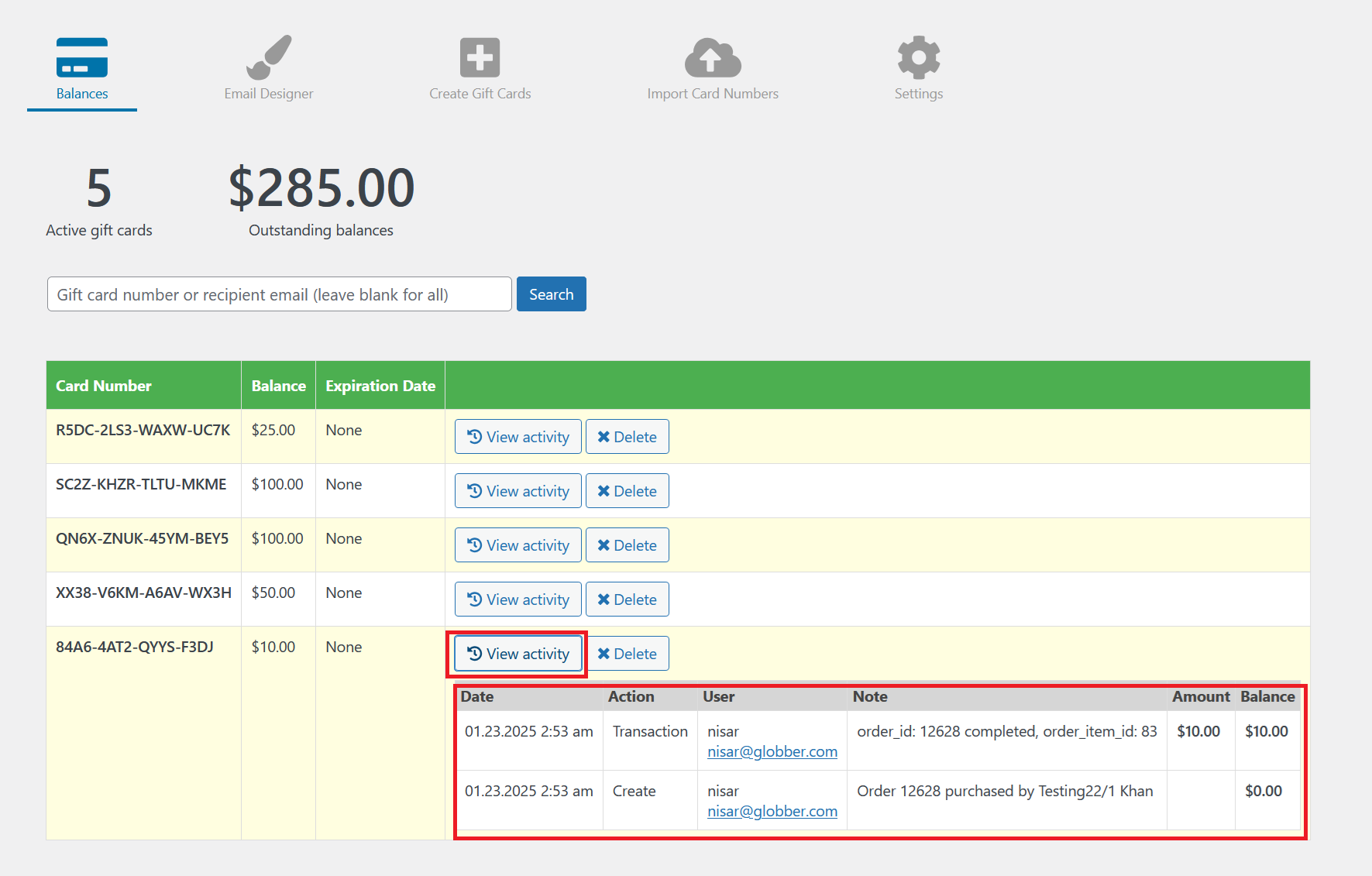
On any specific card number, you can select View activity to see all activity done in the specific card number.
How Customers Can Obtain Gift Cards
Customers can purchase gift cards directly on respective e-commerce Globber website available to them.
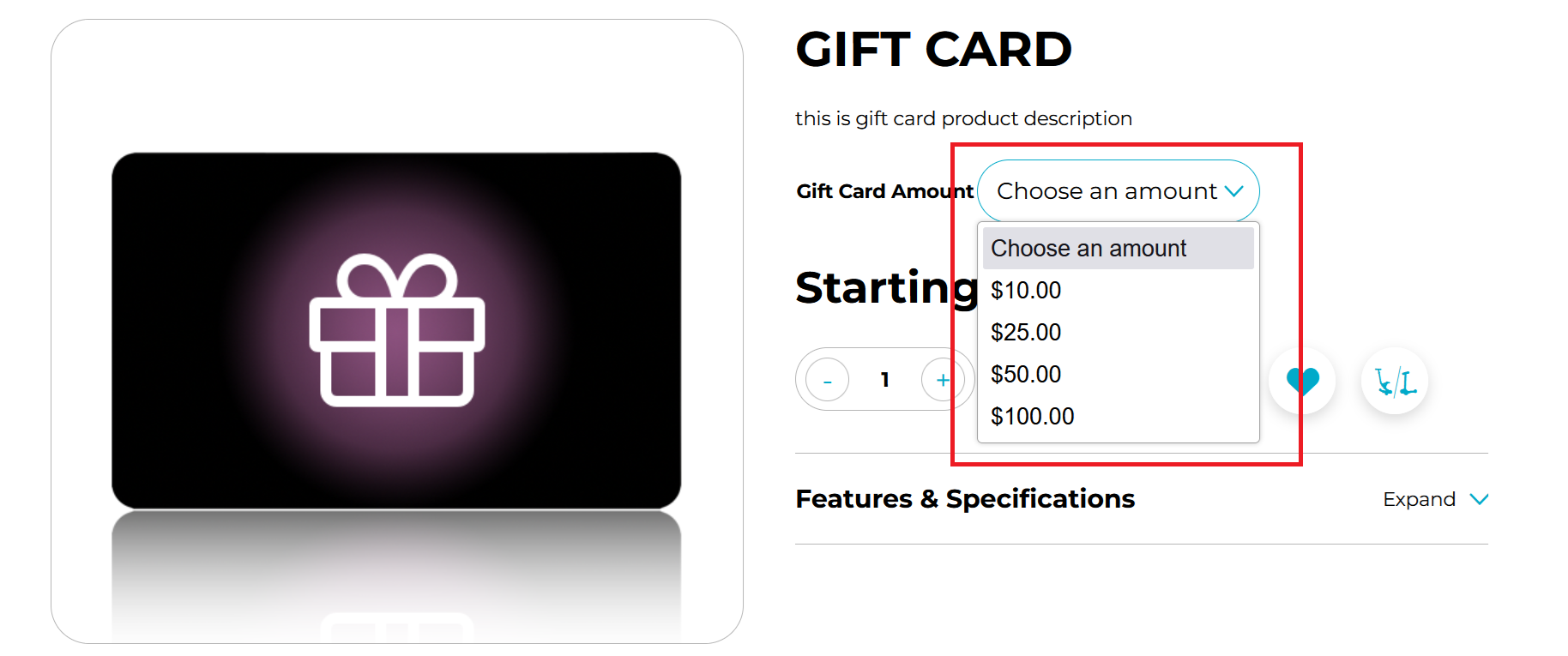
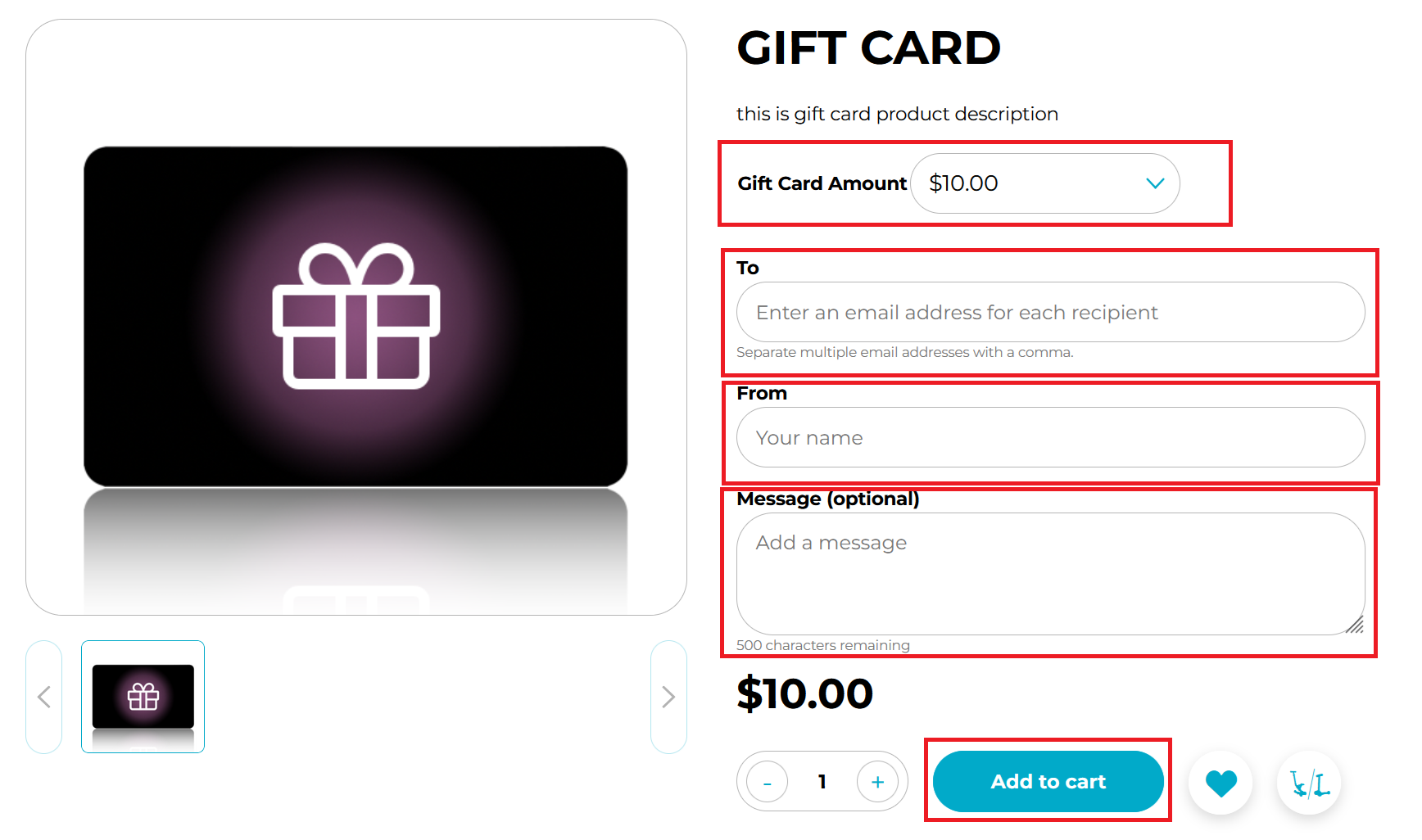
On the gift card product page, they can select specific amounts for purchase.
After selecting a specific amount for the gift card, customers can enter the recipient's email address, their own name, and a personalized message before completing the purchase.
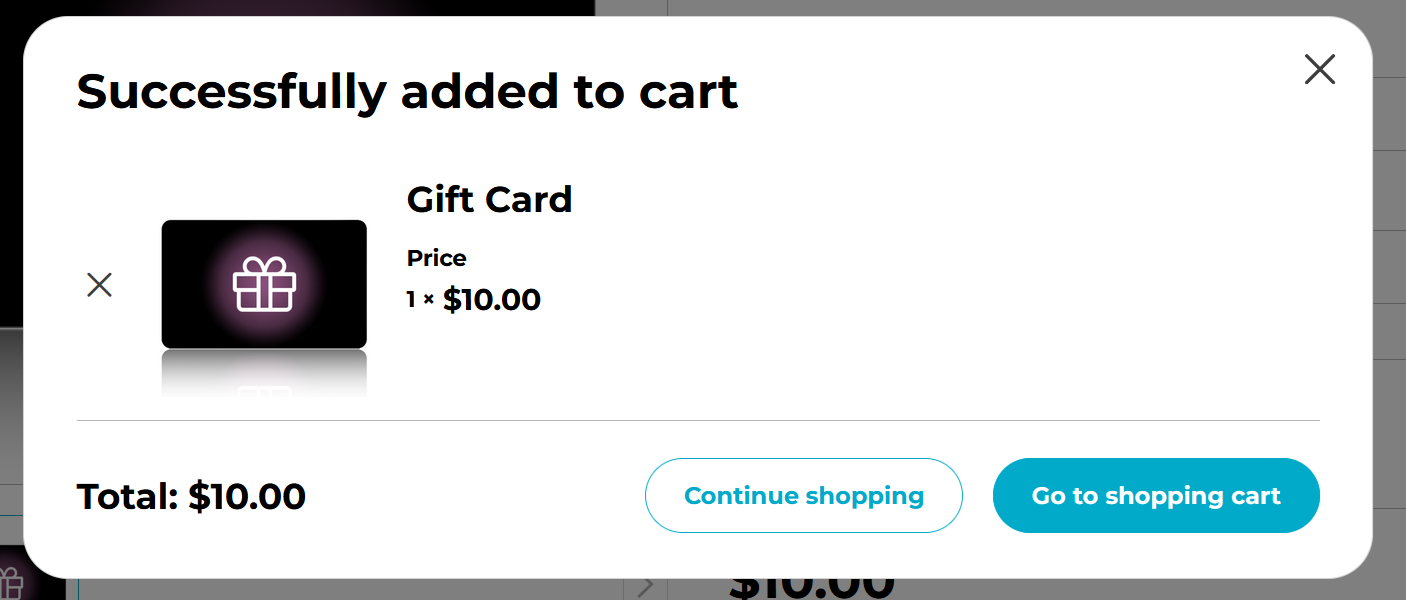
Once the gift card is in the cart, customers can continue checkout process just like they would for any other purchase made on Globber website.
When checkout process is completed, there will be two emails sent.
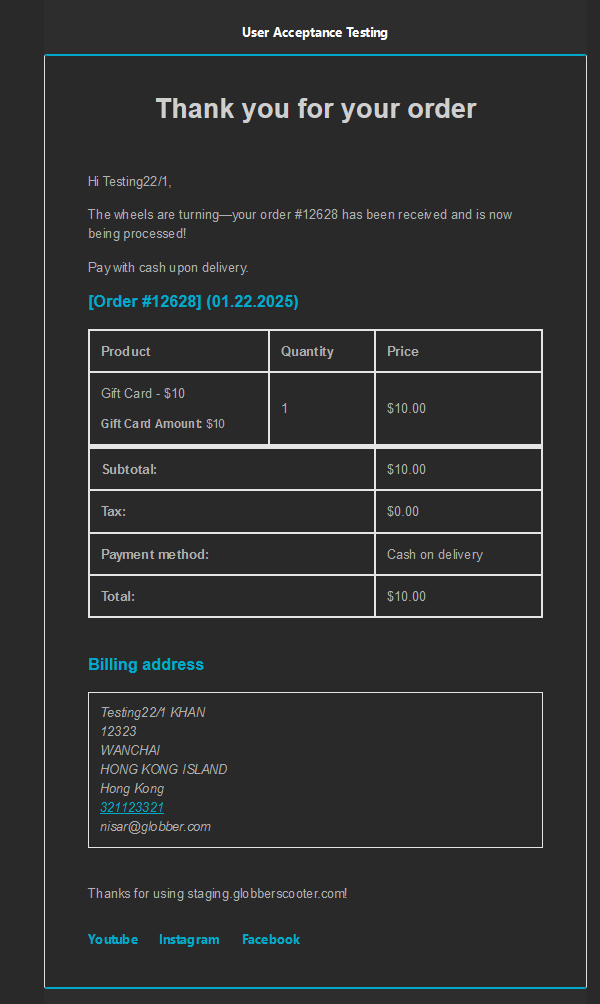
Thank You Email
This email will always be sent to customers as an order acknowledgement that serves as a purchase receipt.
In the case of gift card purchasing, the gift card code won't be displayed here.
The email containing the gift card code will be sent to the recipient's email address provided during the purchase.
Gift Card Email
This email is sent to the gift card recipient and includes the gift card code.
It shows the sender's name, the gift card amount, the gift card code, and any message.
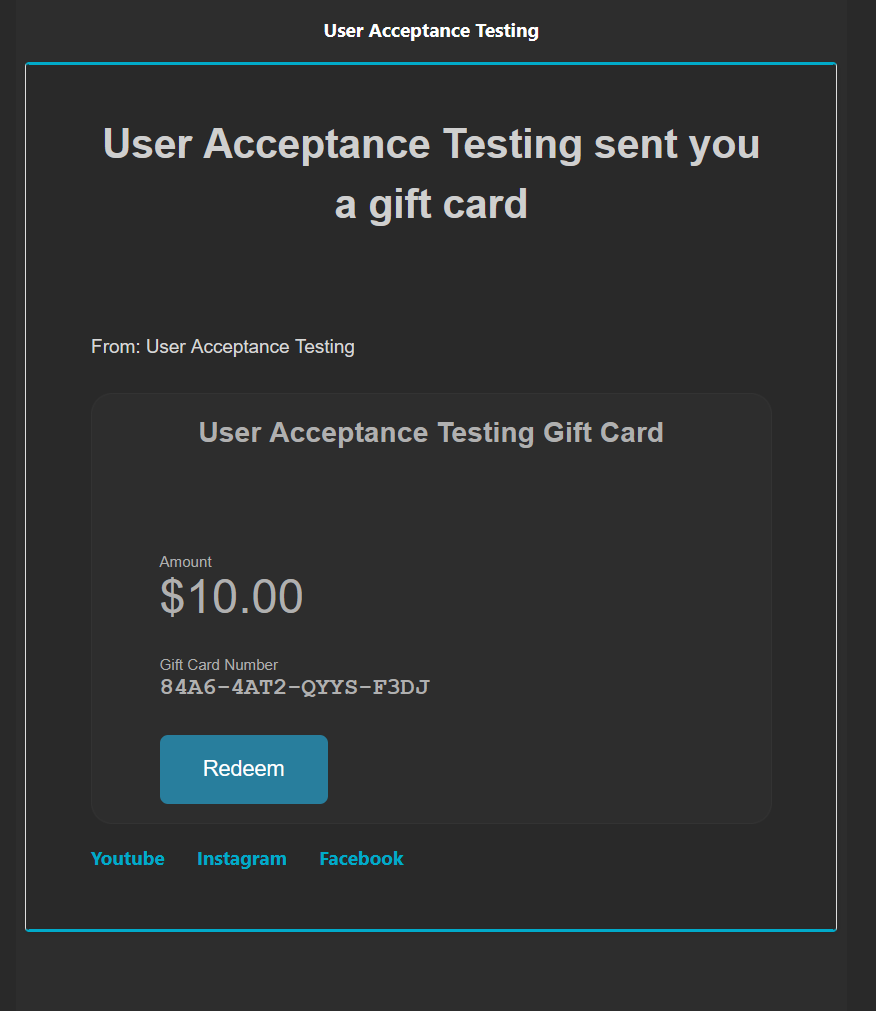
Gift card recipients can click Redeem to be directed to Globber website, where their gift code will be automatically applied to the cart for purchase.
How Customers Can Redeem Gift Cards
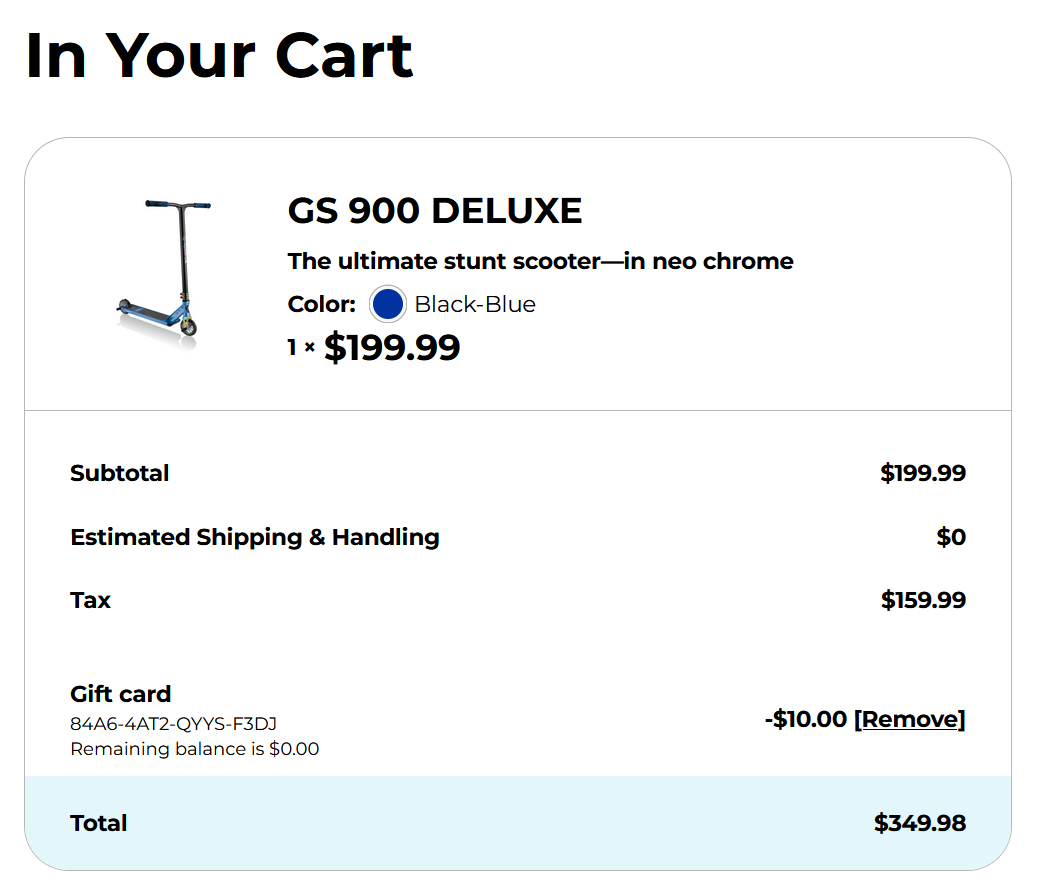
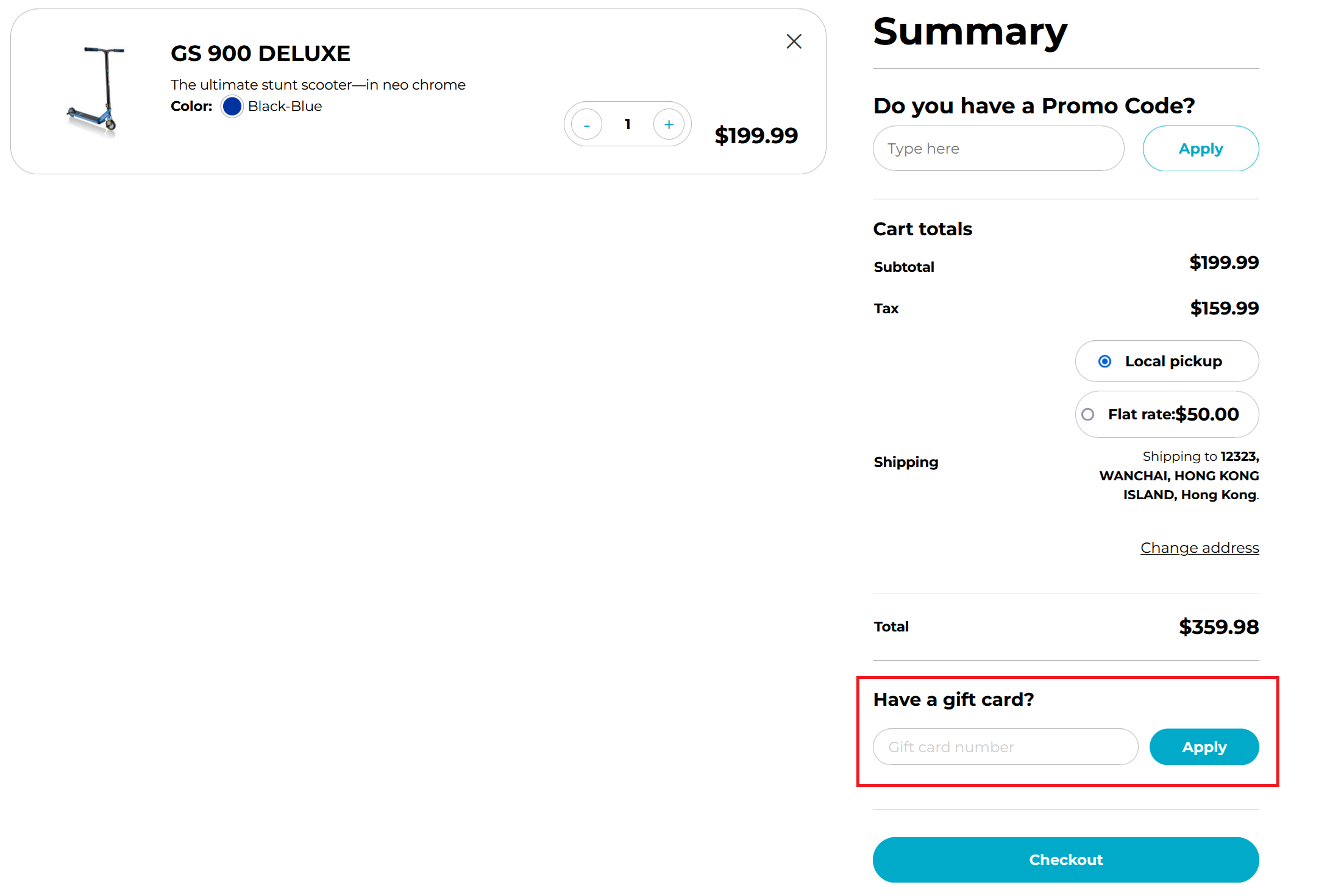
When making a purchase, customers can redeem their gift card codes on the checkout page.
On the checkout page, customers can enter their gift card number to apply the code.
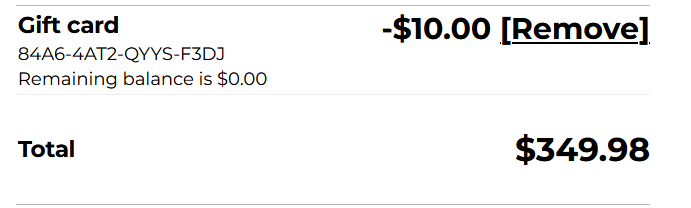
Once the gift card code is applied, customers will see the remaining balance on the gift card, along with the new total reflecting the discount from the gift card.
Afterwards, customer can proceed to checkout and complete their purchase process.