Add New User
Add New User to Create New Roles
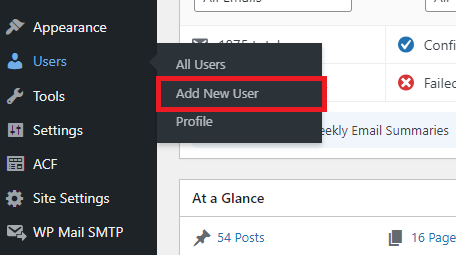
In the left-hand menu of WordPress, go to Users and select Add New.
You will see this section called Add Existing User, this is where you can add any new user into your WordPress team.
Enter the new user's email and choose the role you want them to have.
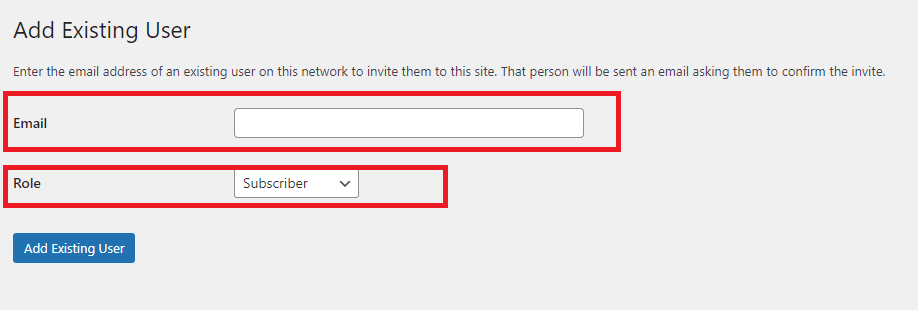
After you click Add Existing User, the new user will receive a confirmation email to accept.