All Users
What Are Roles on WordPress?
In WordPress, you can assign different user roles to control what people can and cannot do on the site.
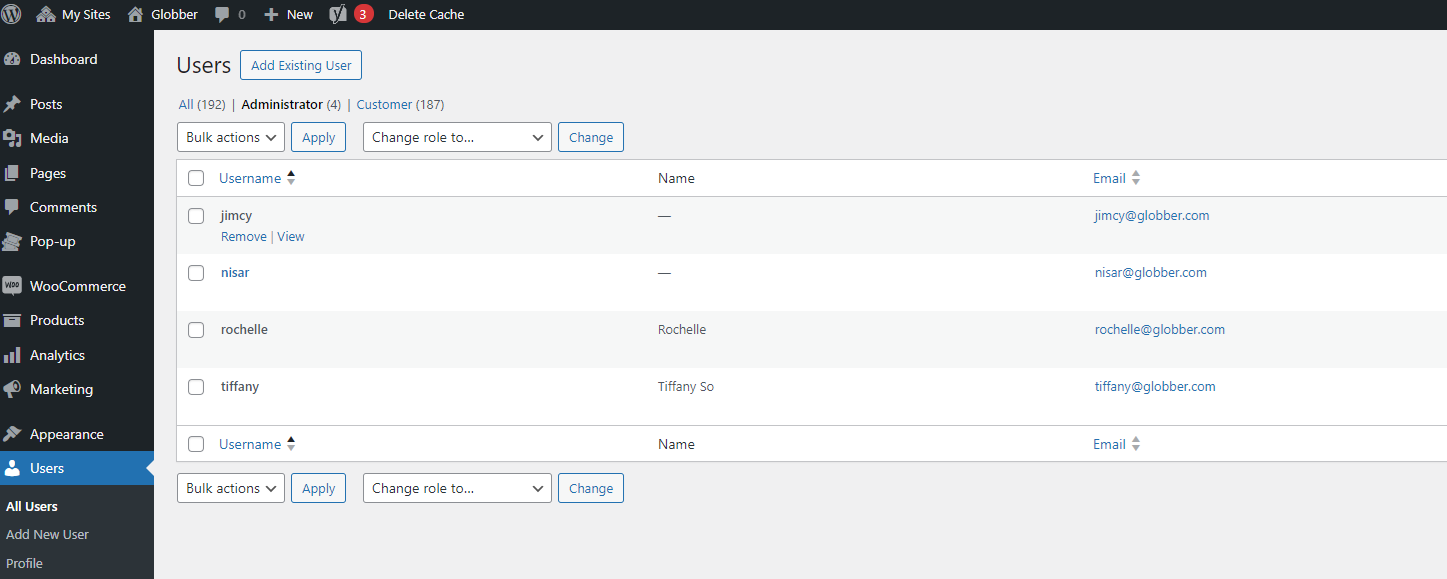
Here’s a quick summary of each role:
- Administrator: The highest level of access. Admins can access almost everything on Globber's subsite.
- Admin (Unfiltered HTML): Allowing trusted administrators to add custom HTML, CSS, and JavaScript to the website.
- Shop Manager: Can edit product, orders and e-com settings.
- SEO Manager: Can create new SEO content for the site.
- SEO Editor: Can update existing SEO content.
- Editor: Can edit blog articles.
- Author: Can write, upload media, edit, and publish their own blog articles.
- Contributor: Can edit specific blog articles (content only).
- Customer: Your customers, default role set for them.
- Subscriber: Not in-use anymore.
Important Disclaimer
Use with caution: Admin (Unfiltered HTML) role allows adding any code to your website. Globber IT is not responsible for website crashes, security issues, or functionality problems caused by custom code added through this role. Always test changes on a staging site first and keep backups.
Managing Roles
In the left-hand menu of WordPress, go to Users and select All Users.
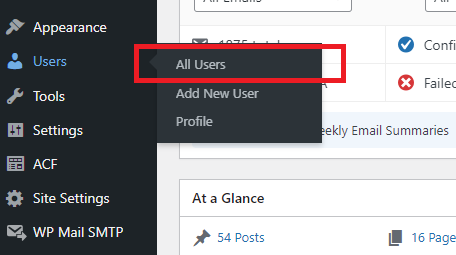
You can manage existing users by checking their profiles, change roles or remove them if needed.