Profile
Profiles are ways to customize user settings and preferences on your WordPress site.
They allow users to manage their information and configure settings such as language display and color scheme preferences.
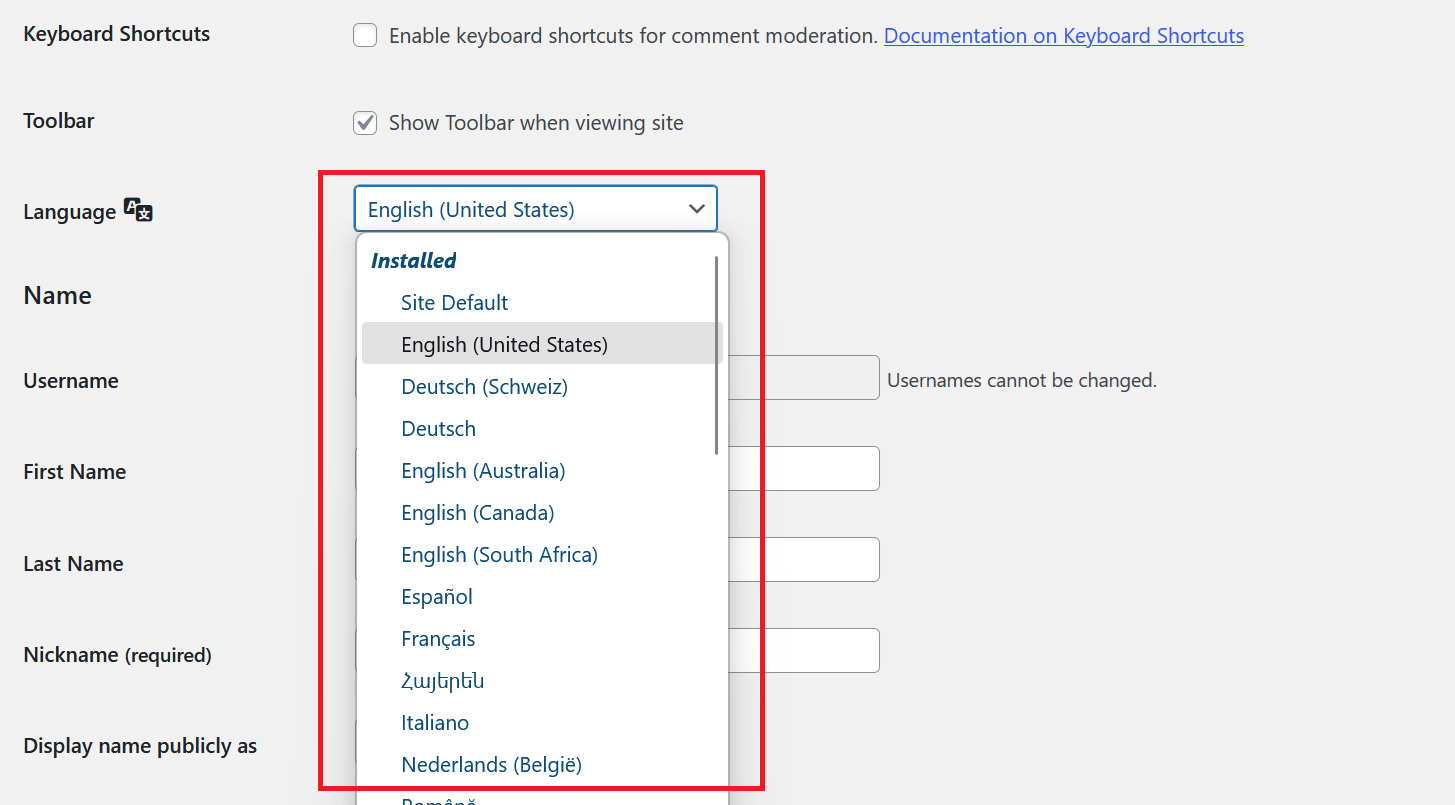
Language
Select your preferred language from the dropdown menu.
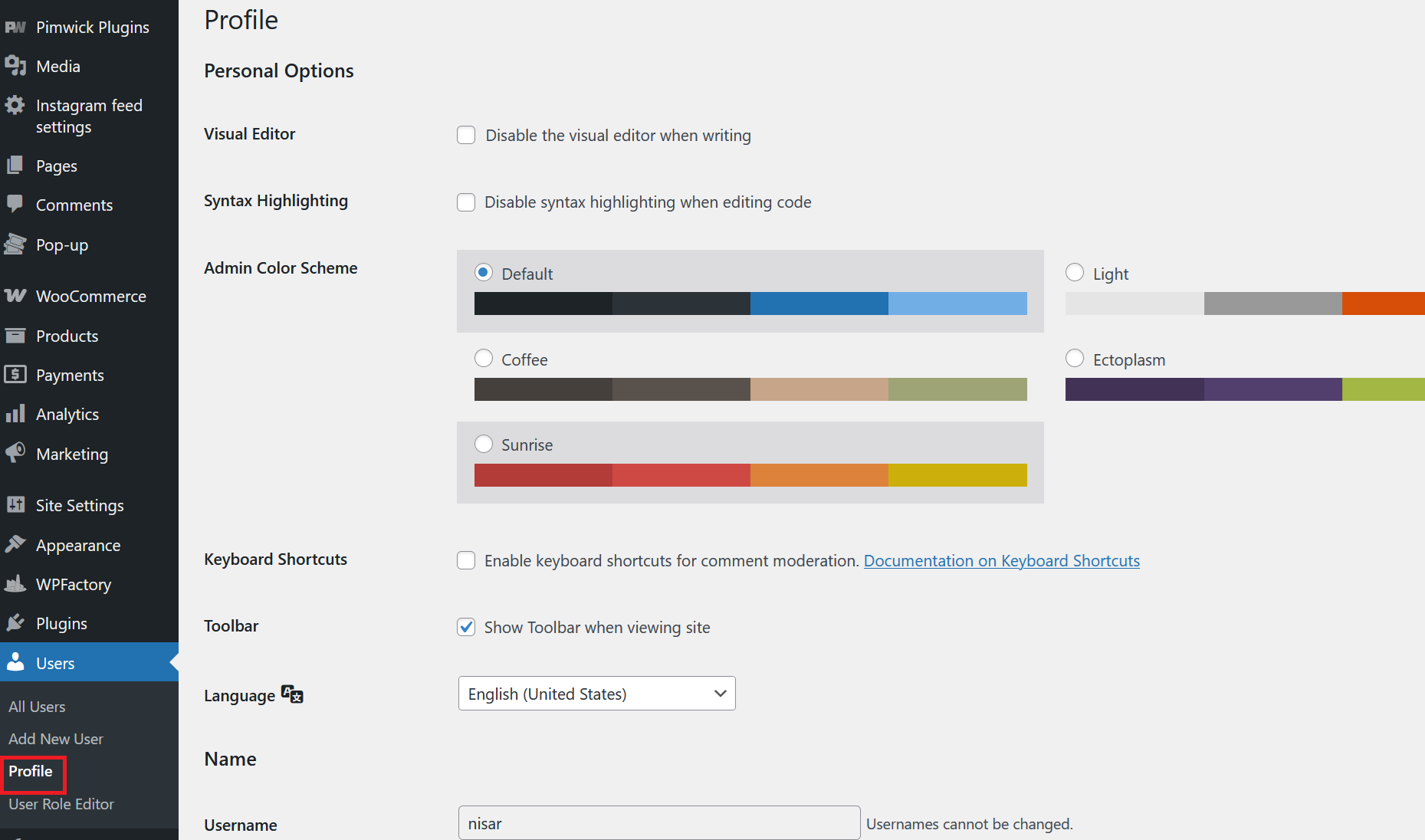
Personal Options
- Visual Editor: Enable or disable the visual editor when writing.
- Syntax Highlighting: Enable or disable syntax highlighting when editing code.
- Admin Color Scheme: Choose from color schemes like Default, Light, Modern, Coffee, Ectoplasm, Midnight, and Sunrise.
- Keyboard Shortcuts: Enable shortcuts for comment moderation.
- Toolbar: Show or hide the toolbar when viewing the site.
Name Options
- Username: Displayed username (cannot be changed).
- First Name and Last Name: Update your name details.
- Nickname: Required field for display purposes.
- Display Name Publicly As: Choose how your name appears publicly.
Profiles provide flexibility for users to tailor their settings and enhance their interaction with the site.