Globber Theme
info
ALWAYS select Globber theme in the case of subsite theme management.
The Themes section in Loco Translate lists all WordPress themes installed on your site.
Here, you can select a theme (such as "Globber") to view and edit its translation files.

Manual Translation of Website Strings
info
Add this part to your Globber site link to edit translations.
/wp-admin/admin.php?bundle=globber&page=loco-theme&action=view
Example: globber.com/hk/wp-admin/admin.php?bundle=globber&page=loco-theme&action=view
- Navigate to Loco Translate > Select Themes
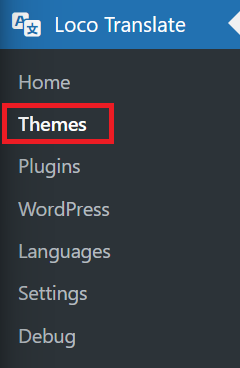
- Click Edit under the language you want to edit from the list.

-
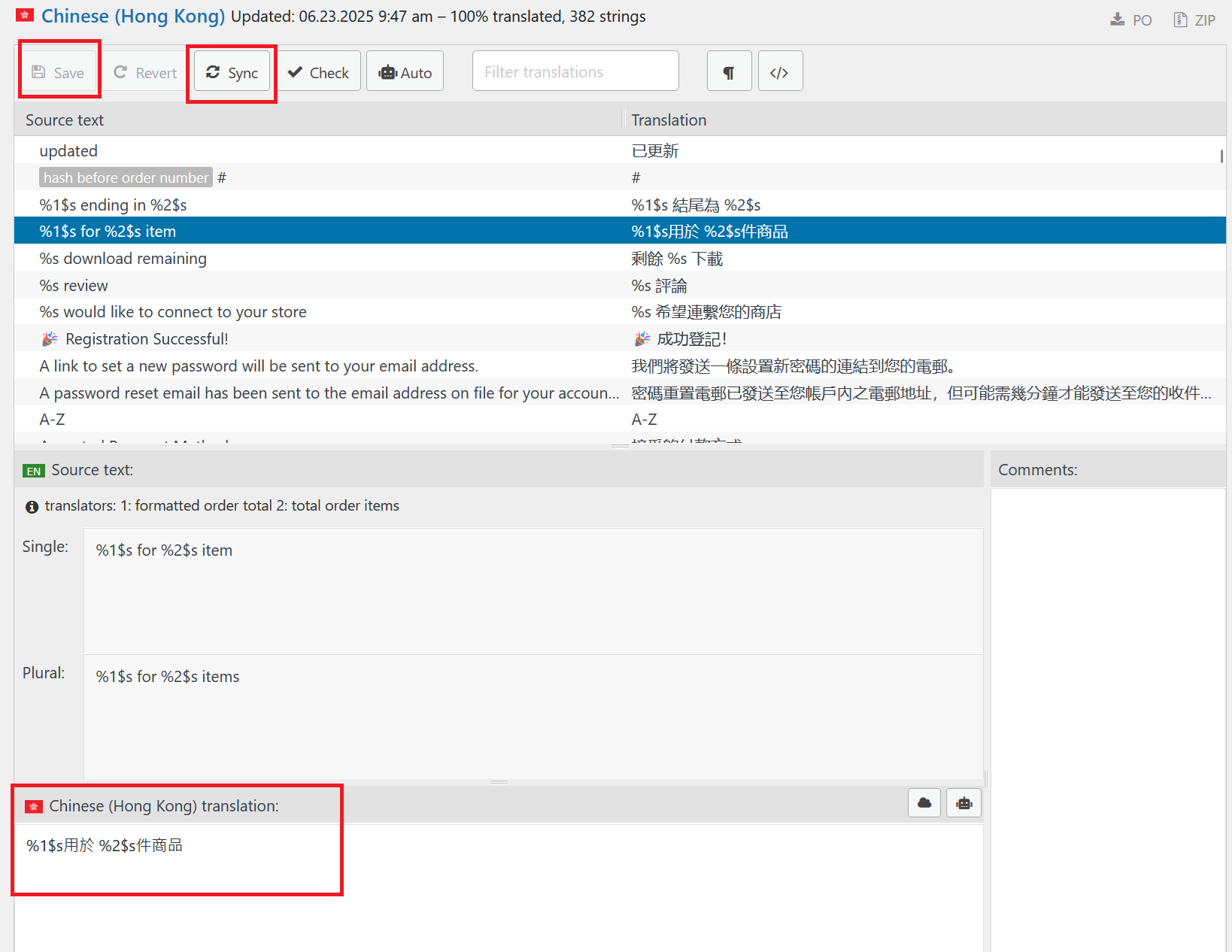
Use the editor to update translations for each string, you can manually type and make amends however you want.
-
Save your changes to update the website theme language's PO file.