WordPress Core
The WordPress Core section in Loco Translate lets you manage and translate the main language files for your WordPress installation.
Here, you can see all available languages, their translation progress, the number of strings, pending translations, and when each language file was last modified.
Language Overview
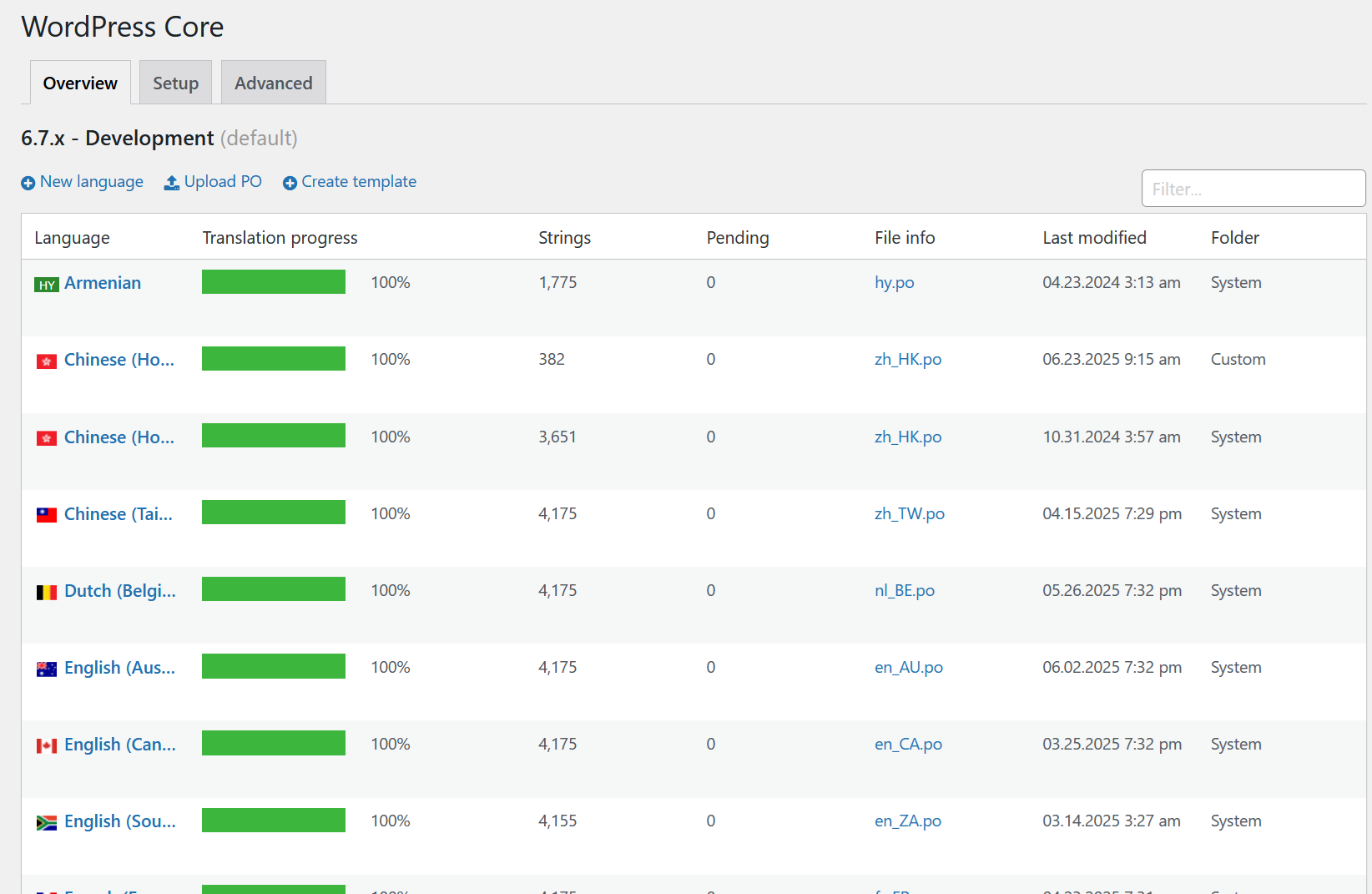
- Language: Lists all languages available for WordPress core translations (e.g., Armenian, Chinese, Dutch, English, French, German, Italian, etc.).
- Translation progress: Shows the percentage of translated strings for each language.
- Strings: The total number of translatable strings in each language file.
- Pending: Number of strings that still need translation.
- File info: The filename of the PO file for each language (e.g., en_AU.po).
- Last modified: When the translation file was last updated.
- Folder: Indicates where the translation file is stored (usually 'System').
Upload PO file
When uploading a PO file, make sure to name the file according to your region's language code. For example:
- For US English, use
en_US.po. - For French (France), use
fr_FR.po. - For German (Germany), use
de_DE.po.
This ensures that WordPress recognizes and applies the correct translations for your site's region.
info
If you are unsure of your region or country code, refer to the official ISO 639 and ISO 3166 language and country code lists for guidance.
Steps to Upload and Apply a PO File
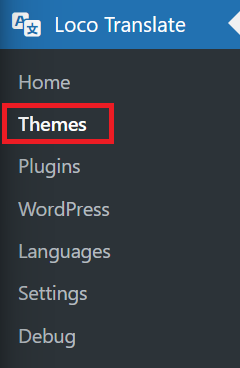
- Navigate to Loco Translate > Select Themes
- Select Globber

- Click "Upload PO" to start the upload process.
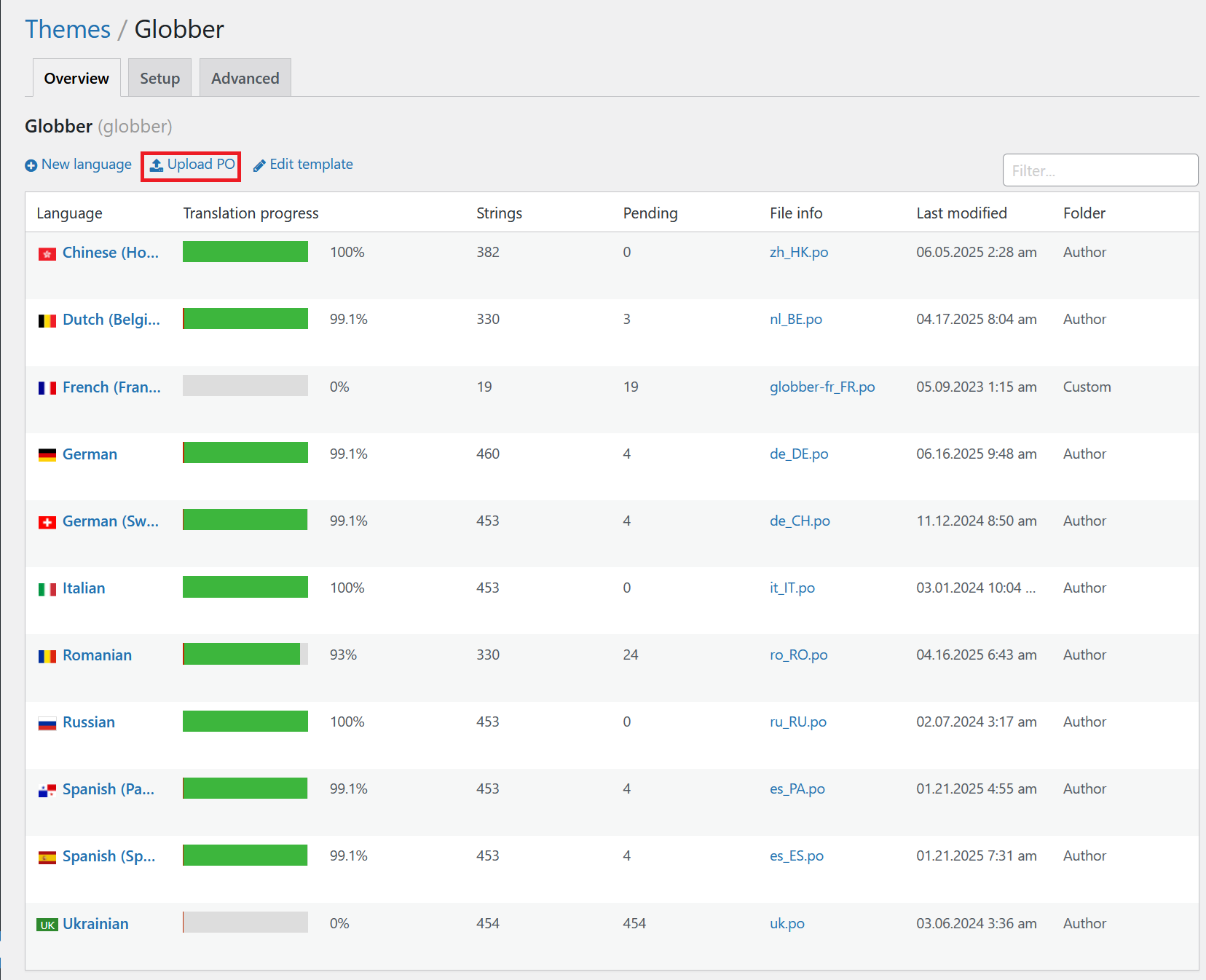
- Click "Author" to select the location for your translation file.
- Select the relevant PO file for your region and language (e.g.,
fr_FR.pofor France,de_DE.pofor Germany). - Click "Upload" to add the file to your site.
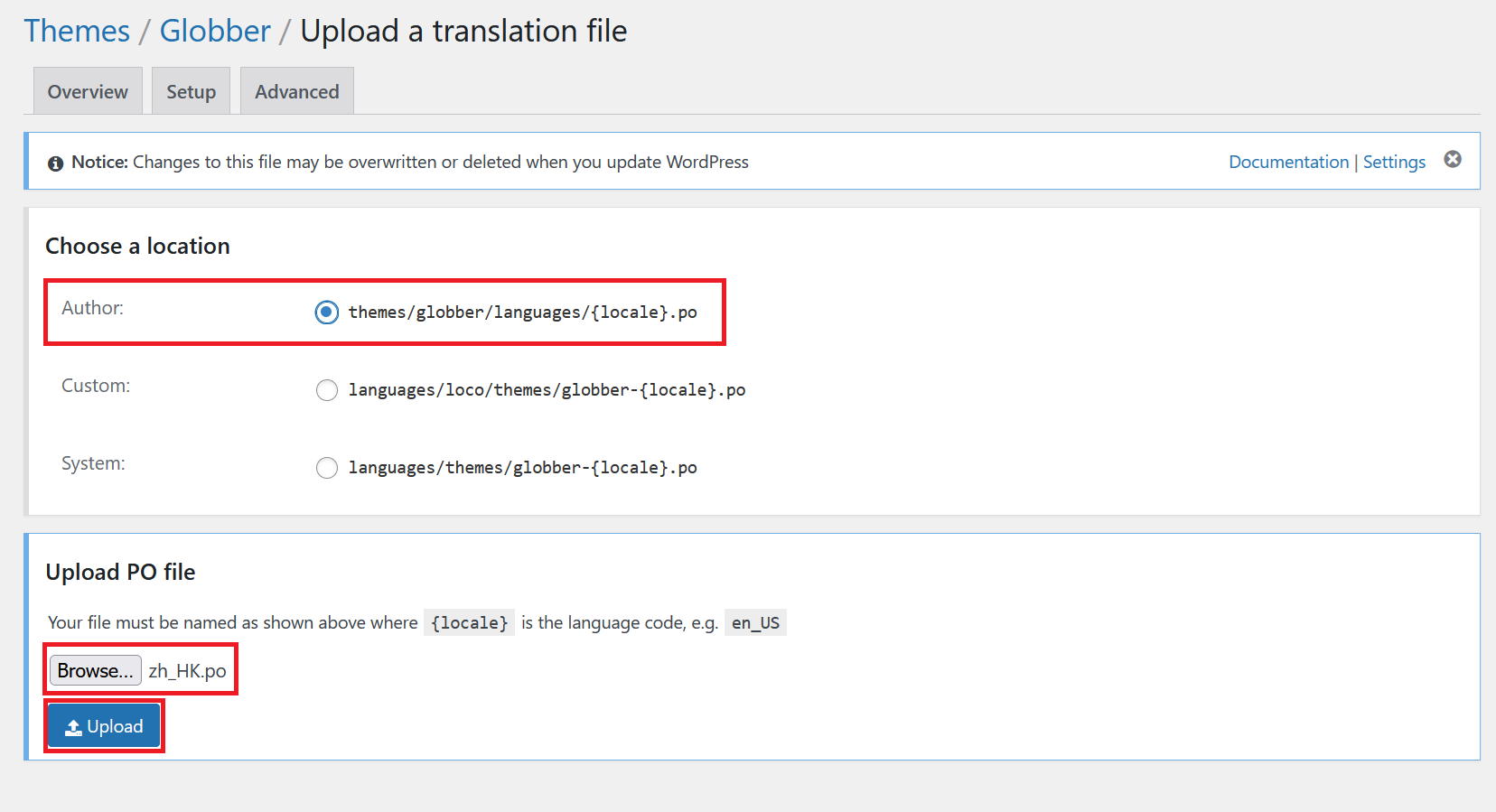
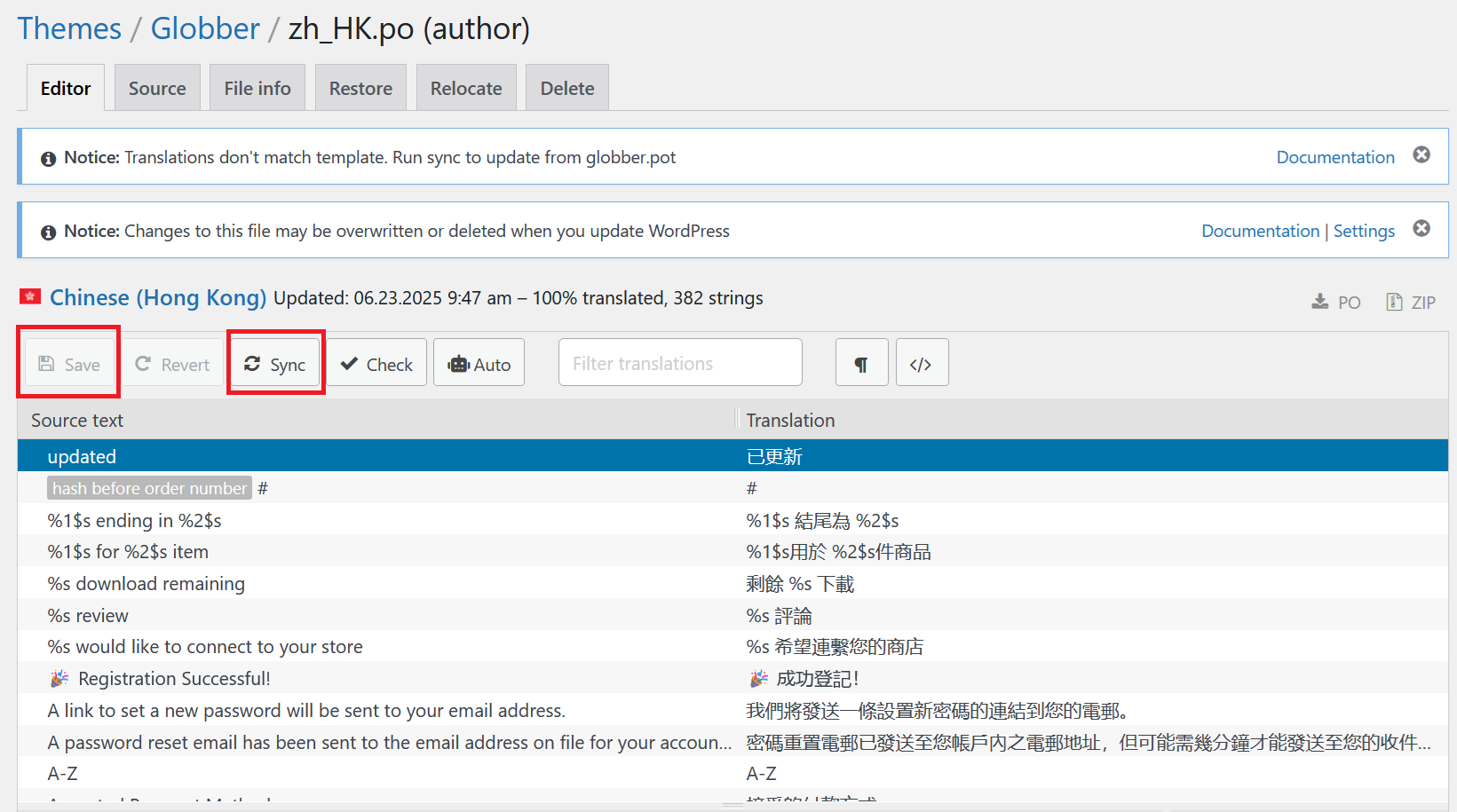
- Verify all translations are added and then click Sync and Save to apply the changes to your website, ensuring it matches your region's language.