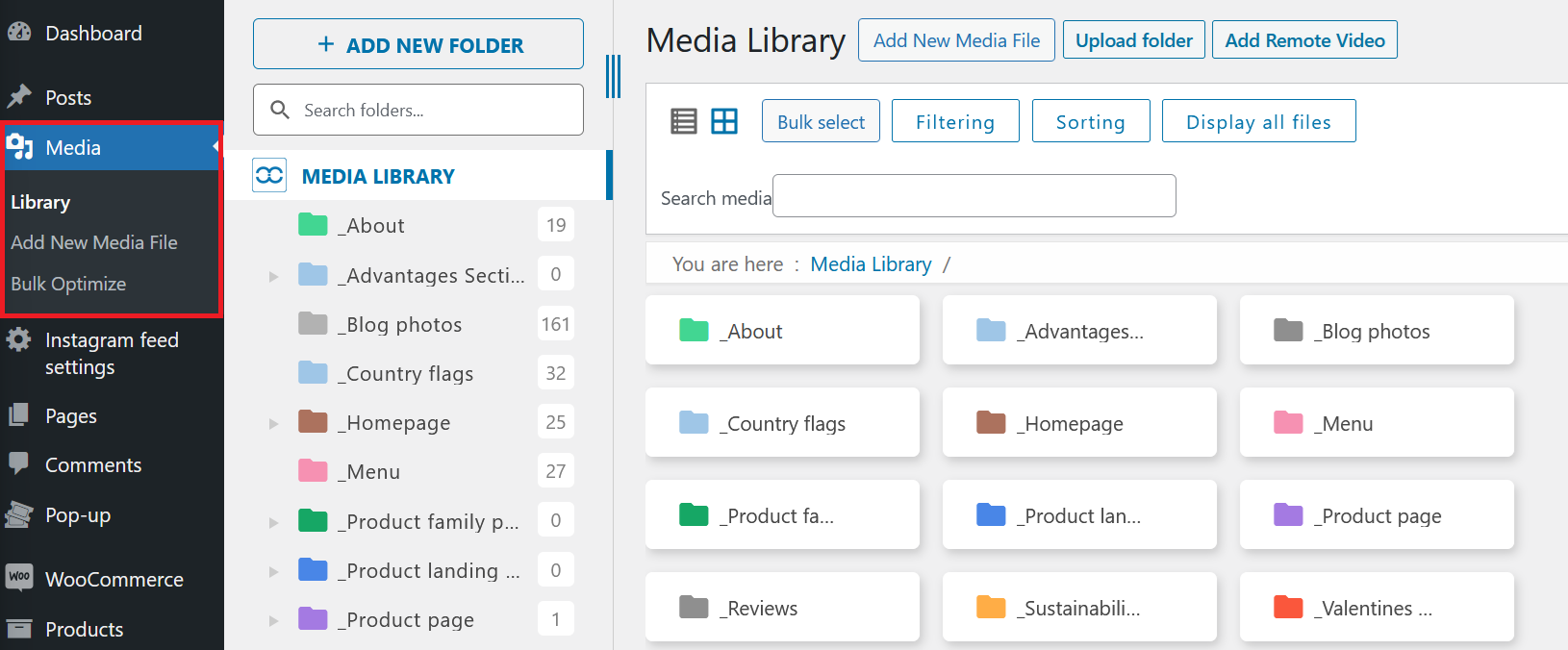
Media Library
The WordPress Media Library is your central hub for managing all images, videos, and other media files used throughout your website. You can upload, organize, edit, and delete media files directly from this section.
Uploading Media
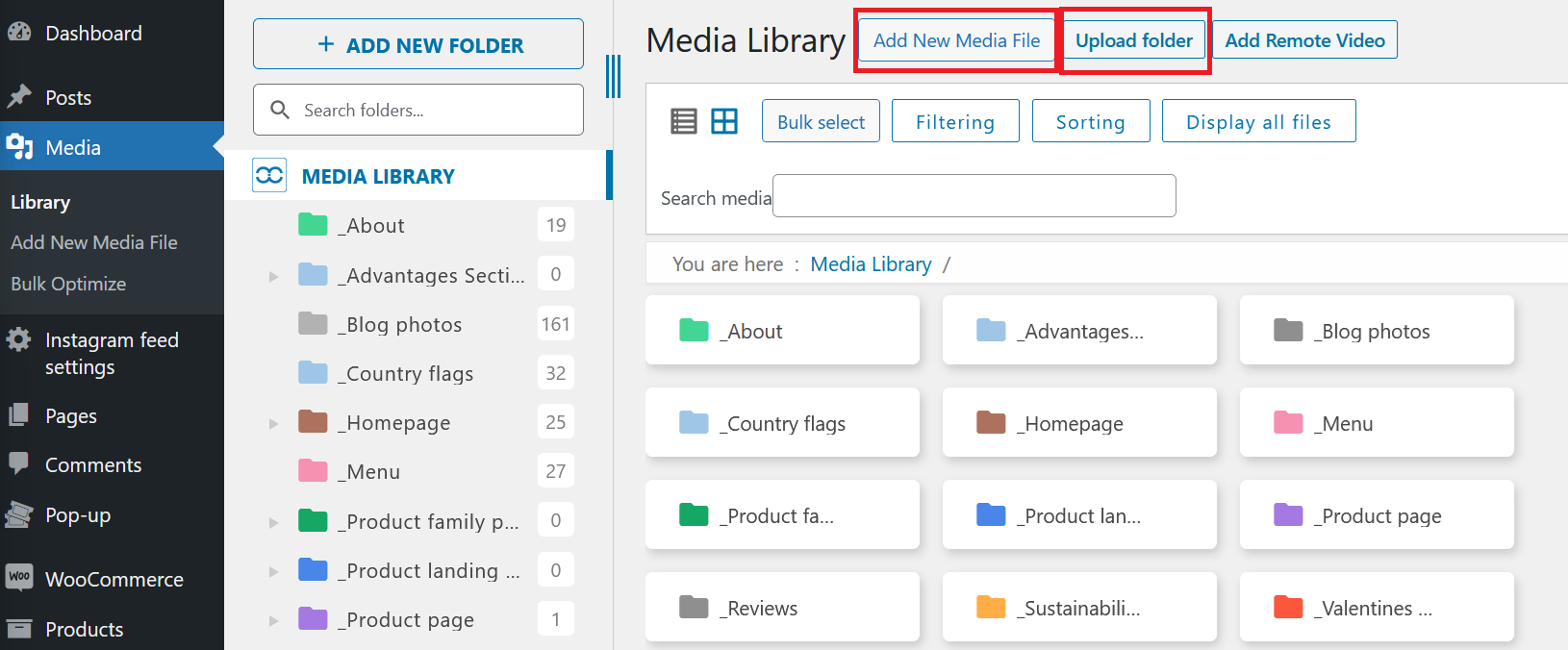
To add new media, click the Add New (or Upload folder if it's a folder) button at the top of the Media Library. You can drag and drop files or select them from your computer. Supported formats include .jpg, .png, .gif, and more.
Tip: For best performance, keep image file sizes under 1 MB. Use tools like TinyPNG to optimize images before uploading.
Organizing Media
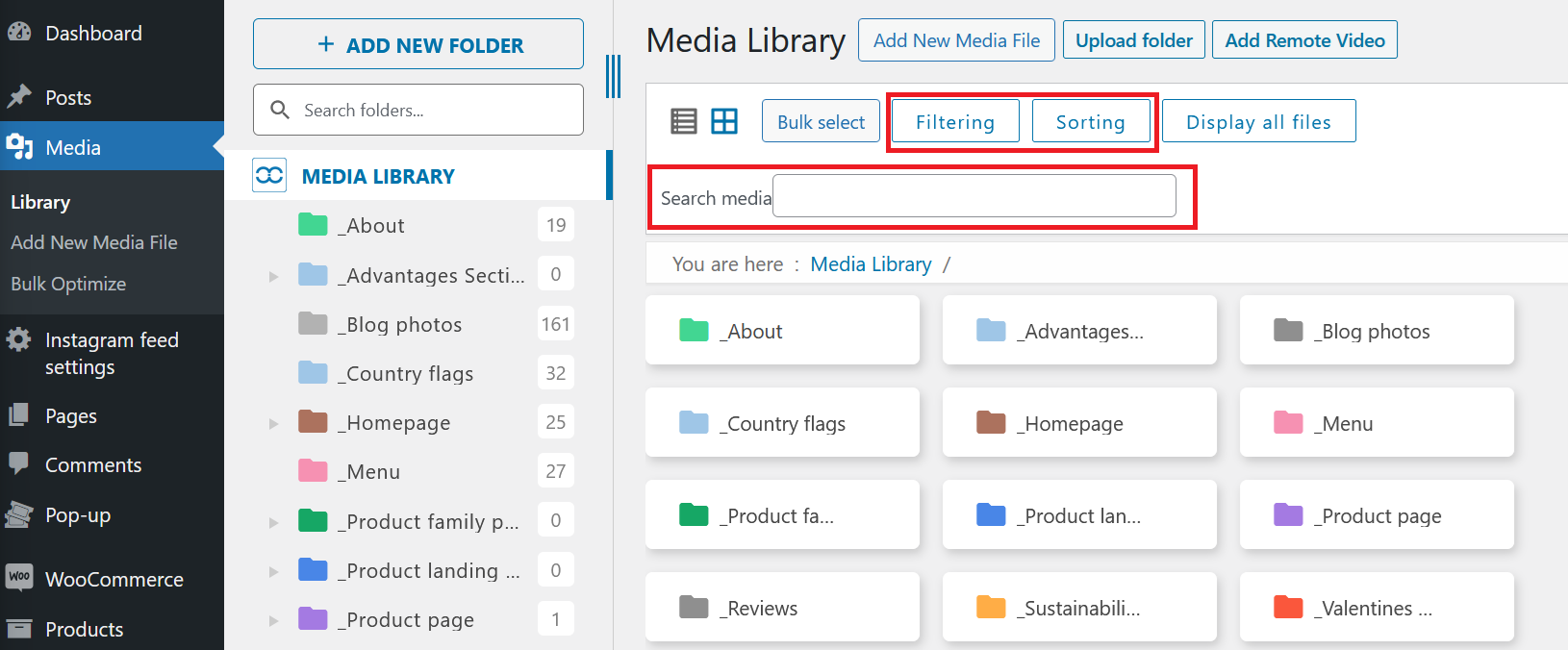
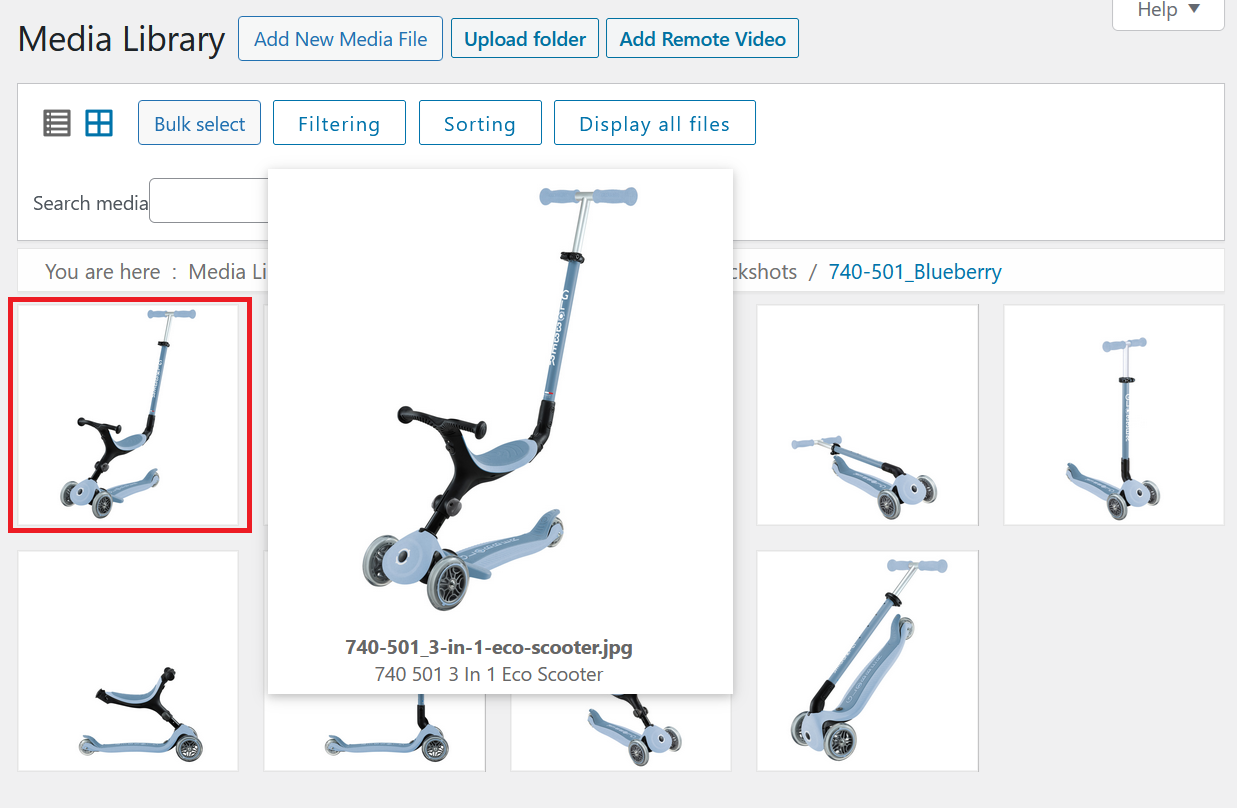
You can search, filter, and sort your media files by type, date, or keyword. Use the grid or list view to browse your library efficiently.
Editing Media
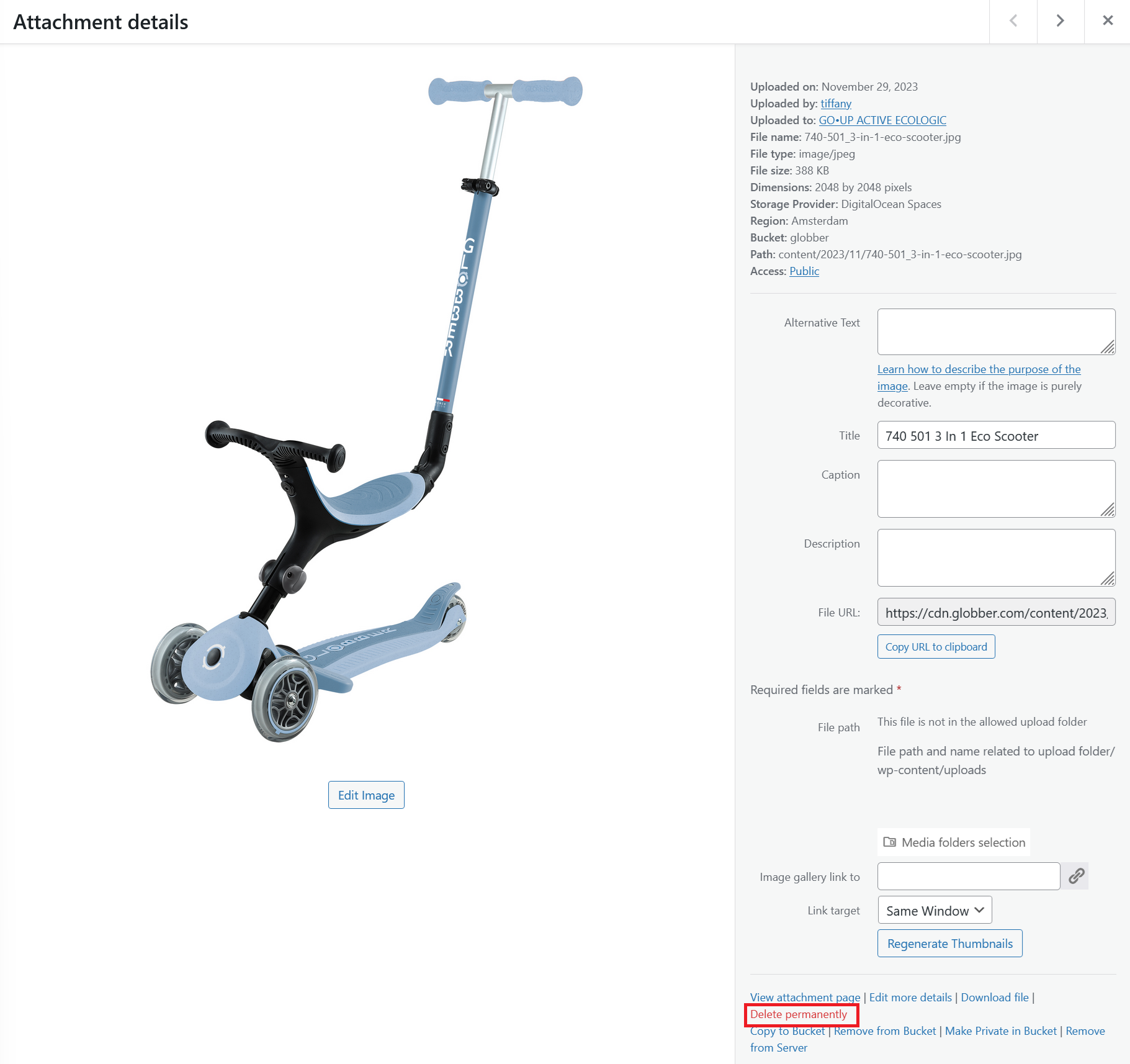
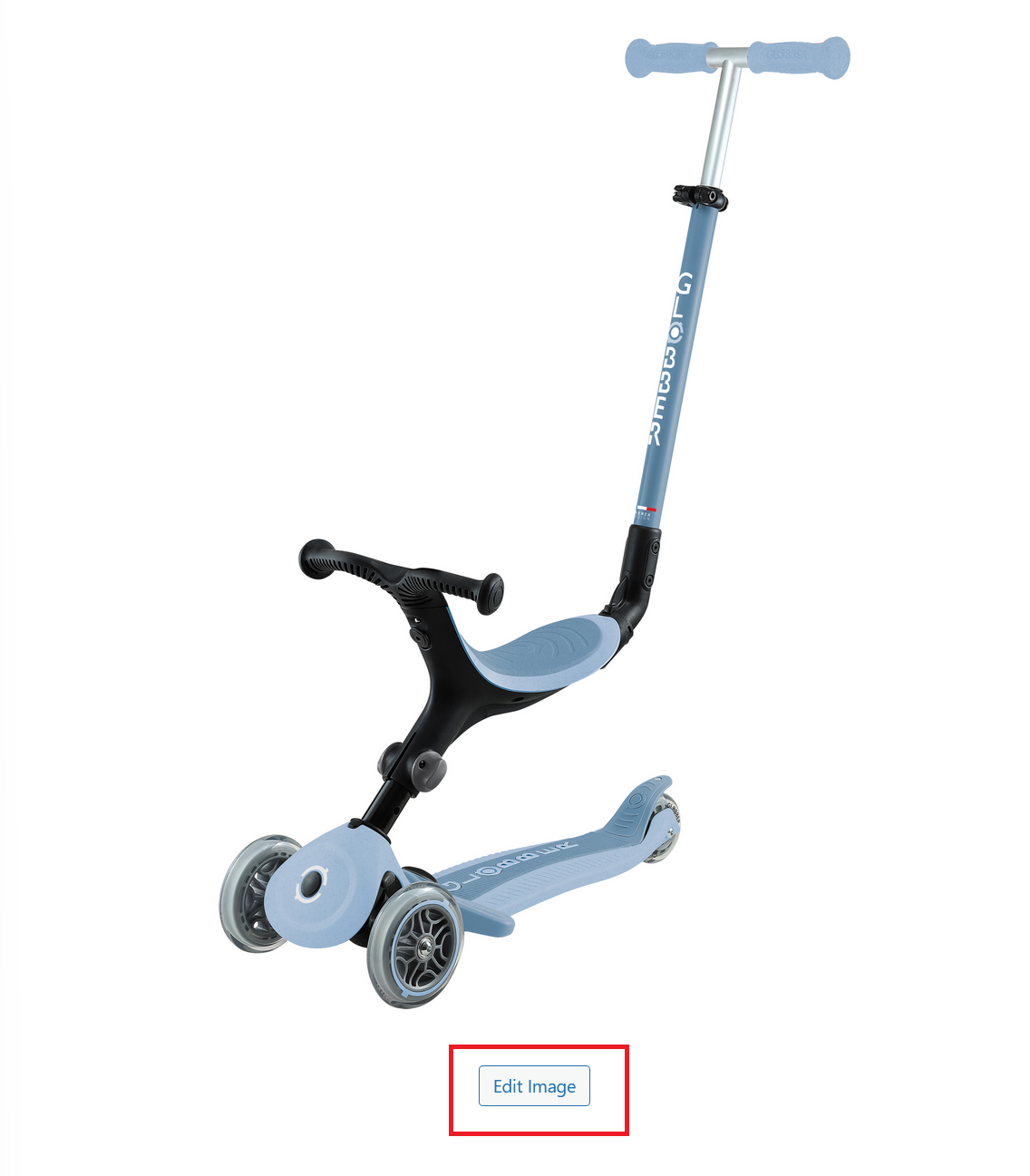
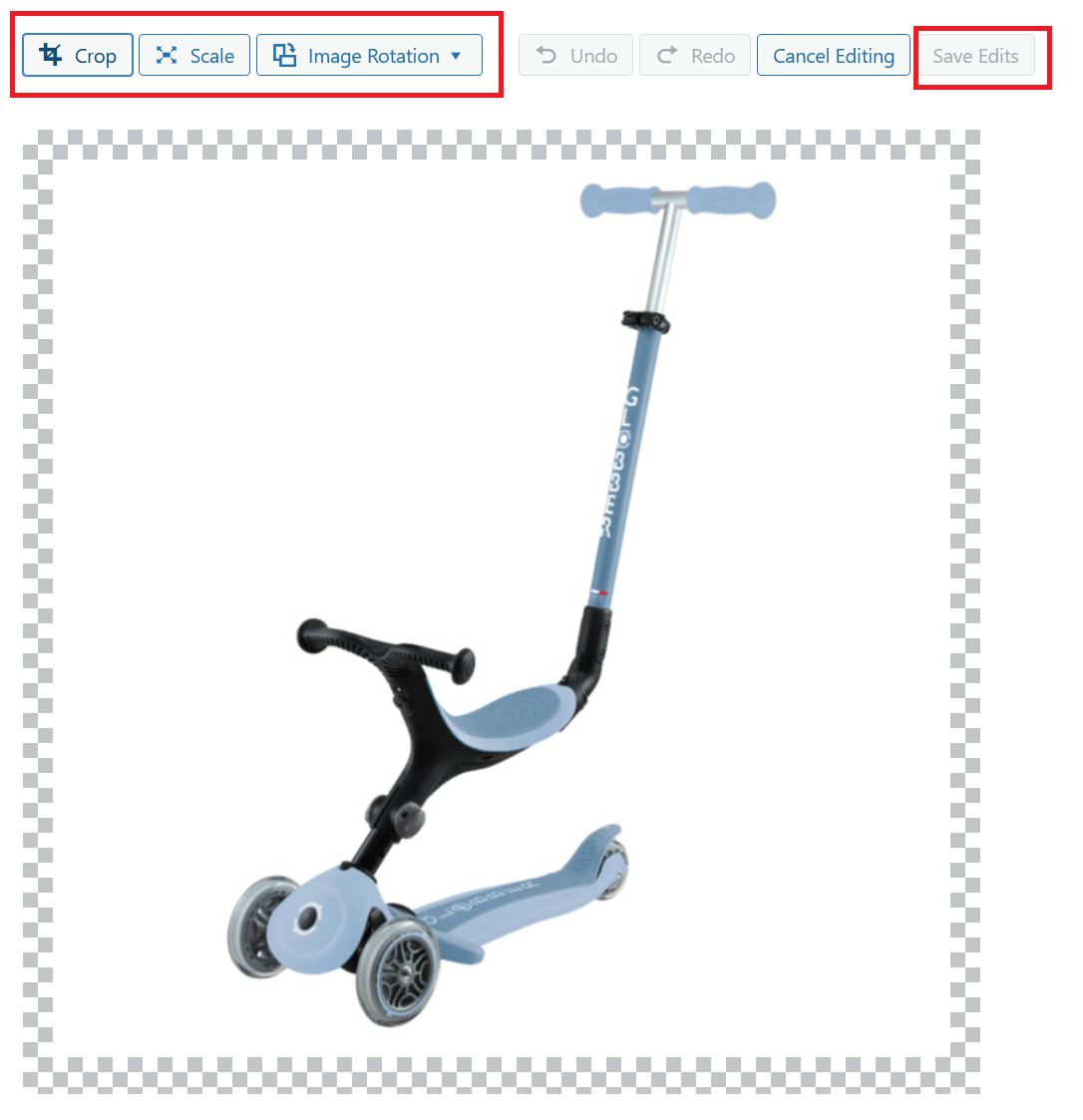
Click on any media item to view details, edit the title, caption, alt text, or even crop and resize images directly within WordPress.
Deleting Media
To remove unwanted files, select them and click Delete Permanently. Be careful—this action cannot be undone.