About Us
Our About Us Page is globber.com/about-us/. This page provides information about Globber, including our brand story, values and mission.
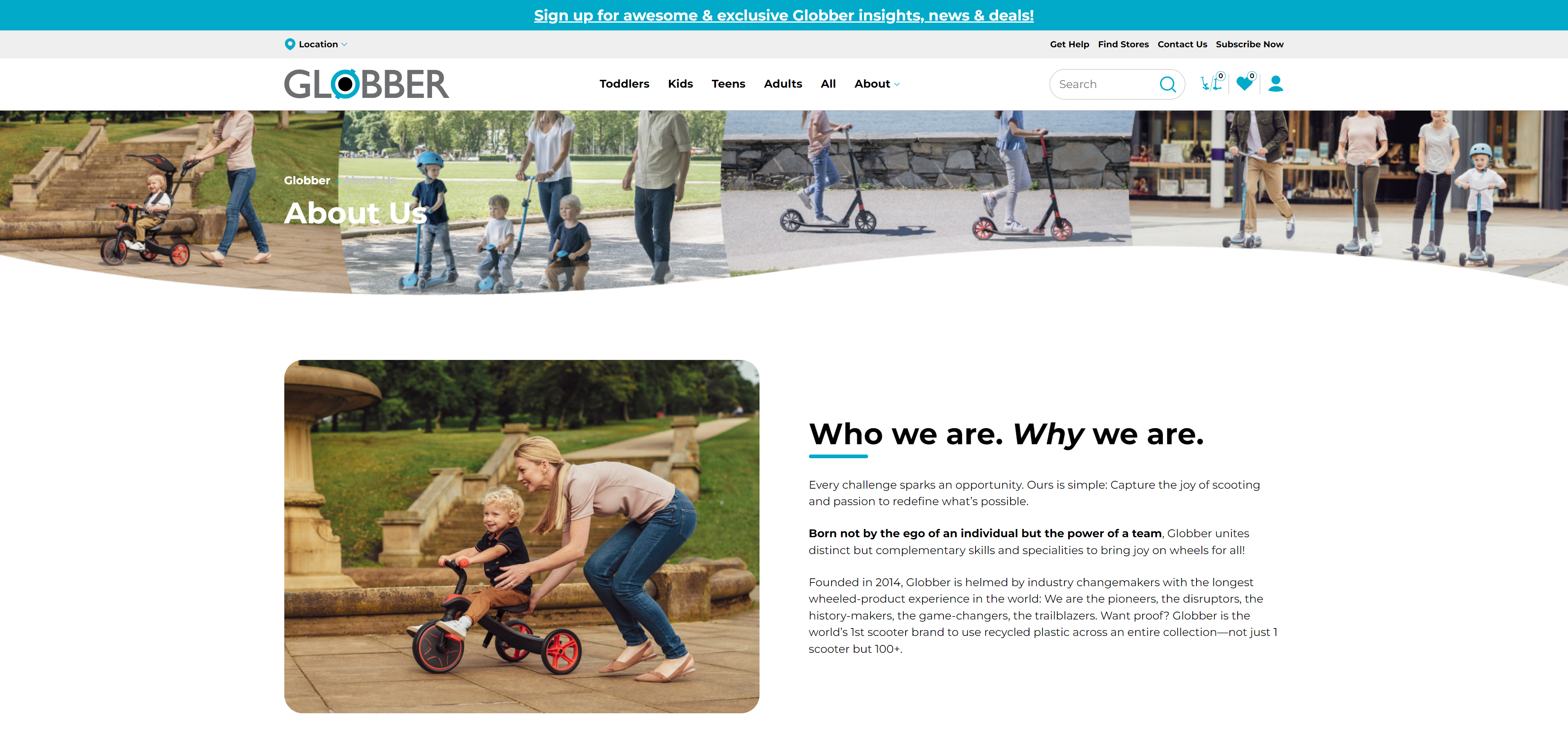
Please do not make any changes to the template. It's important to keep the look consistent with Globber's brand.
Edit Globber Story Section
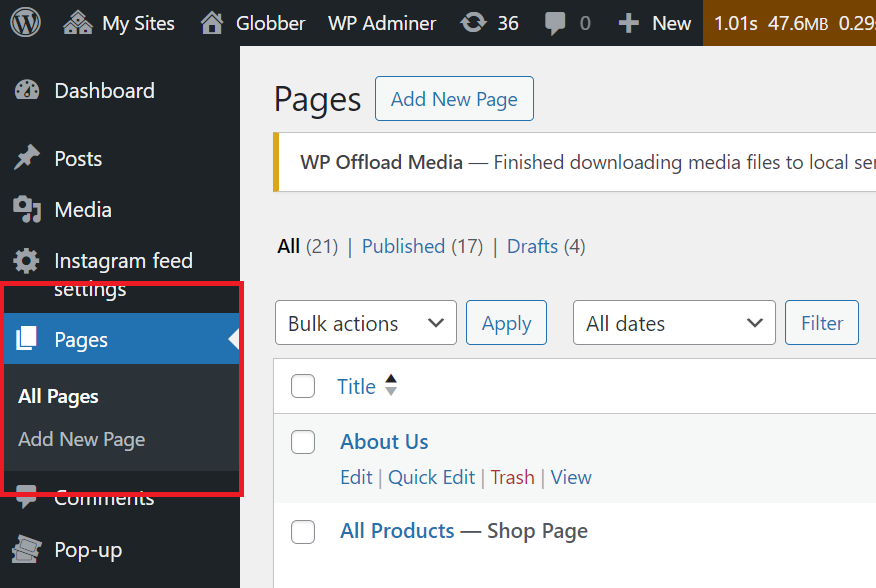
In WordPress, navigate to Pages on the left-hand side menu.
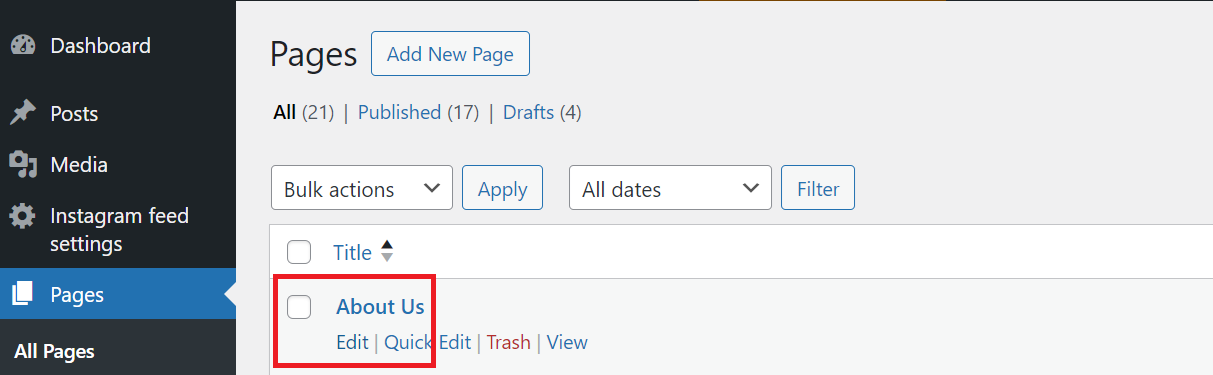
In Pages section, scroll down to find About Us and click Edit to begin.
This is where you can edit the About Us Section of the website.
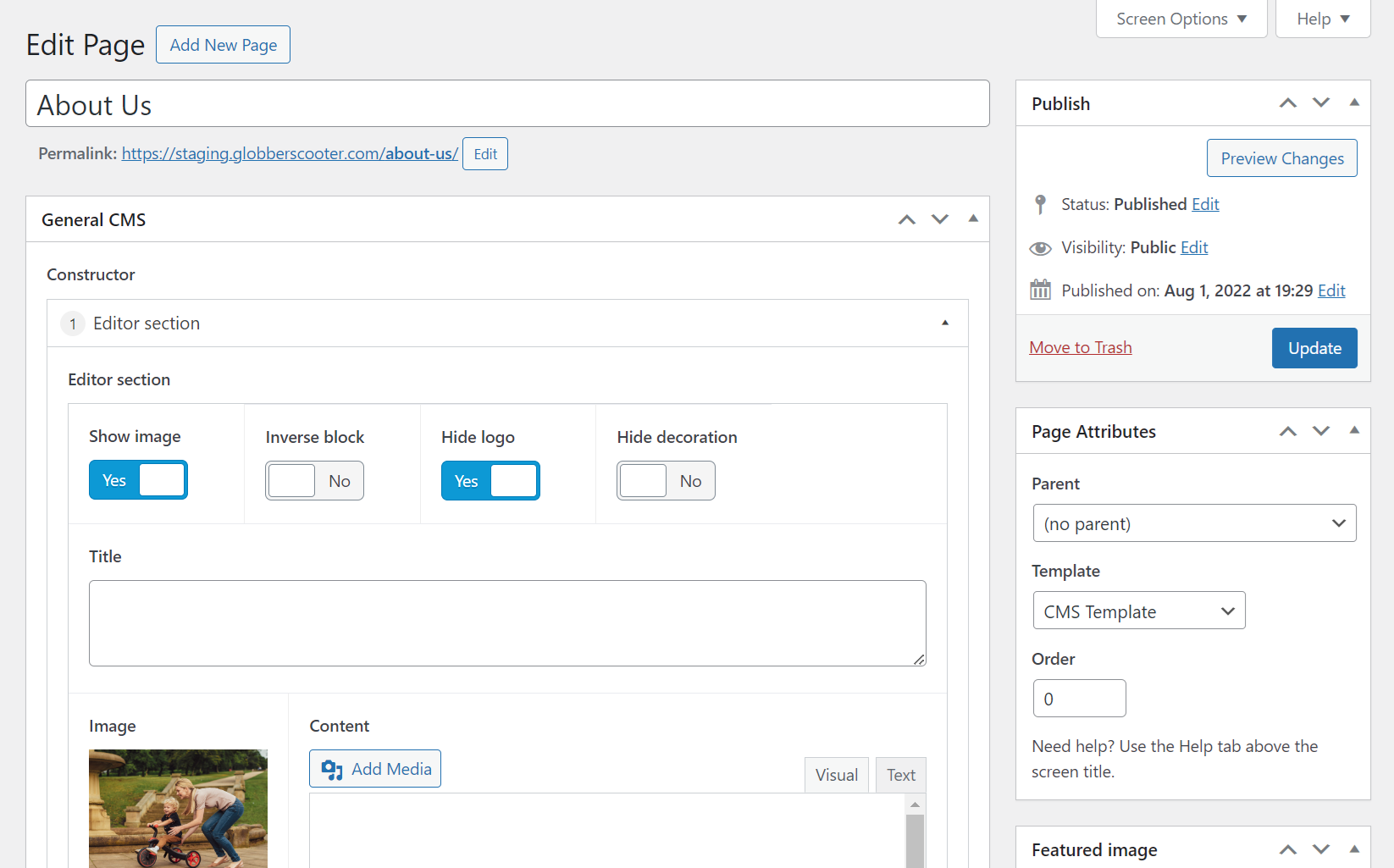
If your region is in an English-speaking country, this section of the website will remain unchanged.
If you are in a non-English-speaking region, you will need to translate this section.
About Us Details
- Who We Are
- Globber Vision
- Award-Winning Rides
- Globber Mission
- Inventive
- Imaginative
- Green
This section goes over the Who and Why of Globber as a brand.
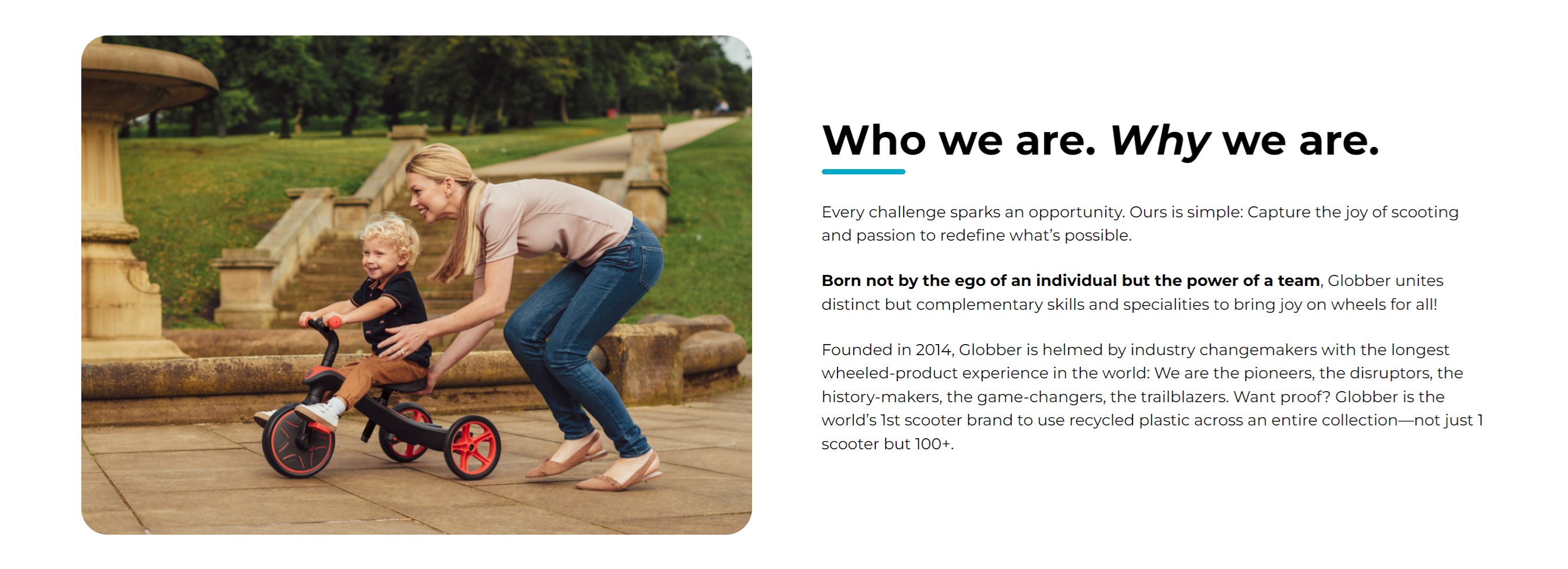
You can edit this block at the top of the "Edit Page" section. In the highlighted area, you can change the image and description for this section.
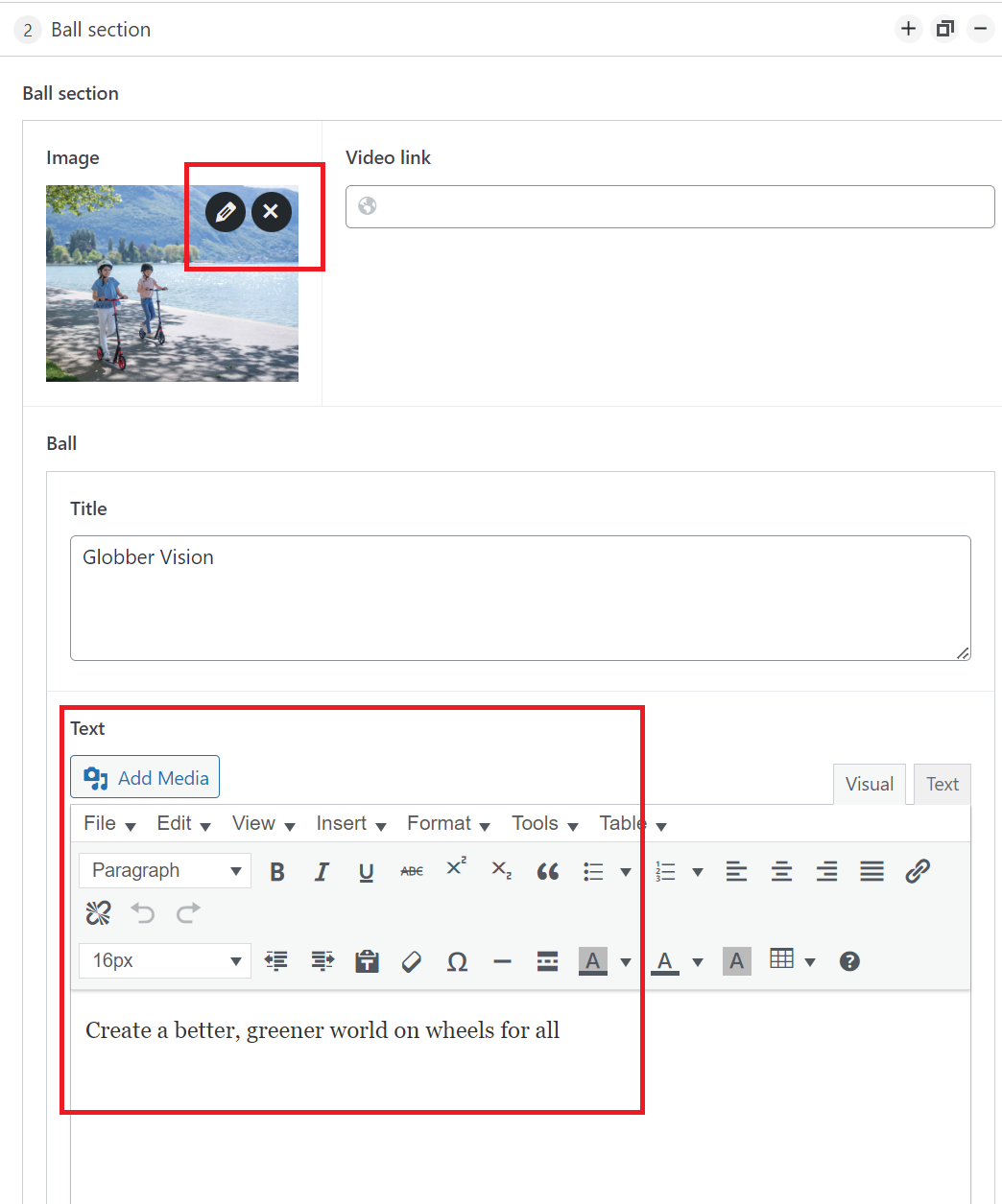
This section goes over Globber's vision with the signature ball.
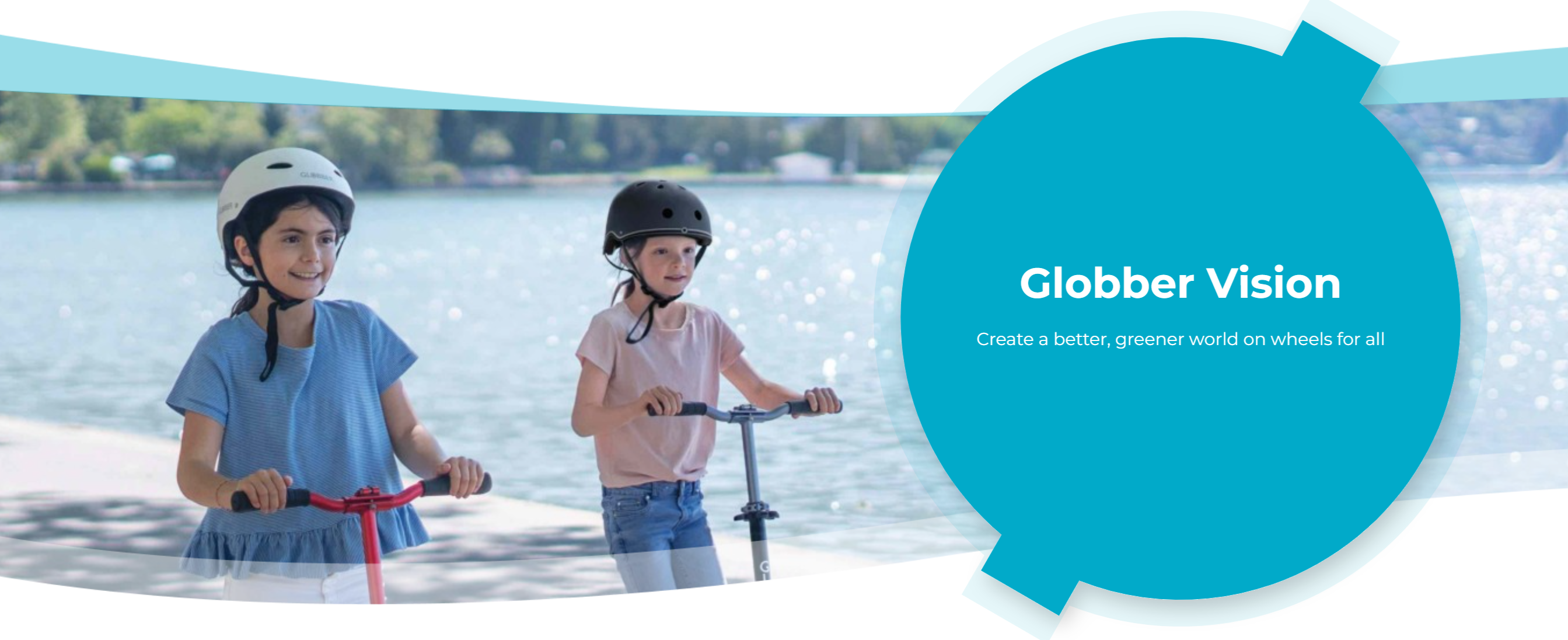
Scroll down in the Edit Page section to Globber's vision editor, you can change the section's image and description in the highlighted area.
This section showcases all of Globber's awards over the recent years.
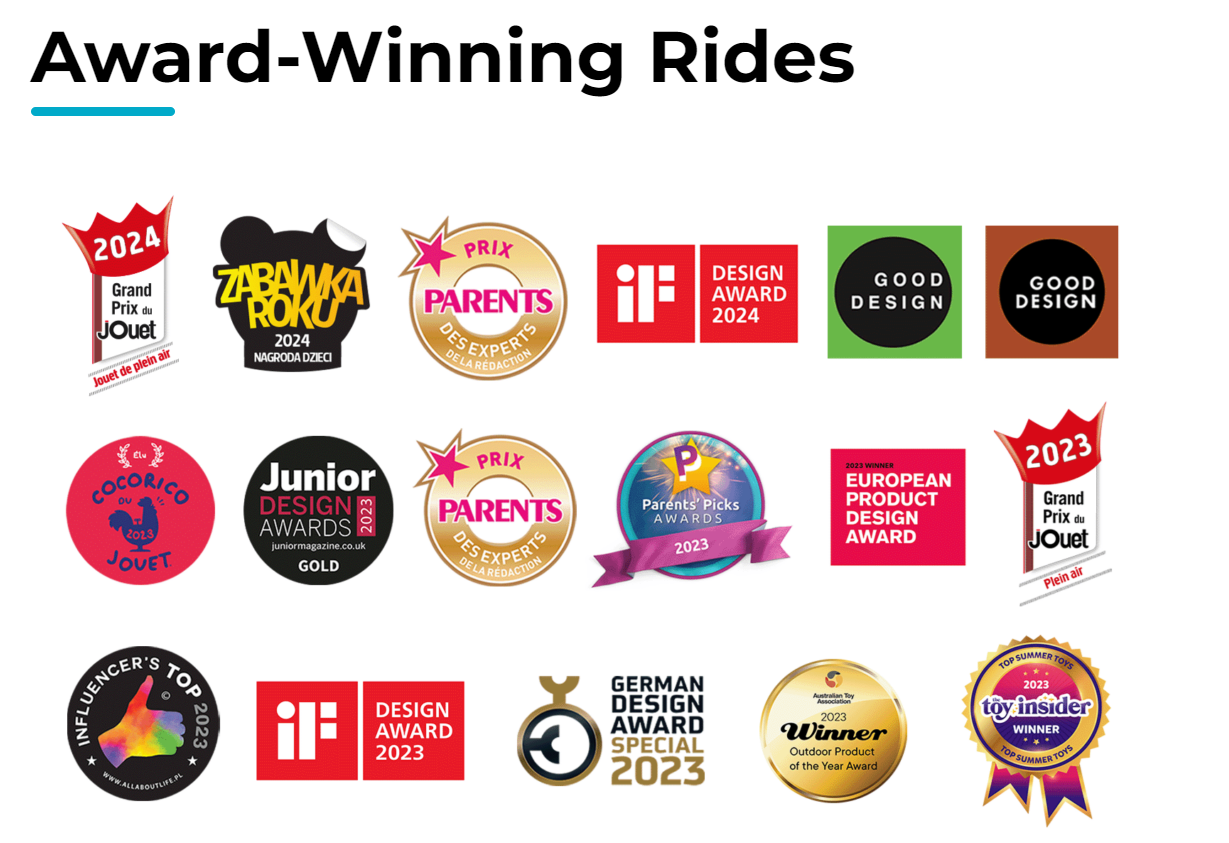
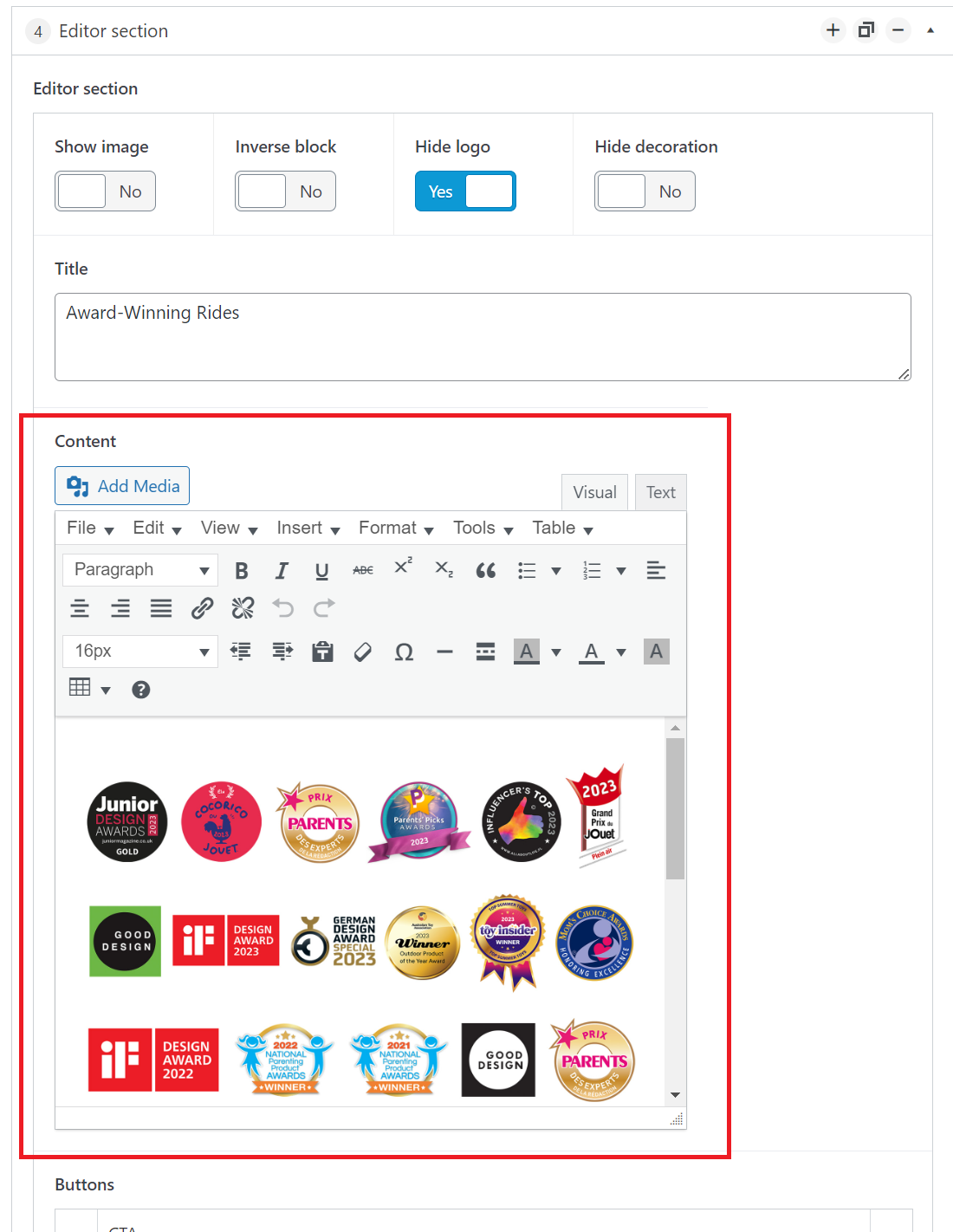
Scroll down in the Edit Page section to the Award-Winning Rides editor.
You will only need to paste the image and centre-align it in the content box highlighted below.
Contact Globber's global team for the latest version of the asset.
This section covers Globber's Mission.
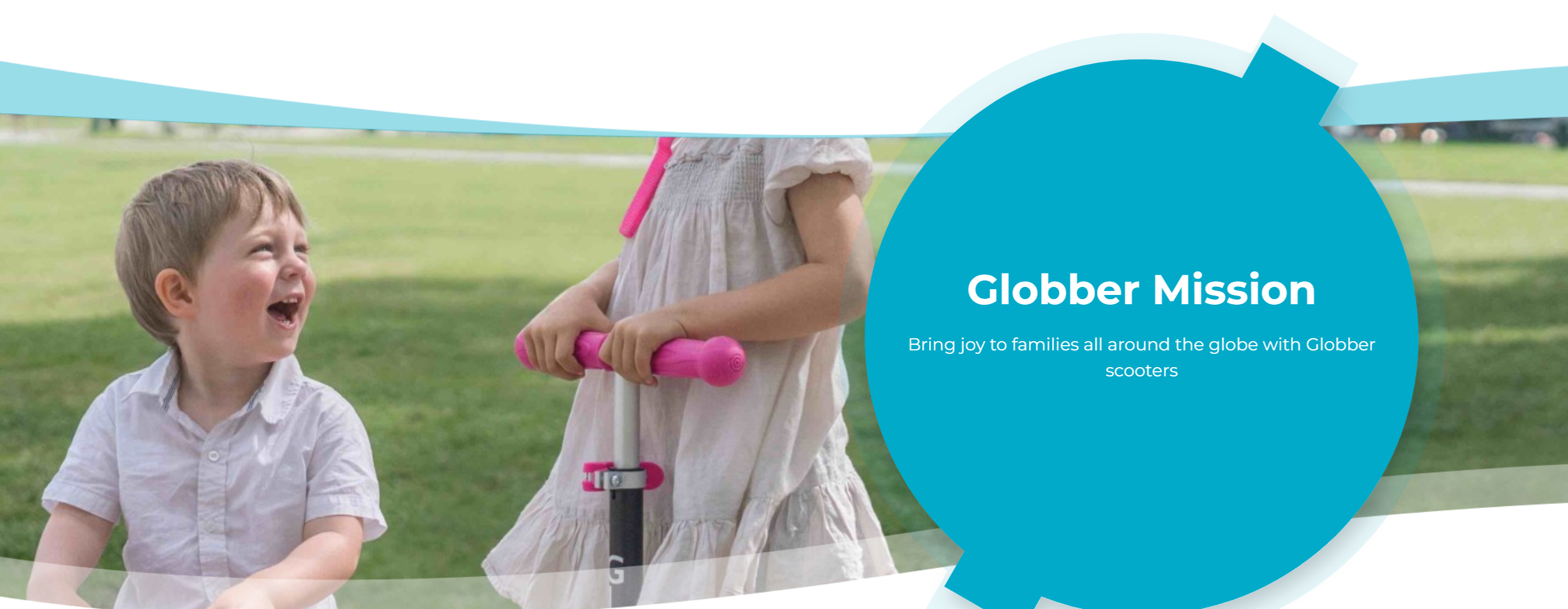
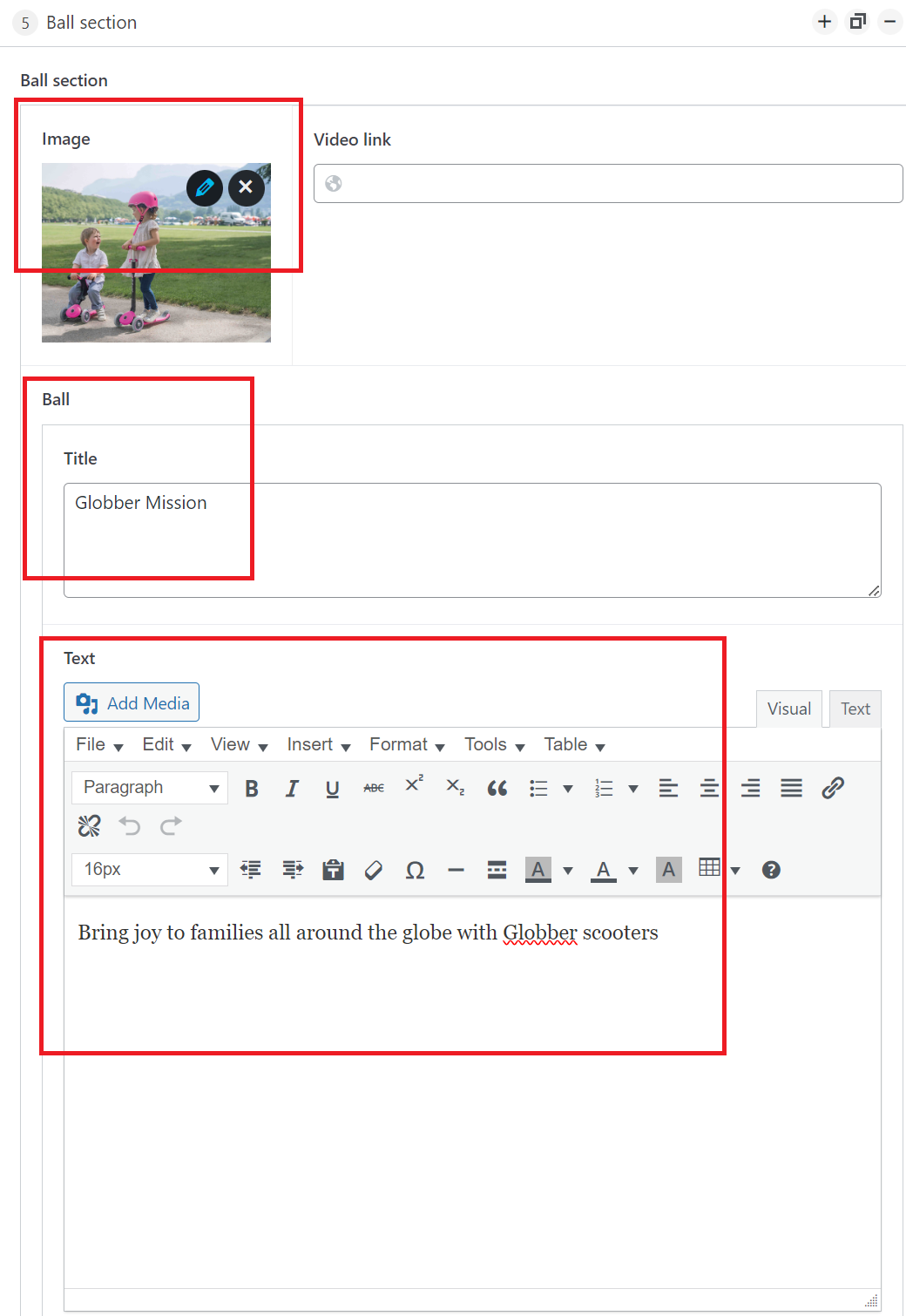
Scroll down in the Edit Page section to Globber's mission editor, you can change the section's image and description in the highlighted area.
You can edit this section's image, title and description in the highlighted area.
This section covers Globber's Inventive initiative.
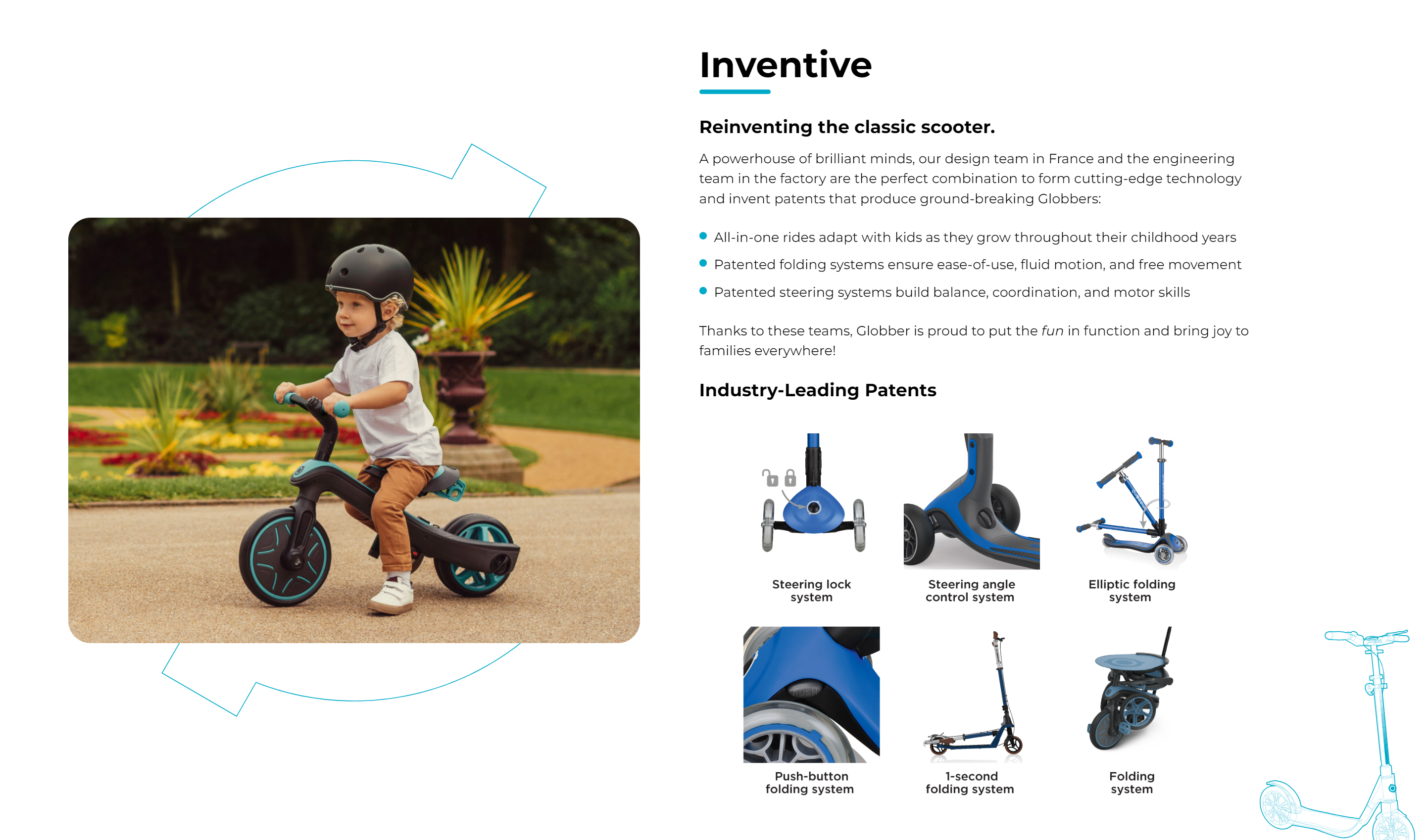
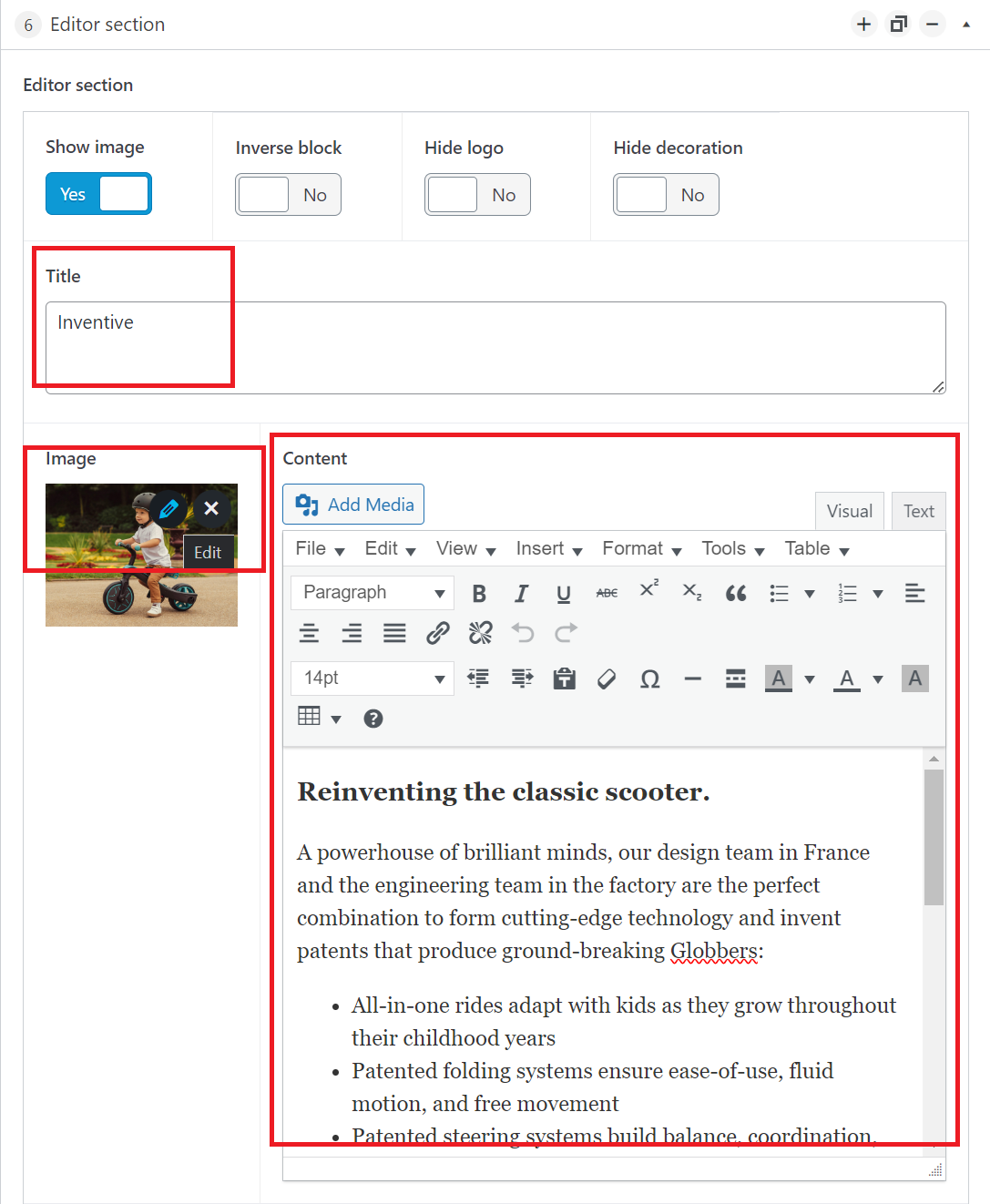
Scroll down in the Edit Page section to edit Globber's inventive block, you can change the section's title, image and description in the highlighted area.
This section covers Globber's Imaginative initiative.
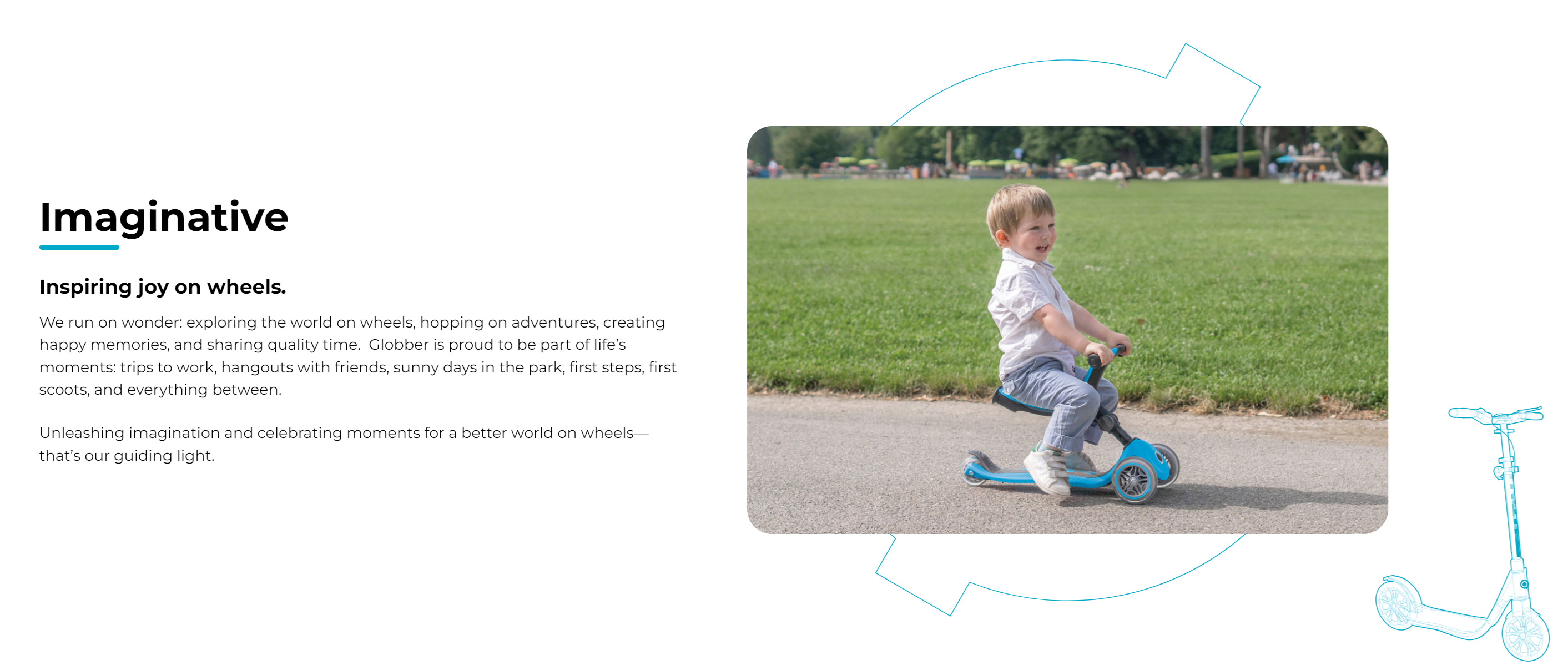
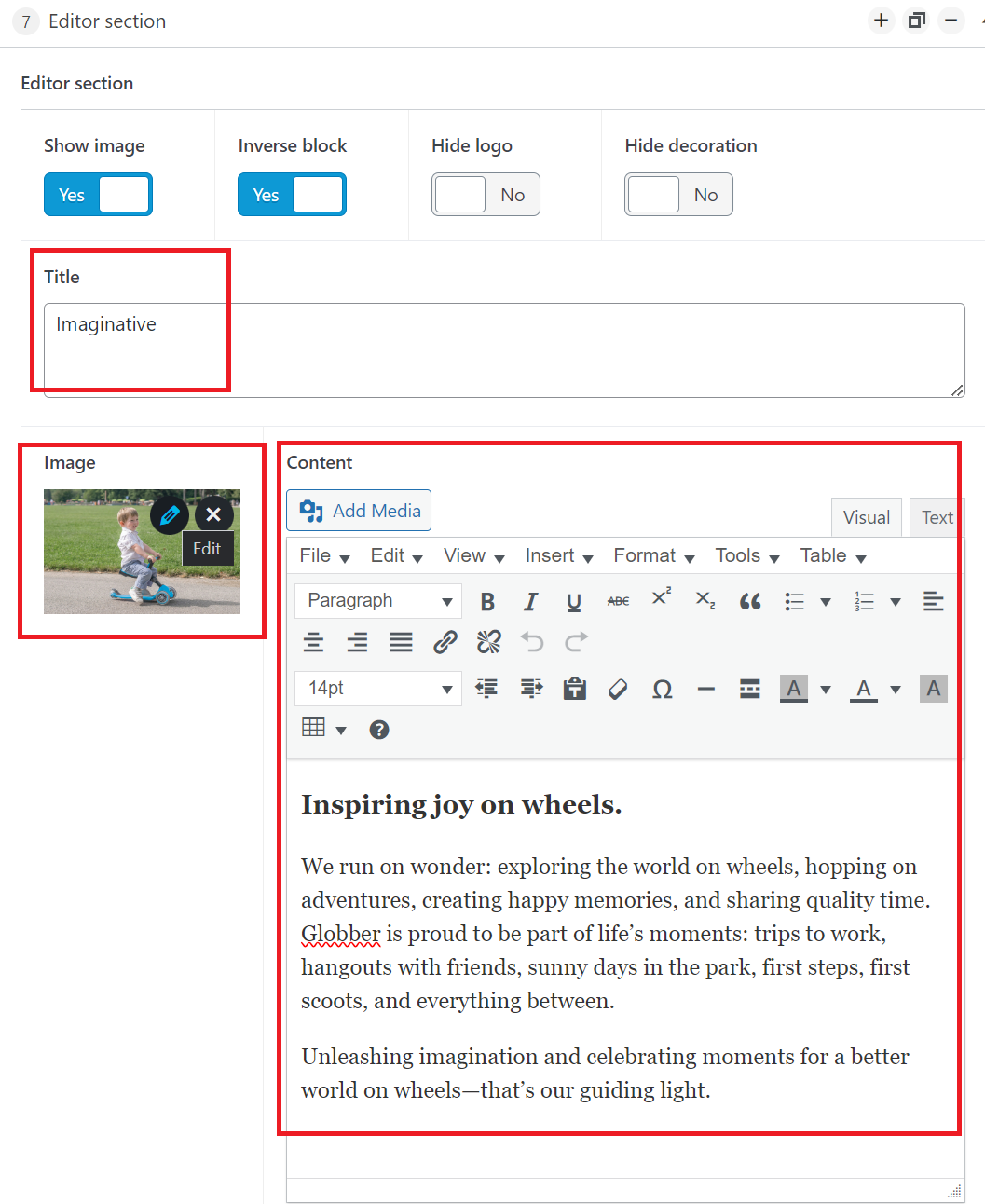
Scroll down in the Edit Page section to edit Globber's imaginative block, you can change the section's title, image and description in the highlighted area.
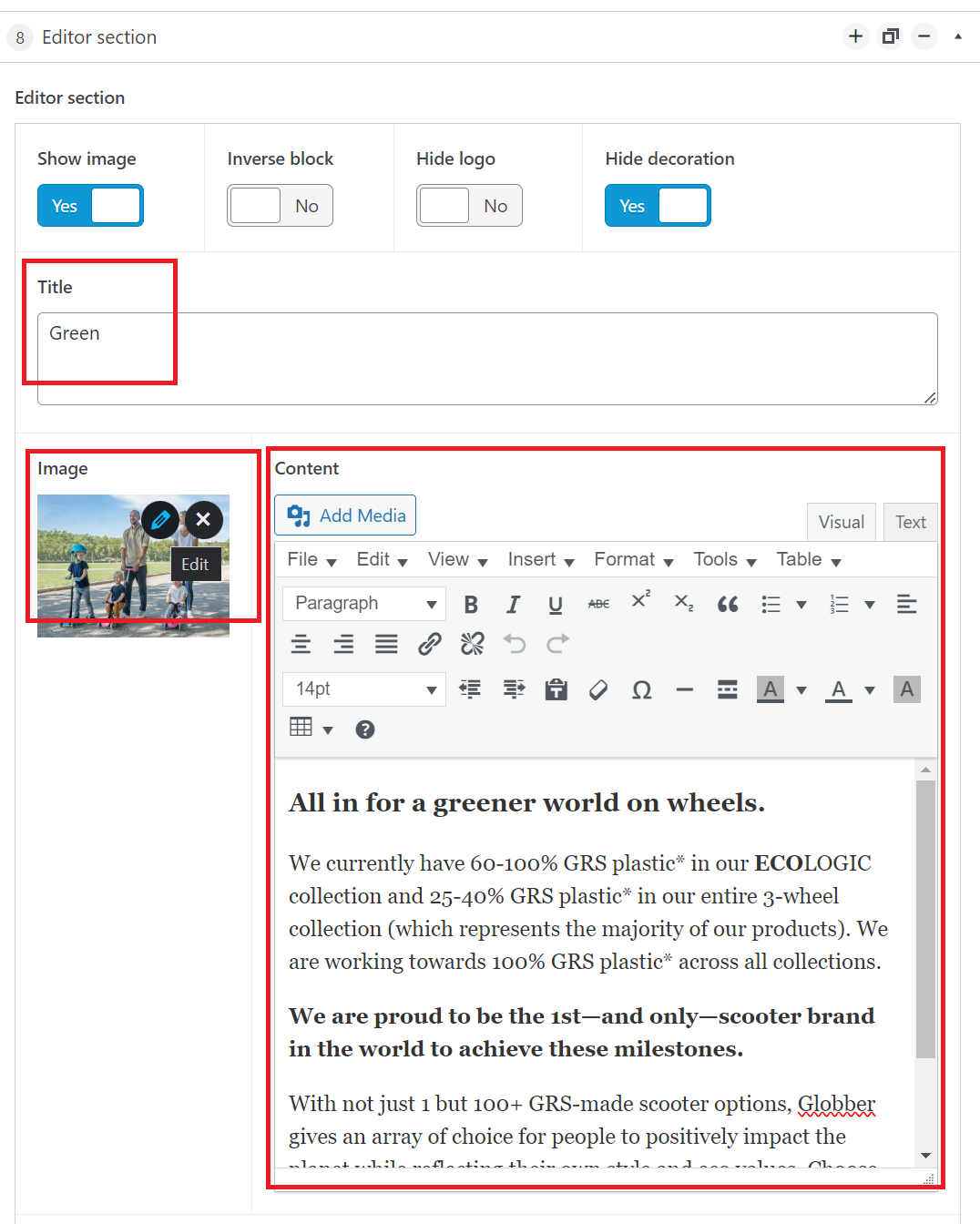
This section covers Globber's Green initiative.
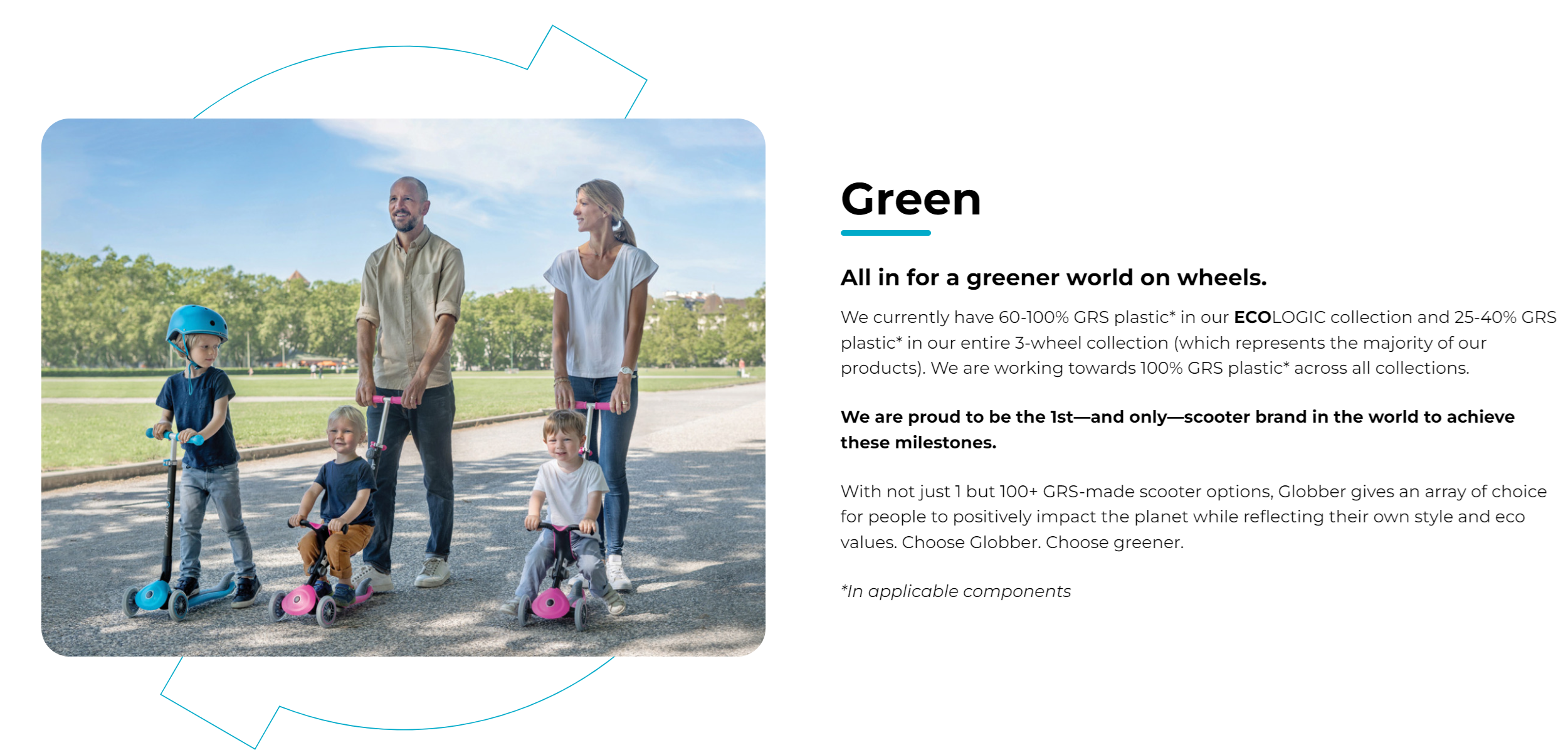
Scroll down in the Edit Page section to edit Globber's green initiative block, you can change the section's title, image and description in the highlighted area.