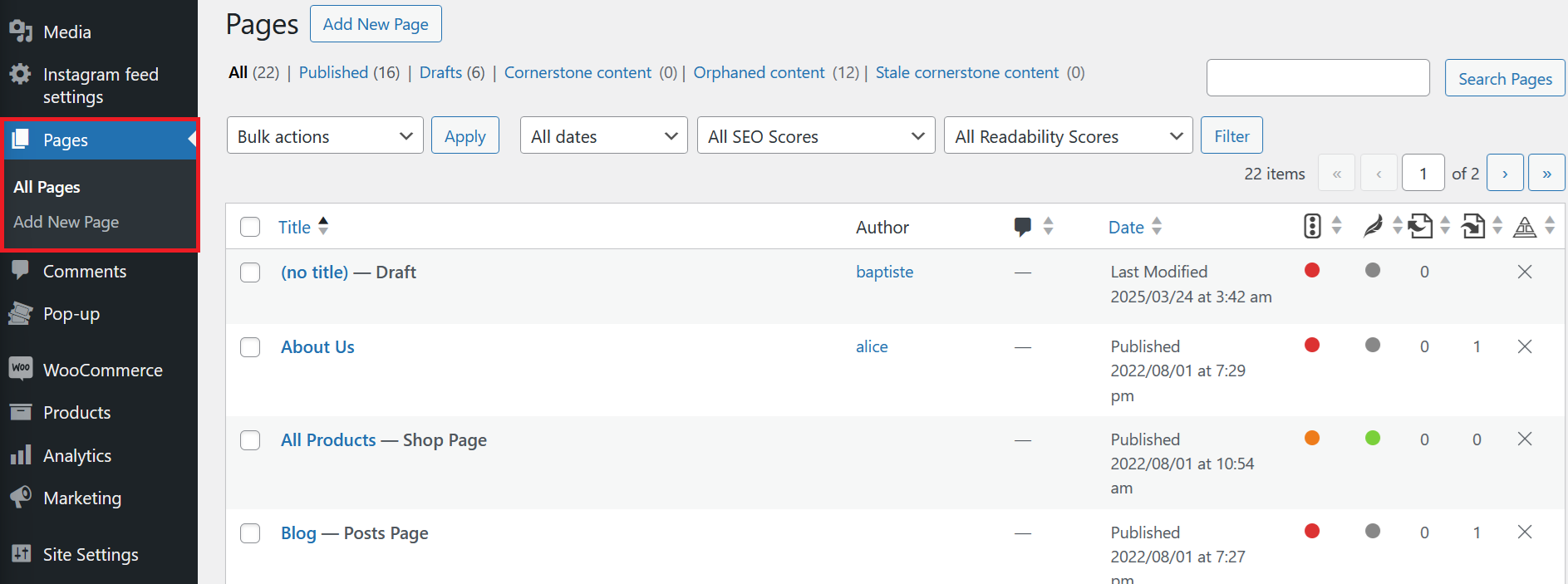
All Pages
The All Pages section in WordPress displays a list of every page on your website. Here, you can view, edit, delete, and manage the status of your pages (published, draft, etc.).
You can use the search bar, filters, and bulk actions to quickly find and manage multiple pages. The table shows the page title, author, date, and other relevant information.
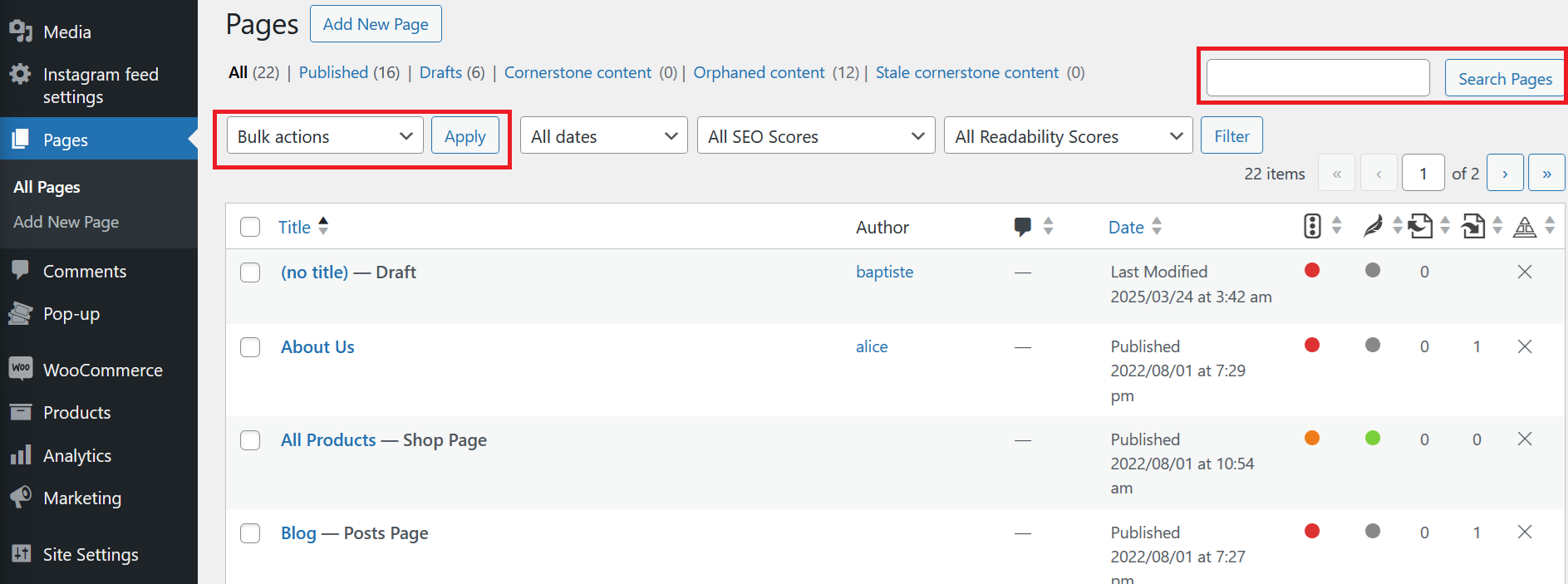
To edit a page, hover over its title and select Edit. To delete, select Trash. You can also use the checkboxes to select multiple pages for bulk actions.
