Add New Page
To create a new page in WordPress, click the Add New Page button at the top of the All Pages section or in the left-hand menu.


You will be taken to the page editor, where you can enter a title and add content blocks for text, images, and other media.
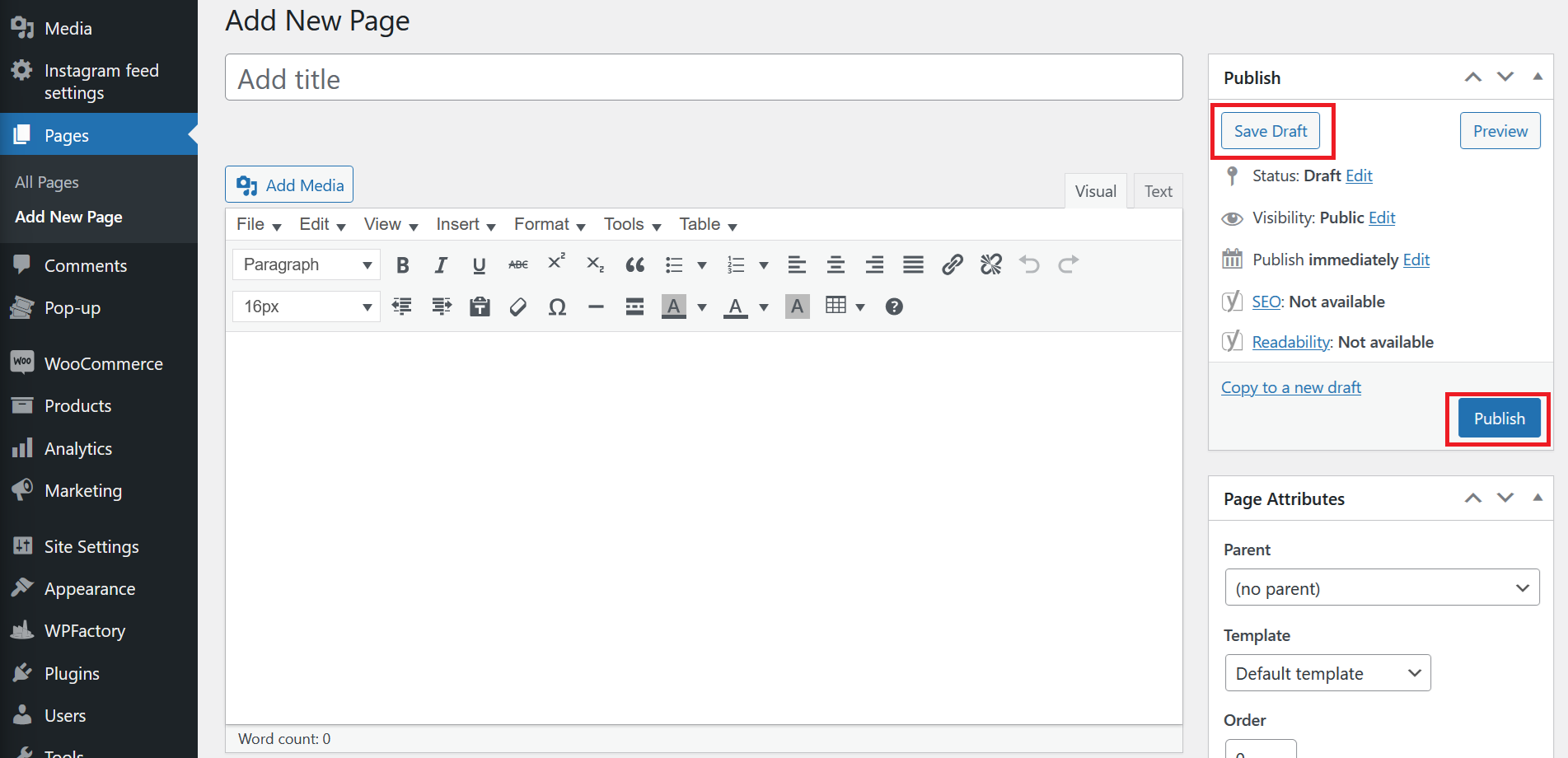
Once you have finished creating your page, click Publish to make it live, or Save Draft to continue editing later.
You can assign a parent page, set the page order, and adjust other settings from the right-hand sidebar in the editor.