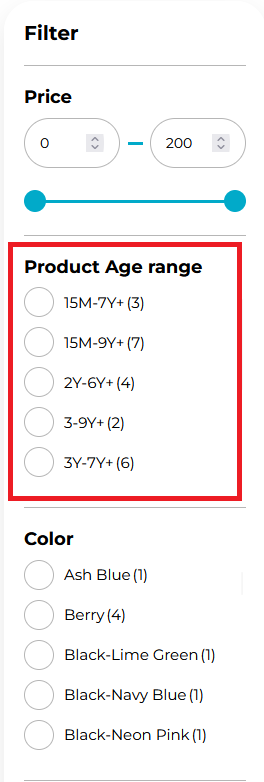
Products Filter
This page explains how to configure the products filter used on your Globber store.
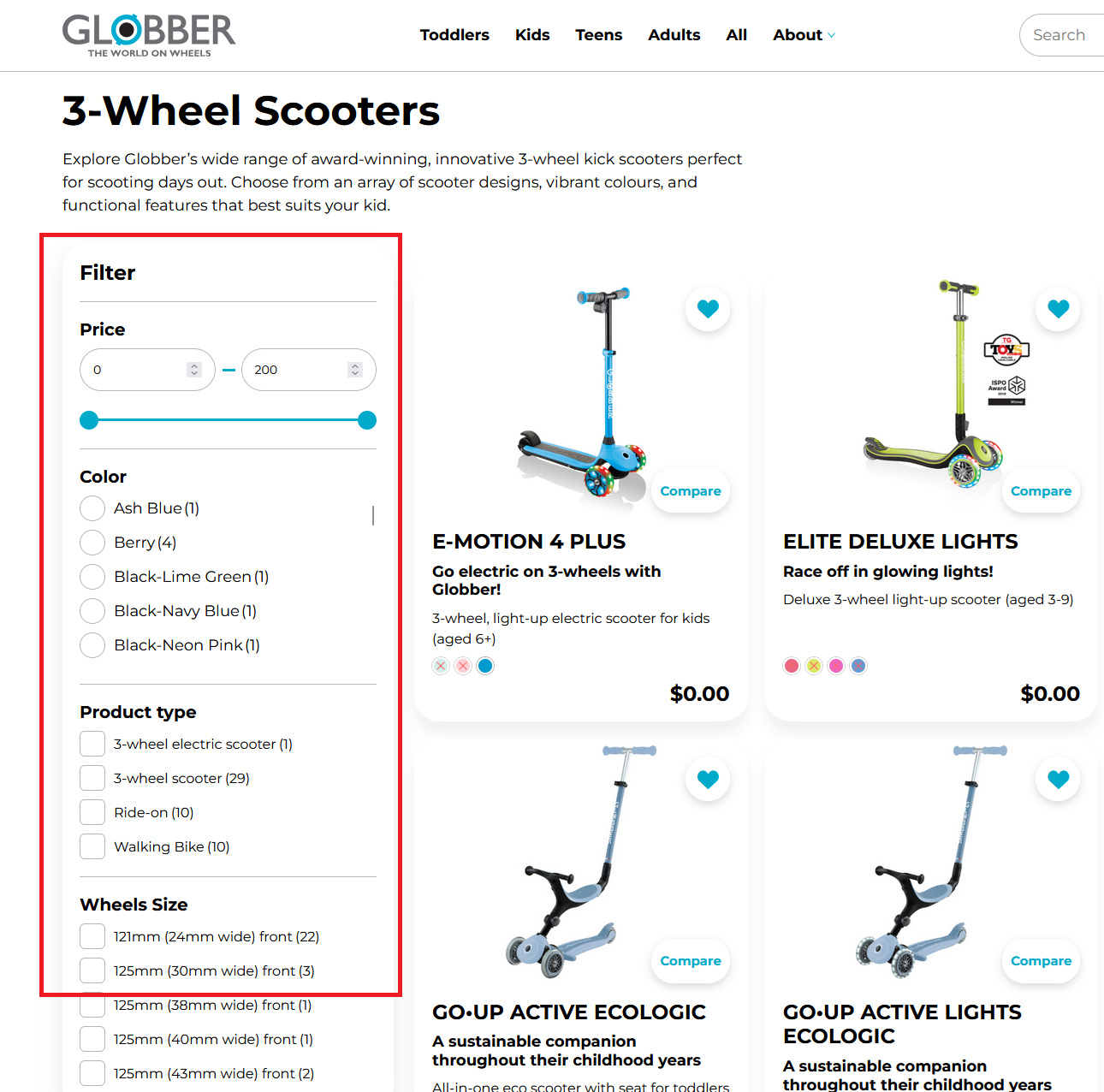
Get Started
In the WordPress dashboard, go to WooCommerce > Settings.

Select the Products Filter tab.

Choose Product Filters
Use the Structure tab to add, remove, and order filter controls that appear to shoppers.
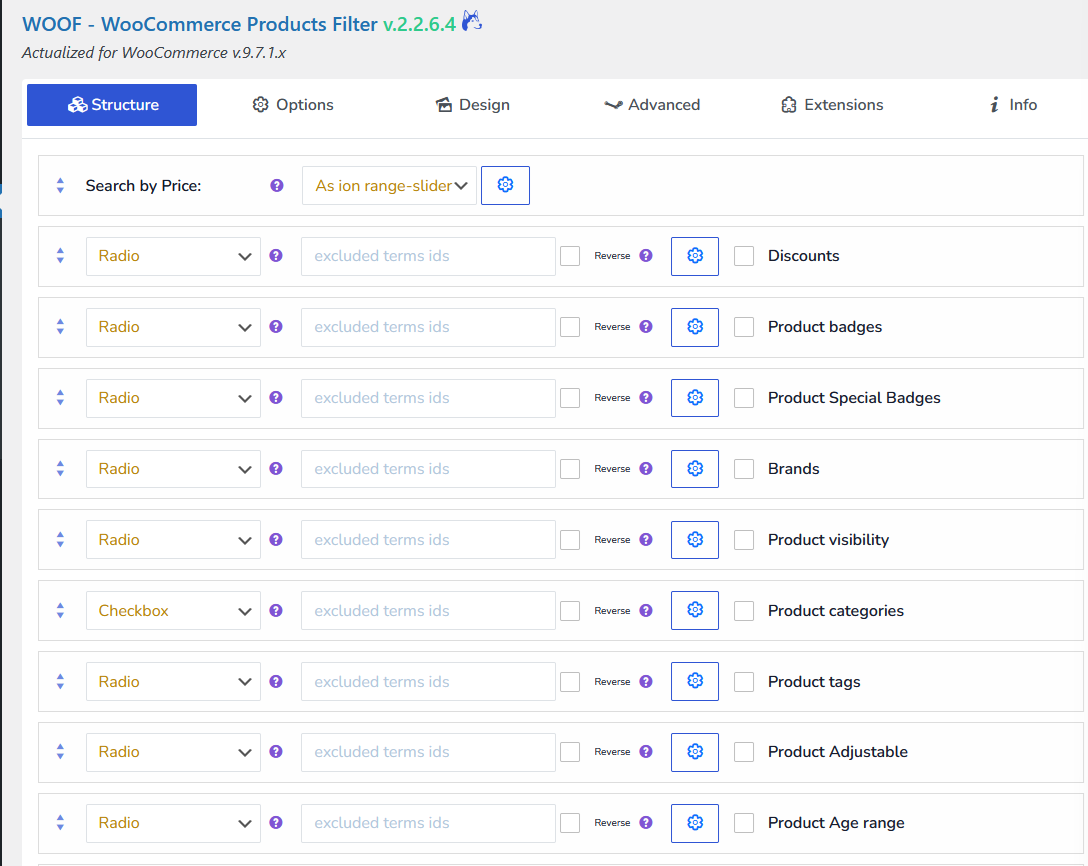
Select the checkboxes for the filters you want to include.

Click on the settings icon here to make sure the filter's title is displayed.

Hit apply afterwards.

Choose whether each filter is single‑select or multi‑select.
- Checkbox = Multi-select
- Radio = Single-Select

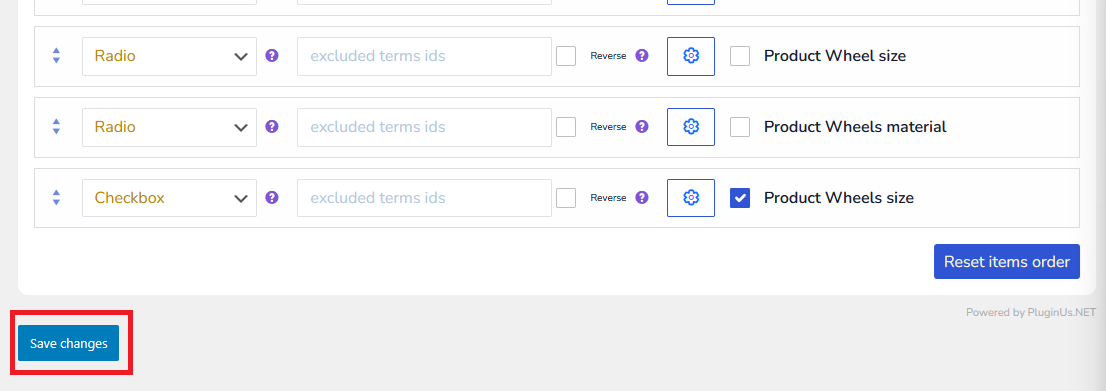
Hit Save changes to verify your changes.
You have successfully applied product filter changes and they are viewable on your Globber store.