Categories
This page explains how to manage product categories in WordPress.
Product categories appear under specific assigned categories of your Globber subsite in the form of a thumbnail.
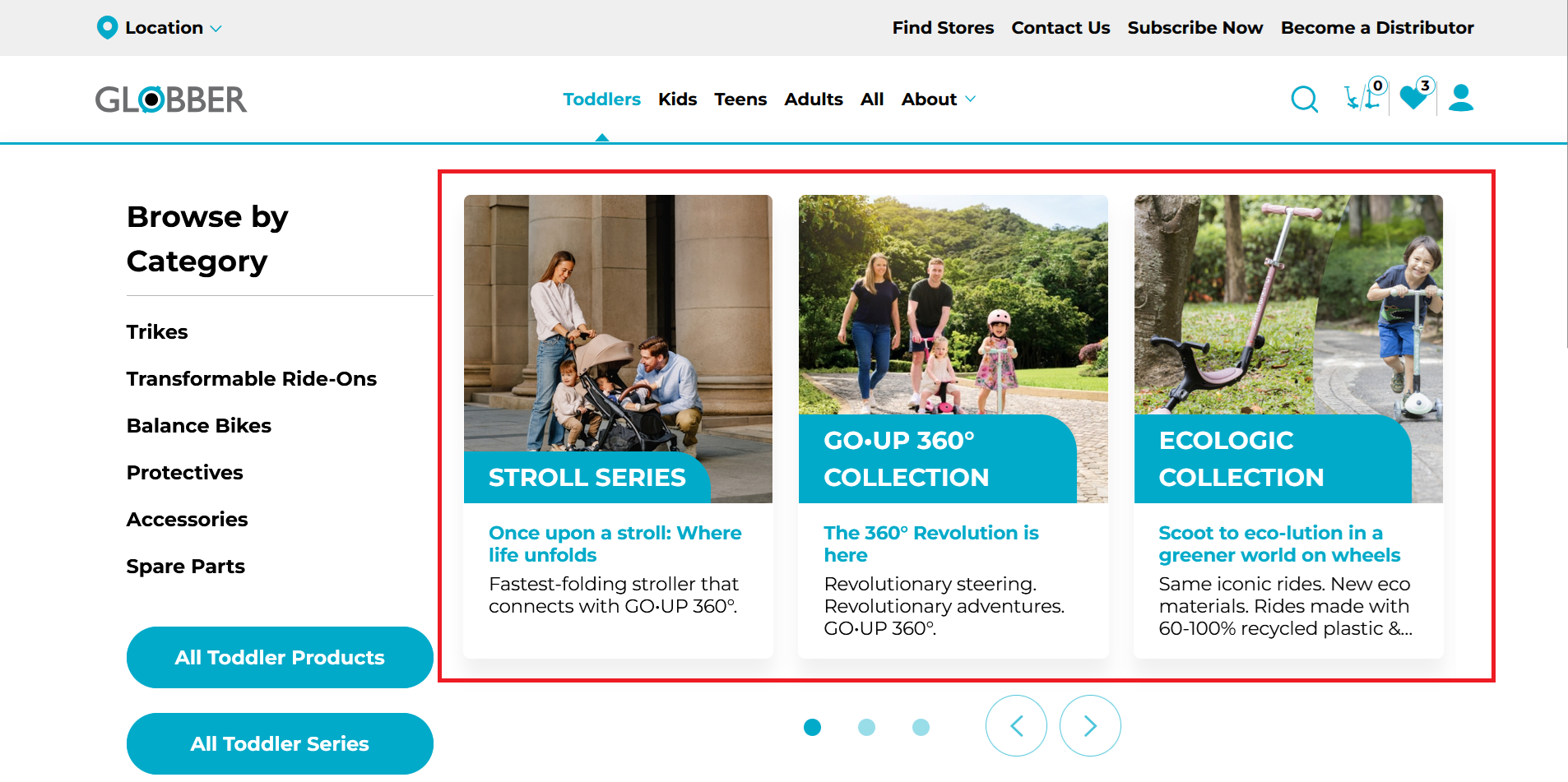
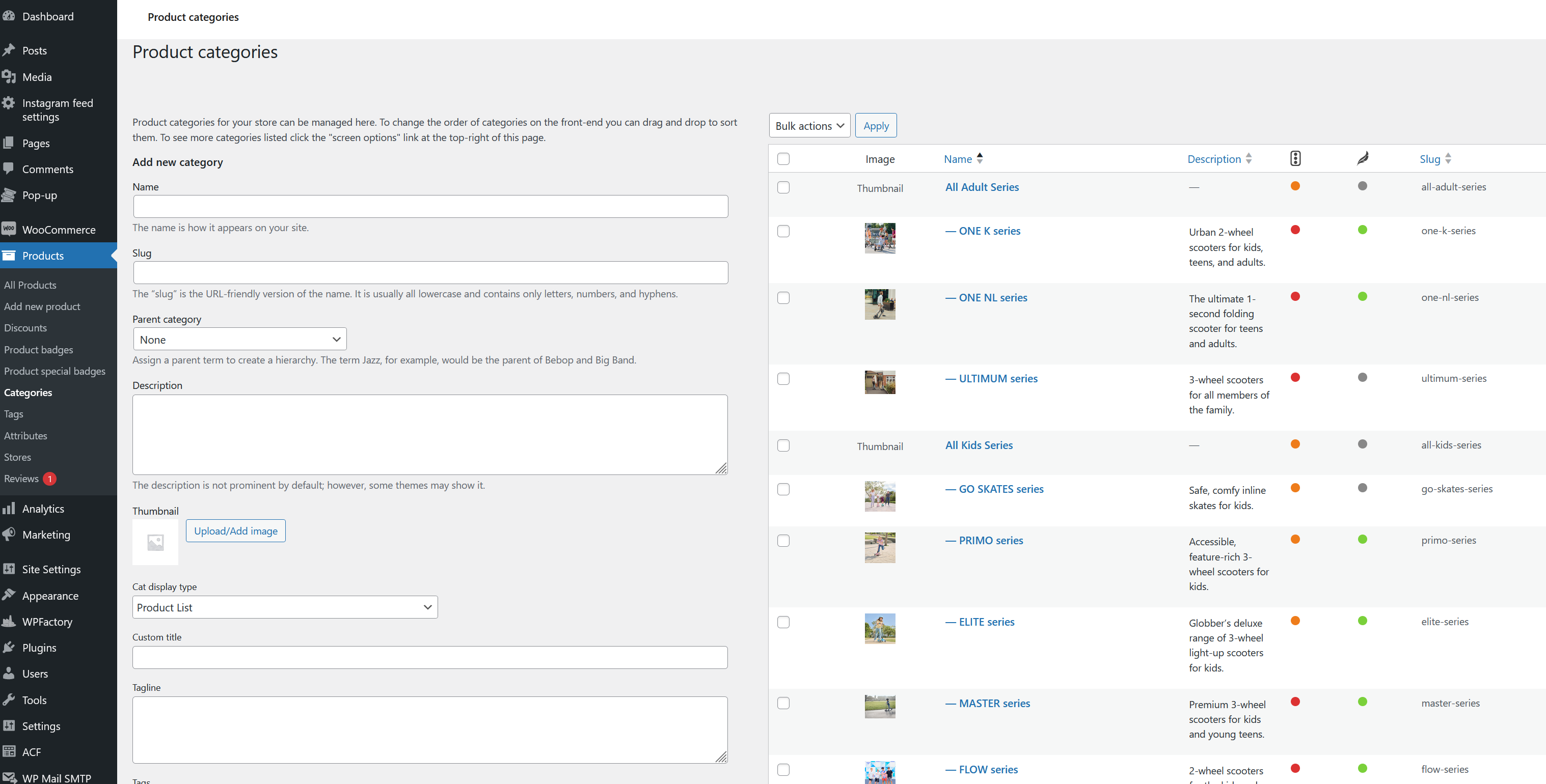
To get started, navigate to Products in the left-hand menu and select Categories. Here you can add, edit, or remove categories as needed.

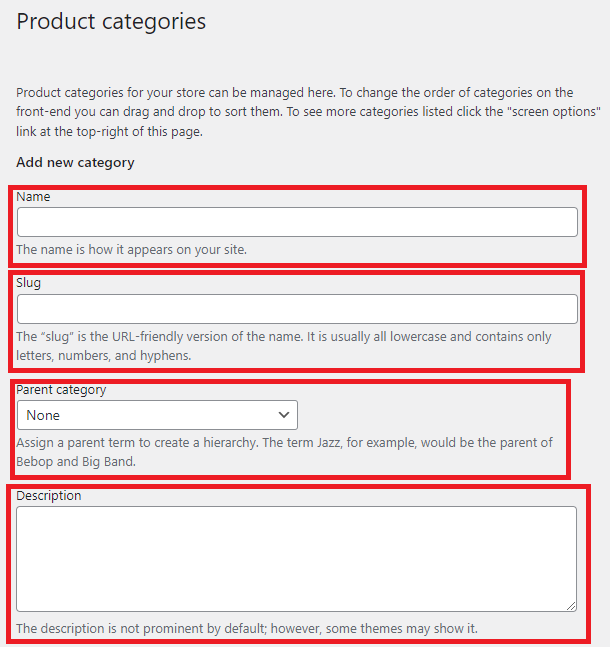
When creating a new product category, focus on the left-hand side of the page.
Ensure that you fill in their Name, Slug, Description and Assign a relevant parent category.
Assign products to a catalogue by selecting the relevant categories under Product categories on the product's edit page.
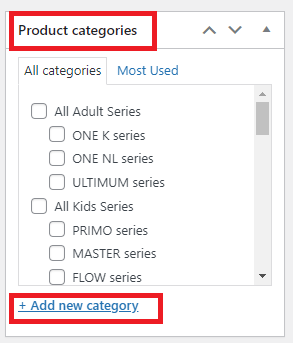
You can also manually add a product category within the edit product page.