Awards Carousel
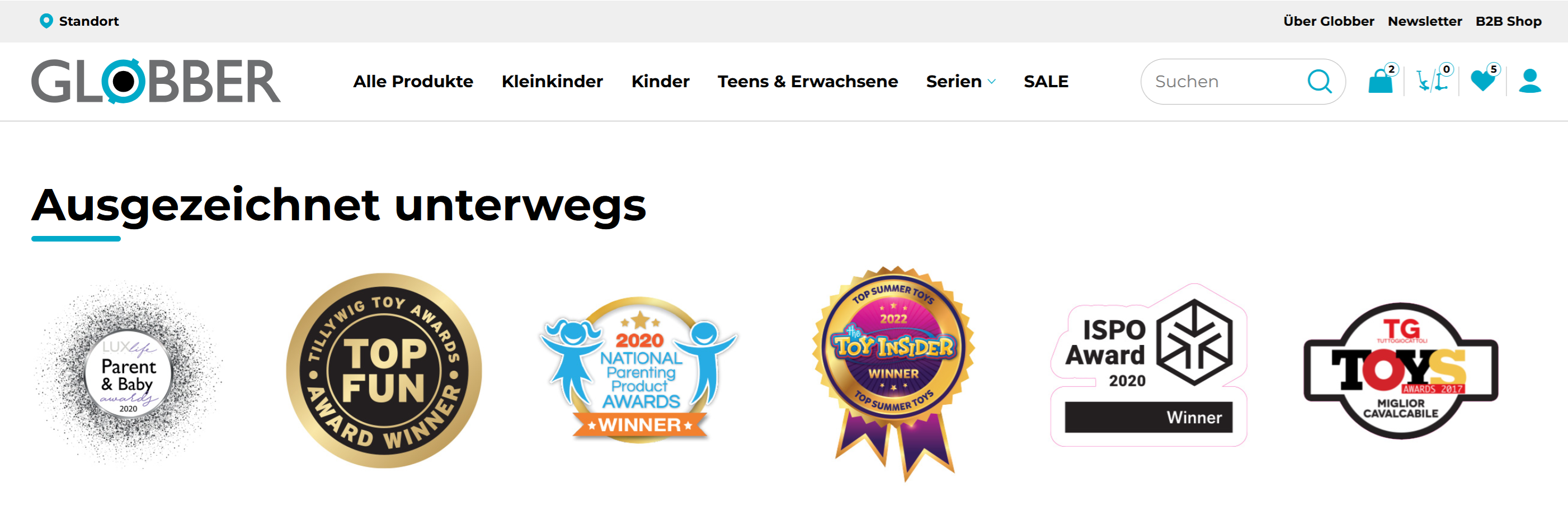
The Awards Carousel showcases your brand's accolades, certifications, press mentions, and industry recognition in a rotating display.
How to Setup Awards Carousel
On the left-hand side menu, navigate to Pages and click All Pages.

In WordPress Pages section, scroll down to find Home — Front Page and click Edit to begin.

Under [page] - Home V2 section, click Add Section to get started.

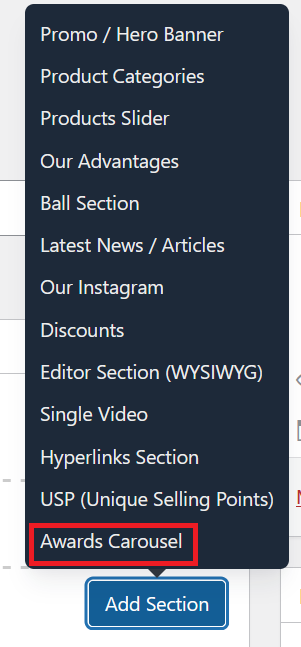
In the case of setting up Awards Carousel Section, select Awards Carousel.
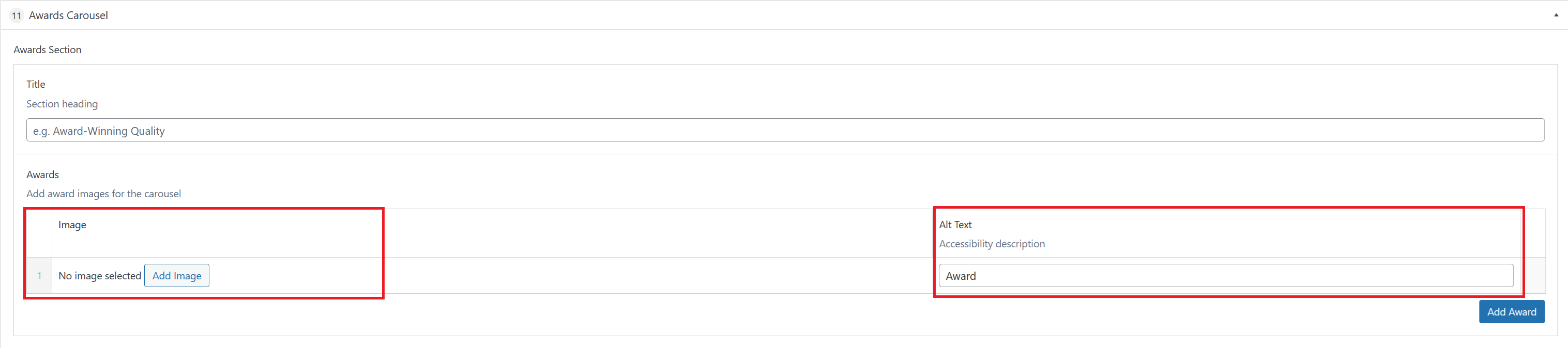
The Awards Carousel section has two parts to configure — the section heading and the list of award images that rotate in the carousel.
- Title — The heading displayed above the carousel (e.g. "Award-Winning Quality").
- Awards — A list of award images shown in the rotating carousel. Click Add Award to add a new entry.
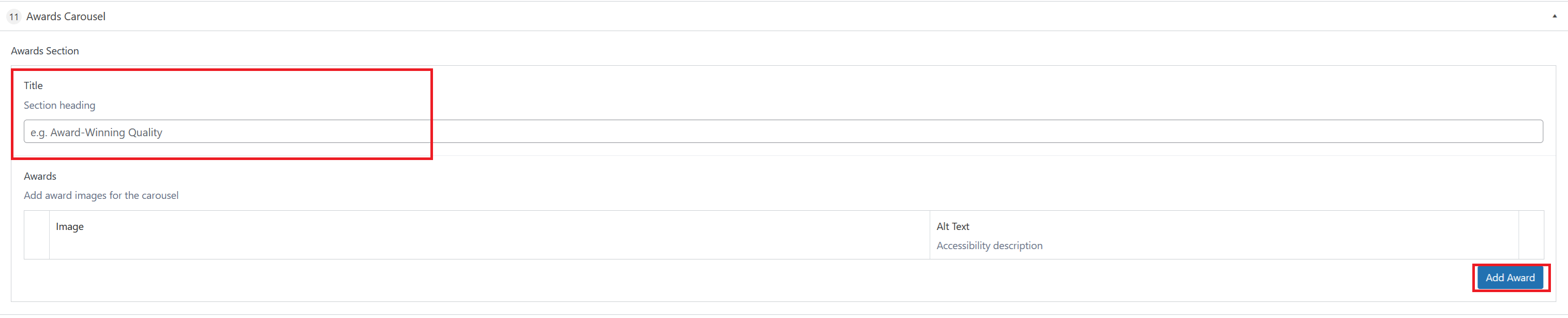
Each award entry in the list contains:
- Add Image — Upload the award badge, certification logo, or press mention image. Use PNG format with a transparent background for best results.
- Alt Text — A short accessibility description of the image (e.g. "Award"). This is used by screen readers and is not visible to regular visitors.
Once you're ready to publish changes, click Update or Publish on the right-hand side.