Latest News / Articles
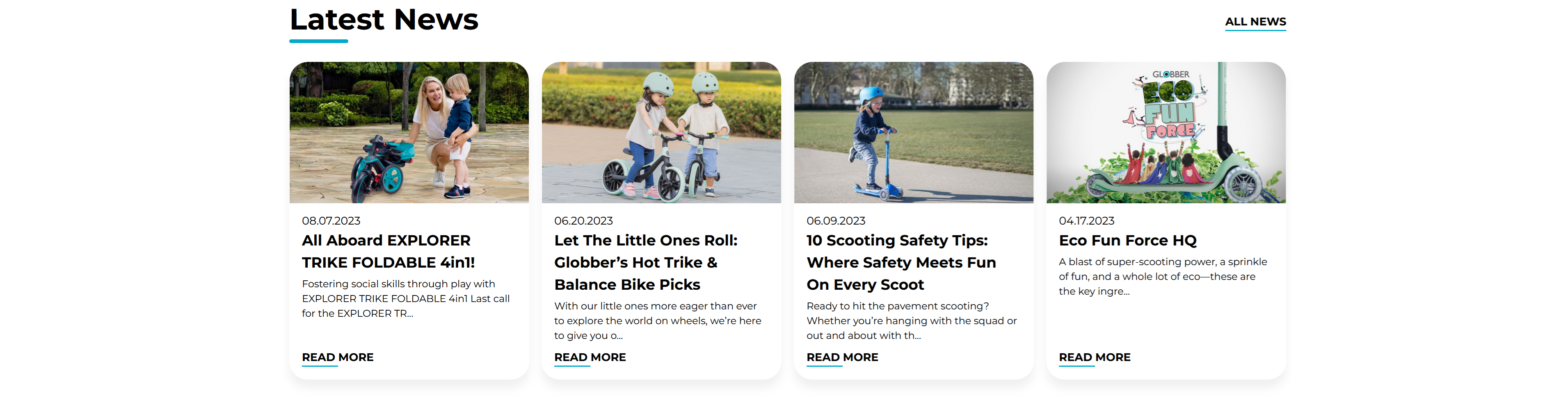
The Latest News / Articles section automatically displays your most recent blog posts to keep visitors informed about news, updates, and content.
How to Setup Latest News / Articles
On the left-hand side menu, navigate to Pages and click All Pages.

In WordPress Pages section, scroll down to find Home — Front Page and click Edit to begin.

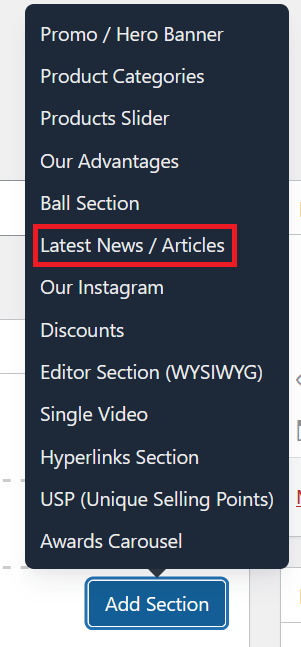
Under [page] - Home V2 section, click Add Section to get started.

In the case of setting up Latest News / Articles section, select Latest News/ Articles
To create or manage blog posts, refer to the Blog Post documentation.
This section automatically pulls your most recently published blog posts — no manual updating required. Each post card displays the featured image, title, excerpt, and a link to the full article.

Title: Set the heading displayed above the news feed (e.g., "Latest News").
Number of Posts: Choose how many blog posts to display in this section.
Link Texts: Write text for the "View All" link.
Once you're ready to publish changes, click Update or Publish on the right-hand side.