Our Advantages
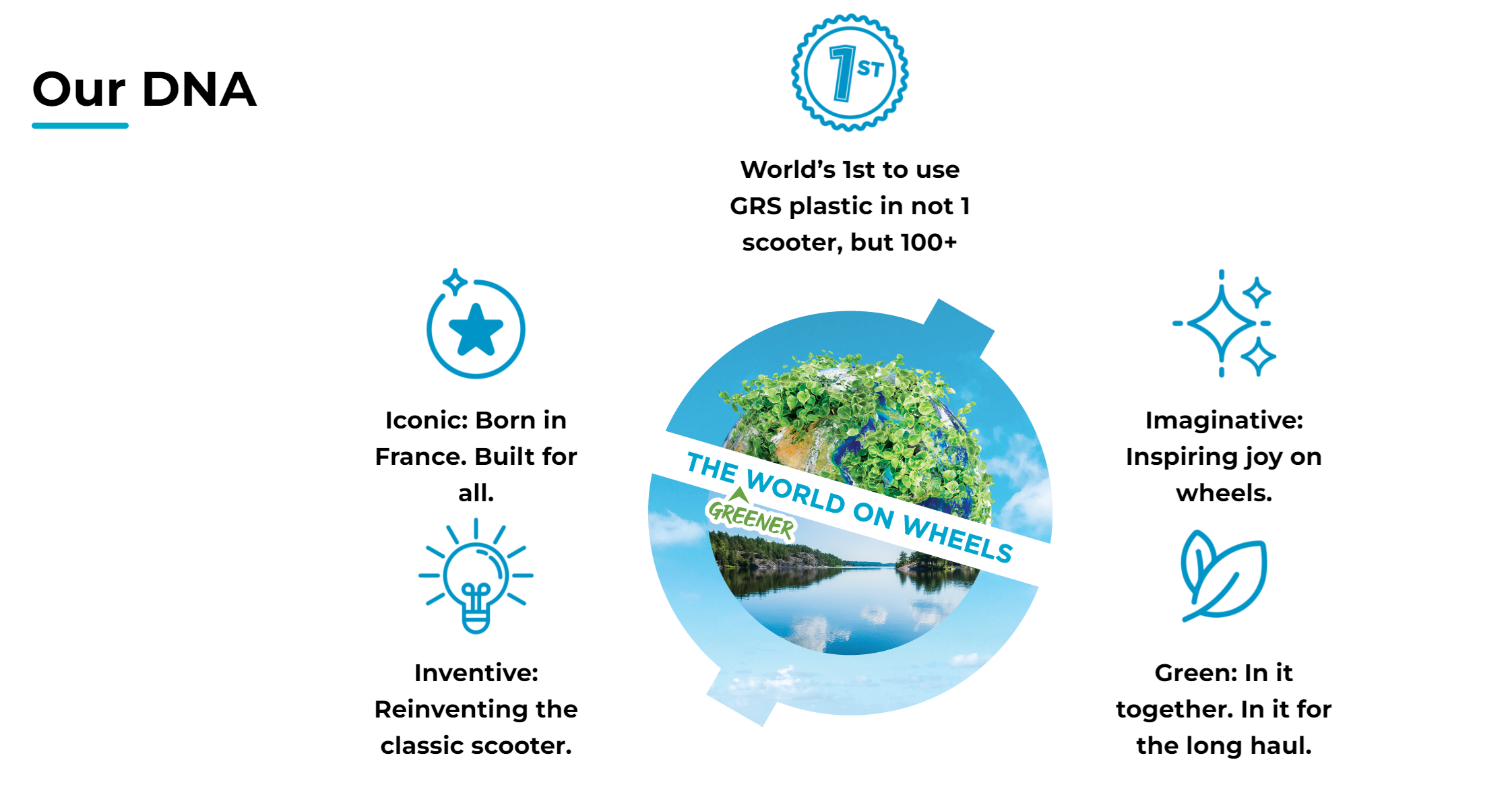
Our Advantages section highlights your brand's key value propositions and unique selling points in an icon-based layout.
Setting Up Our Advantages
On the left-hand side menu, navigate to Pages and click All Pages.

In WordPress Pages section, scroll down to find Home — Front Page and click Edit to begin.

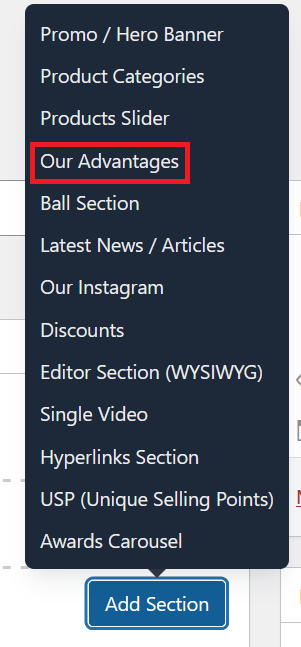
Under [page] - Home V2 section, click Add Section to get started.

In the case of setting up Our Advantages section, select Our Advantages
Configuration Options
The content displayed in this section reflects Globber's DNA and is managed through Global Settings rather than edited directly on the page. To modify the advantages shown, see Modify Our Advantages Global Block below.

Toggle this option to show or hide the decorative graphic elements around the section. This allows you to tailor the visual appearance of the section to suit your layout needs.
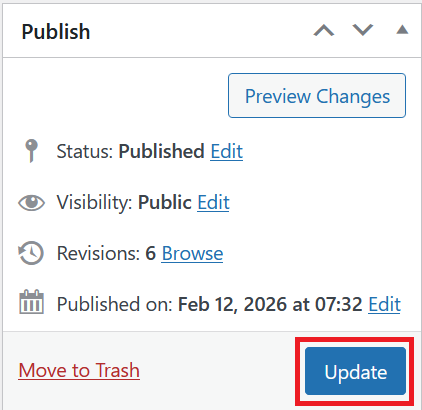
Once you're ready to publish changes, click Update or Publish on the right-hand side.
Modify Our Advantages Global Block
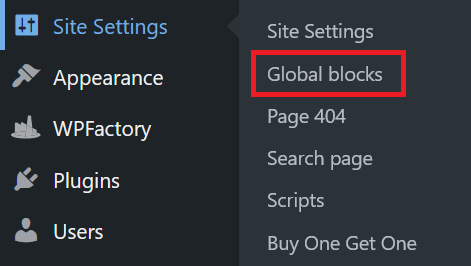
On the left-hand side menu, navigate to Site Settings and click Global Blocks. Select the Advantages tab.
Here you will find a Title field and an Image field for the section header, followed by a List of individual advantage items — each with their own Image and Title. You can translate or modify the text in any Title field, and swap out images as needed.
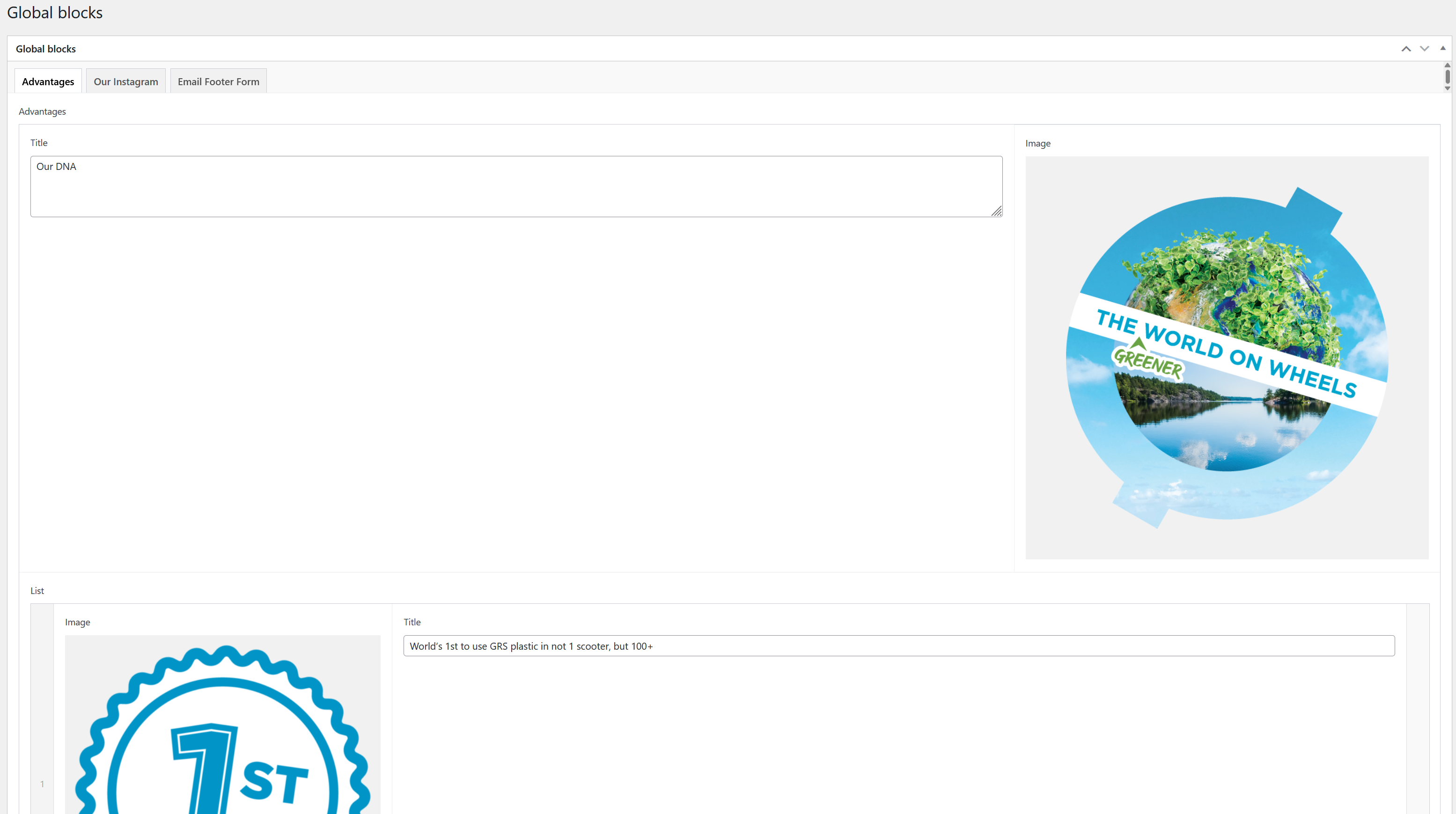
Once you're ready to save, click Update on the right-hand side.