(old) Homepage
This homepage version is now deprecated. Please consult Globber's IT team for assistance with migration.
Our Front Page is globber.com. It's where you can find information on our products, brand and the latest news.
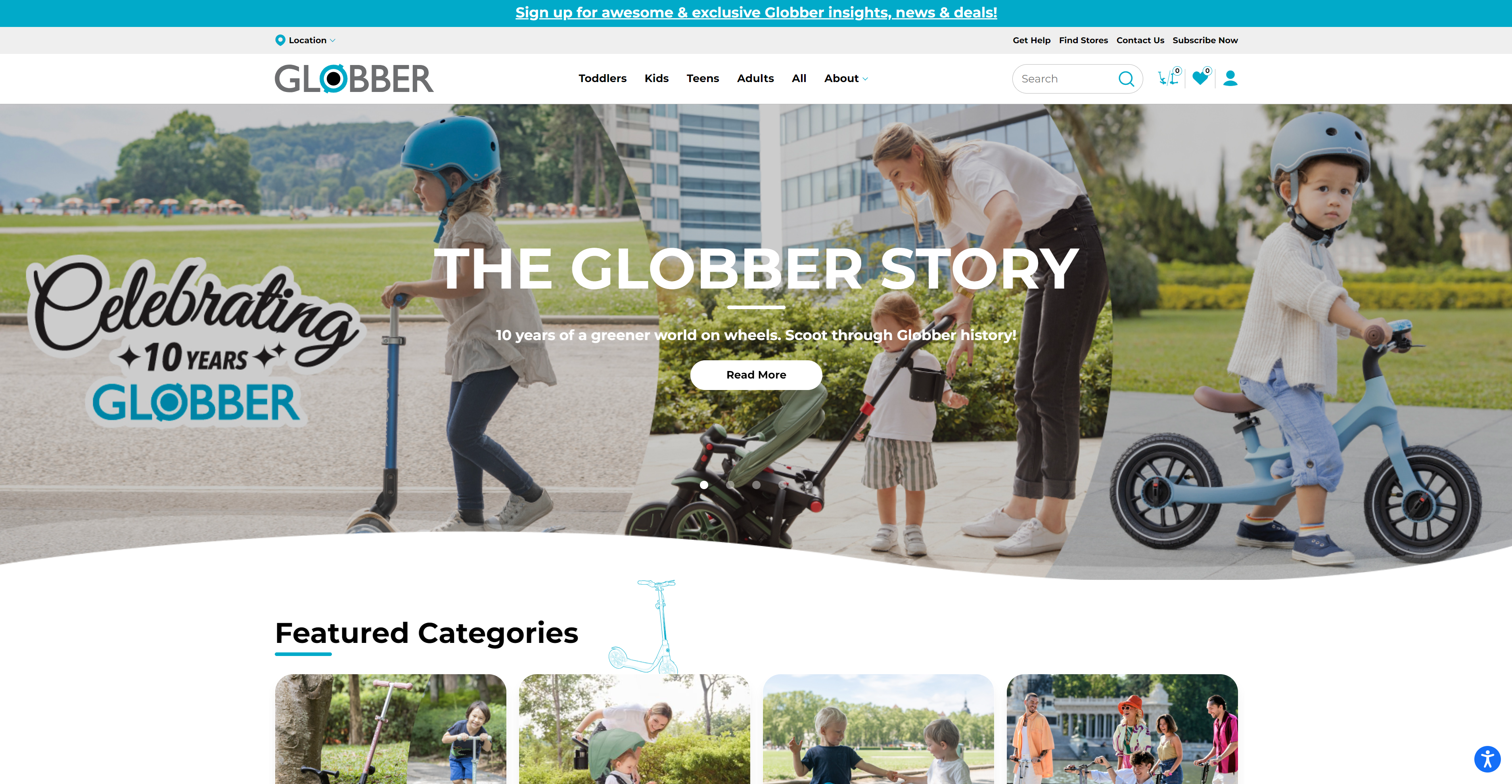
The Front Page content is divided into 6 main sections, organised in the following order.
- Front Page Sliders
- Featured Categories
- Award-Winning Rides
- Our DNA
- About Globber
- The Scoot Scoop
Get Started
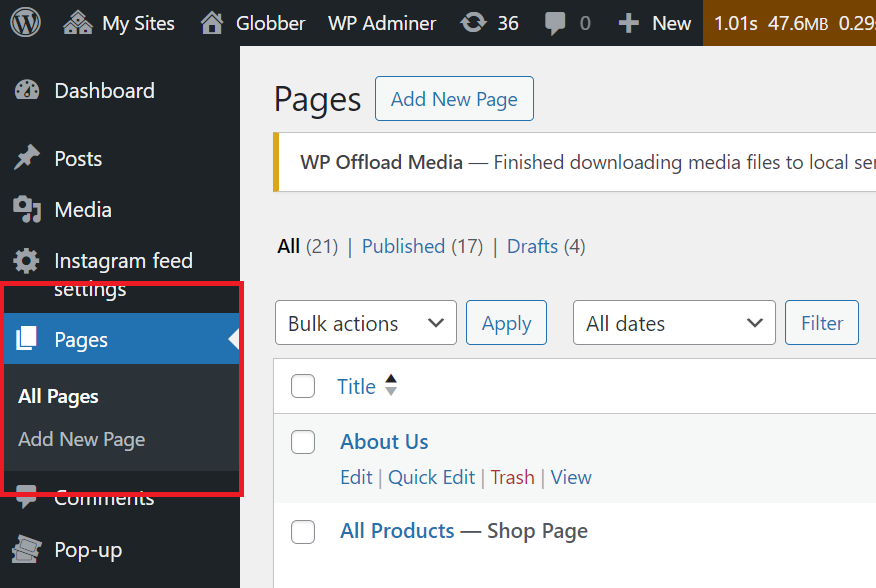
In WordPress, navigate to Pages on the left-hand side menu.
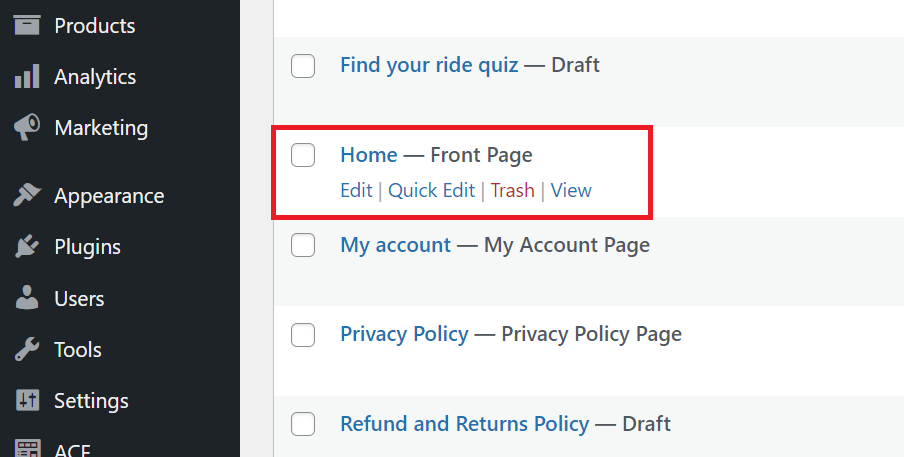
In WordPress Pages section, scroll down to find Home — Front Page and click Edit to begin.
This is where you can edit the Front Page sliders, Featured Categories and Award-Winning Rides section.
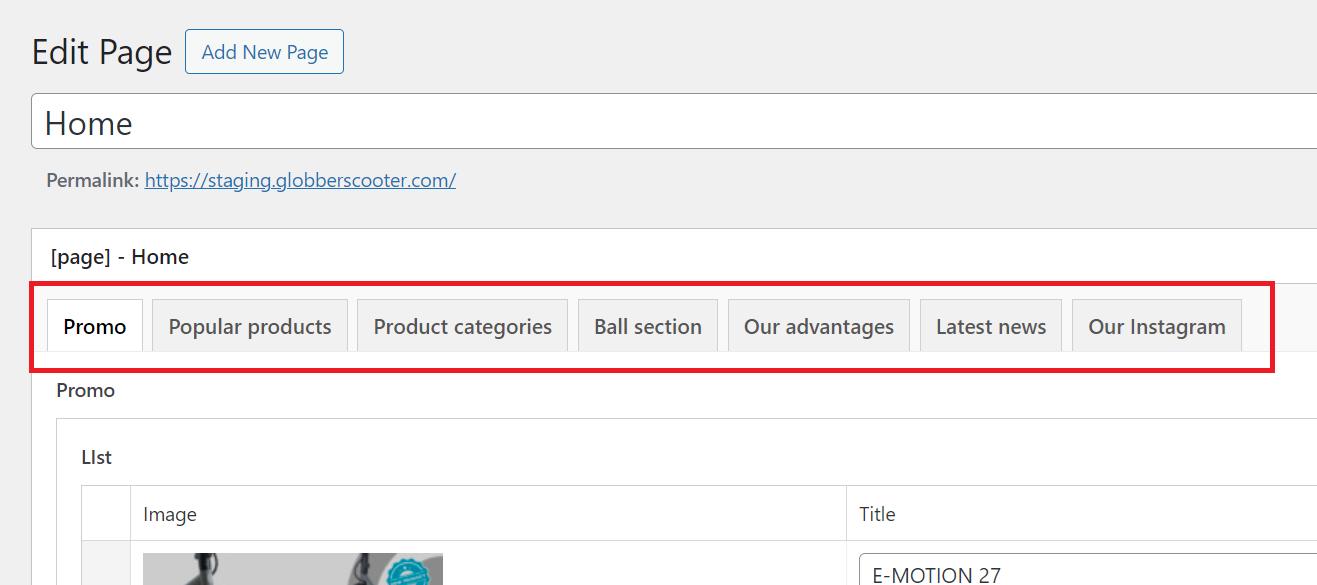
Please do not make any changes to the template. It's important to keep the look consistent with Globber's brand.
Homepage Sections
- Front Page Sliders
- Featured Categories
- Award-Winning Rides
- Our DNA
- Ball Section
- The Scoot Scoop
The Front Page has 5 sliders placed in a particular order.
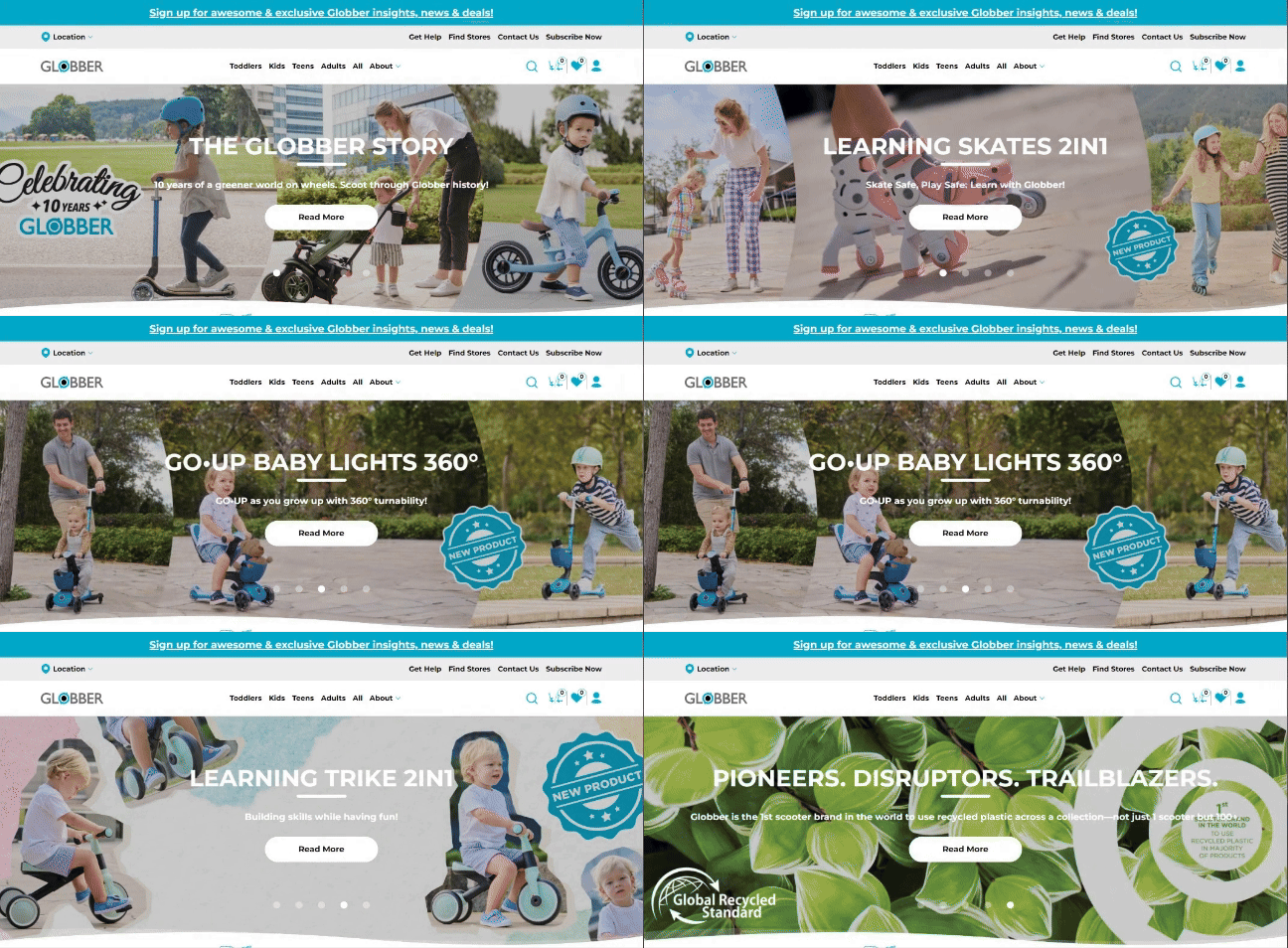
To start editing the Front Page sliders, navigate to Pages on your left-hand side in WordPress.
In WordPress Pages section, scroll down to find Home — Front Page and click Edit to begin.
Select Promo tab to start editing the Front Page Sliders.
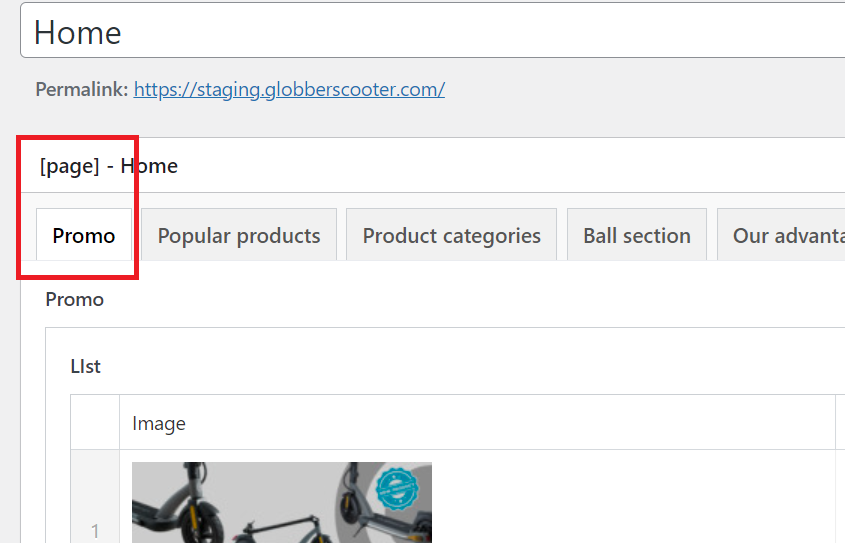
There are 4 key items to take note of when editing the front page sliders.
Image - Background Image.
Title - Example: THE GLOBBER STORY.
Text - Example: 10 years of a greener world on wheels. Scoot through Globber history!
CTA - Example: Read More
Please note that you can edit these slides, including the text and links. You can also drag and drop them to change their order.
You may add additional slides depending on your preference.
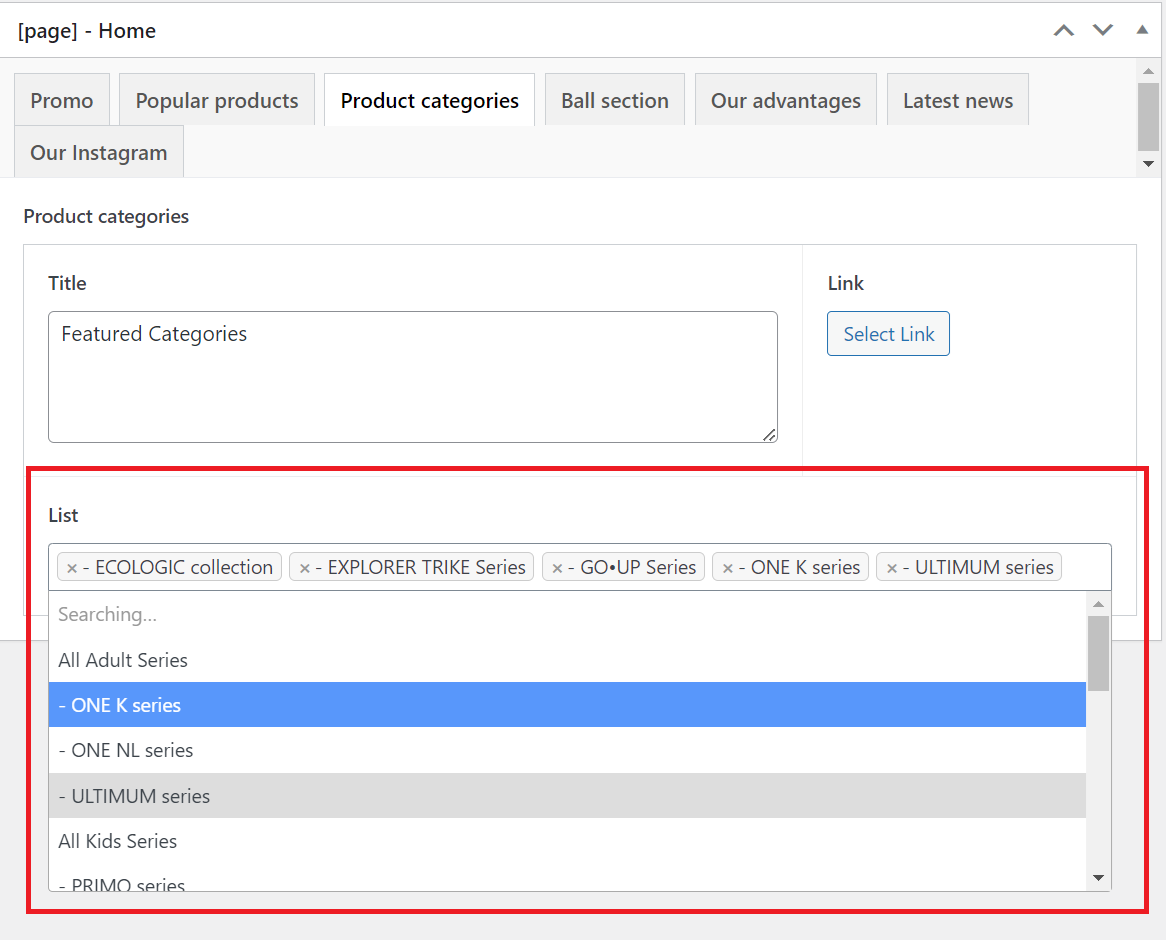
The Featured Categories section includes all of Globber's main product lines.
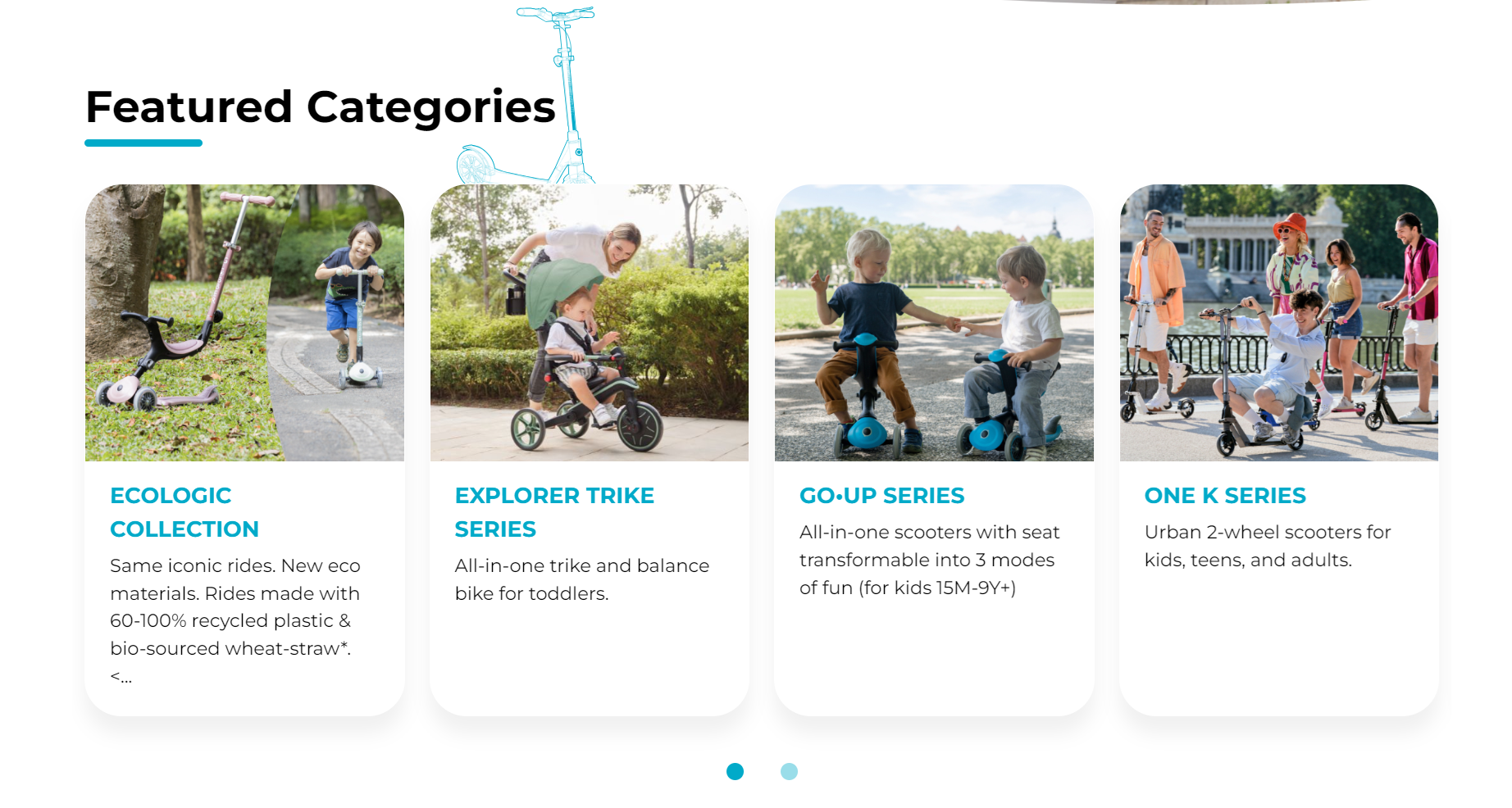
To start editing the Featured Categories section, navigate to Pages on your left-hand side in WordPress.
In WordPress Pages section, scroll down to find Home — Front Page and click Edit.
Select Product categories tab to start editing the Featured Categories section.
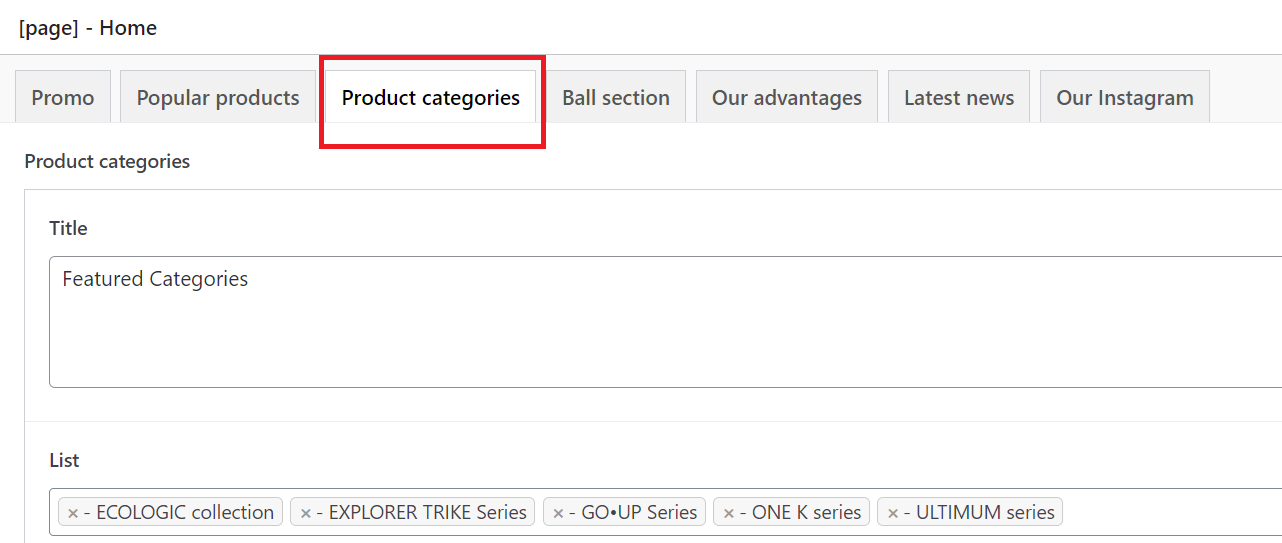
You can select or re-arrange this section with the highlighted list area below.
Award-Winning Rides section covers Globber's top-selling products on the front page.
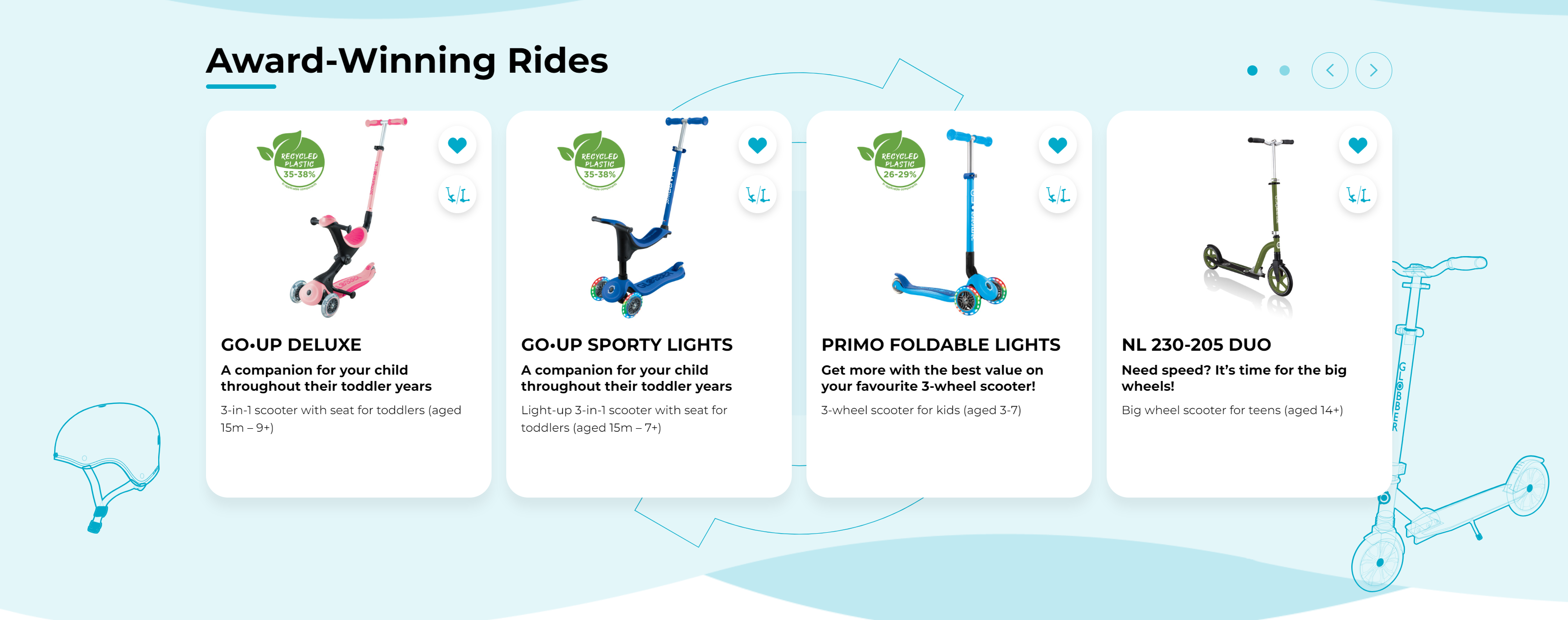
To start editing the Award-Winning Rides section, navigate to Pages on your left-hand side in WordPress.
In WordPress Pages section, scroll down to find Home — Front Page and click Edit to begin.
Select Popular products tab to start editing the Award-Winning Rides section.
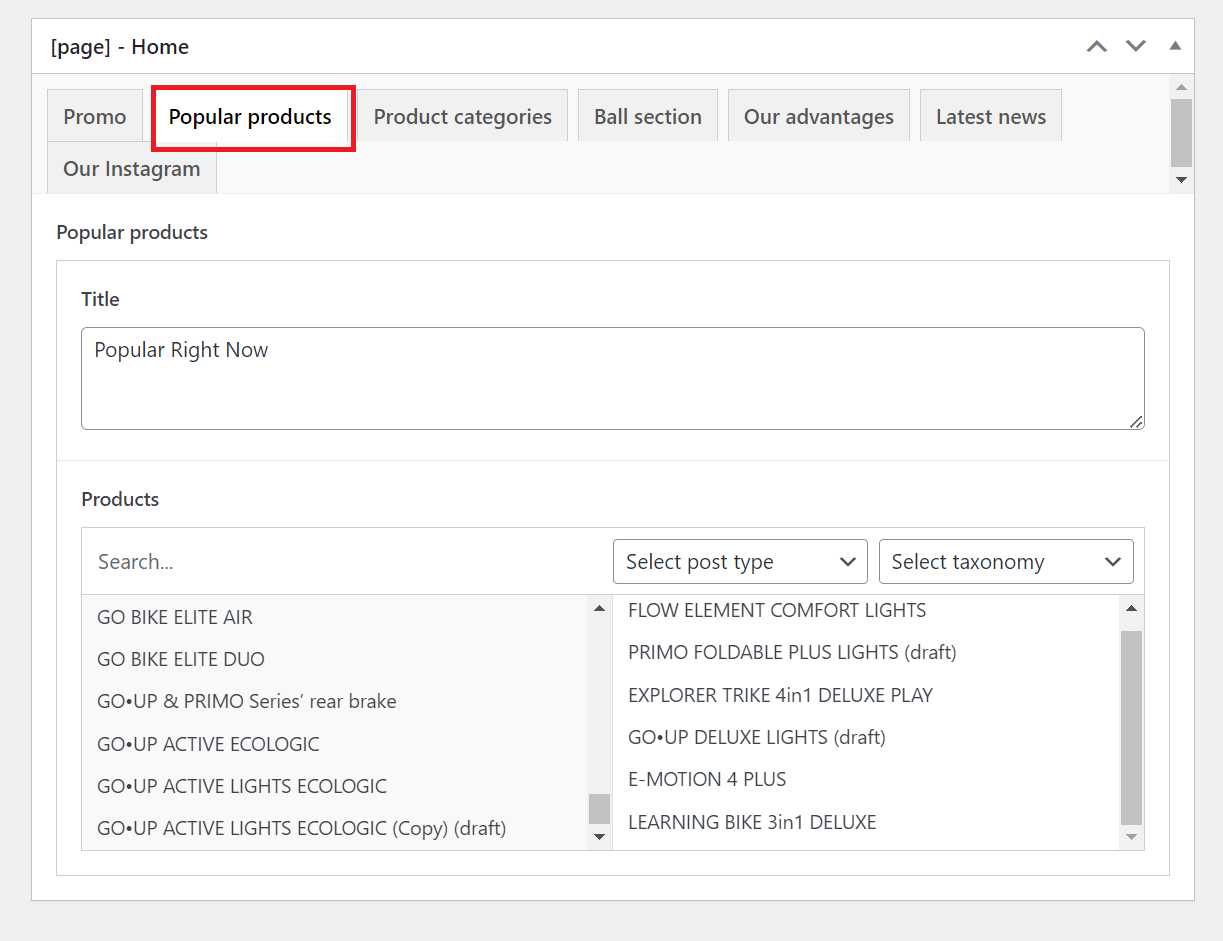
In Products section (see below), you are given the option to add specific products or re-arrange the order of display on Award-Winning Rides.
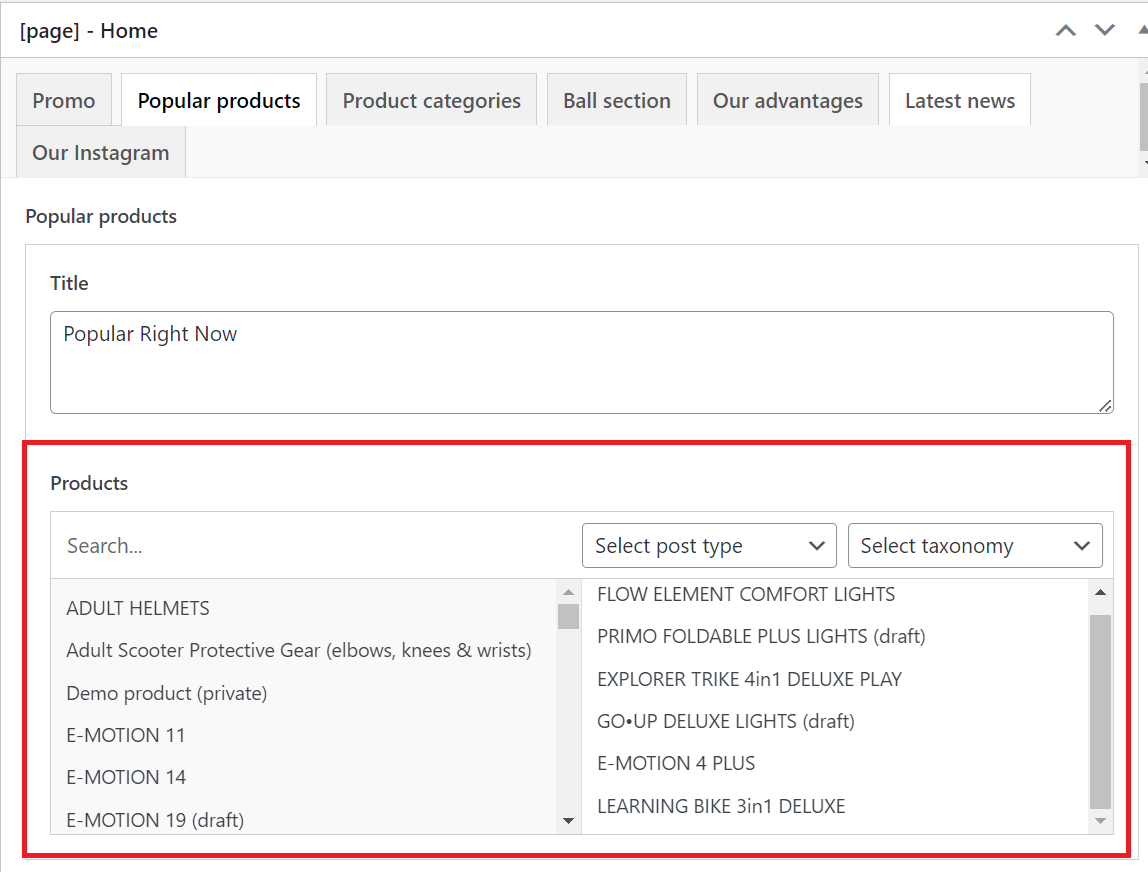
For example, let's add the following product to the Award-Winning Rides section.
- GO BIKE ELITE DUO
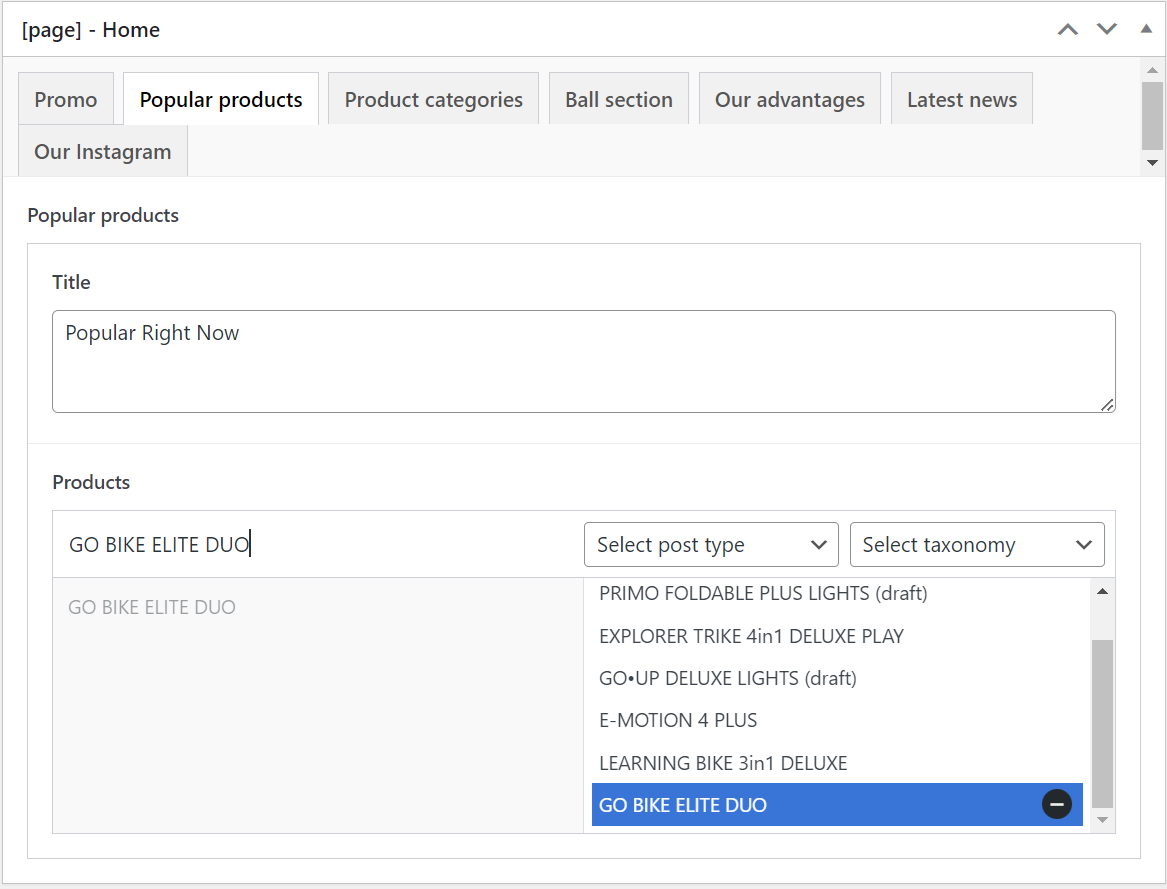
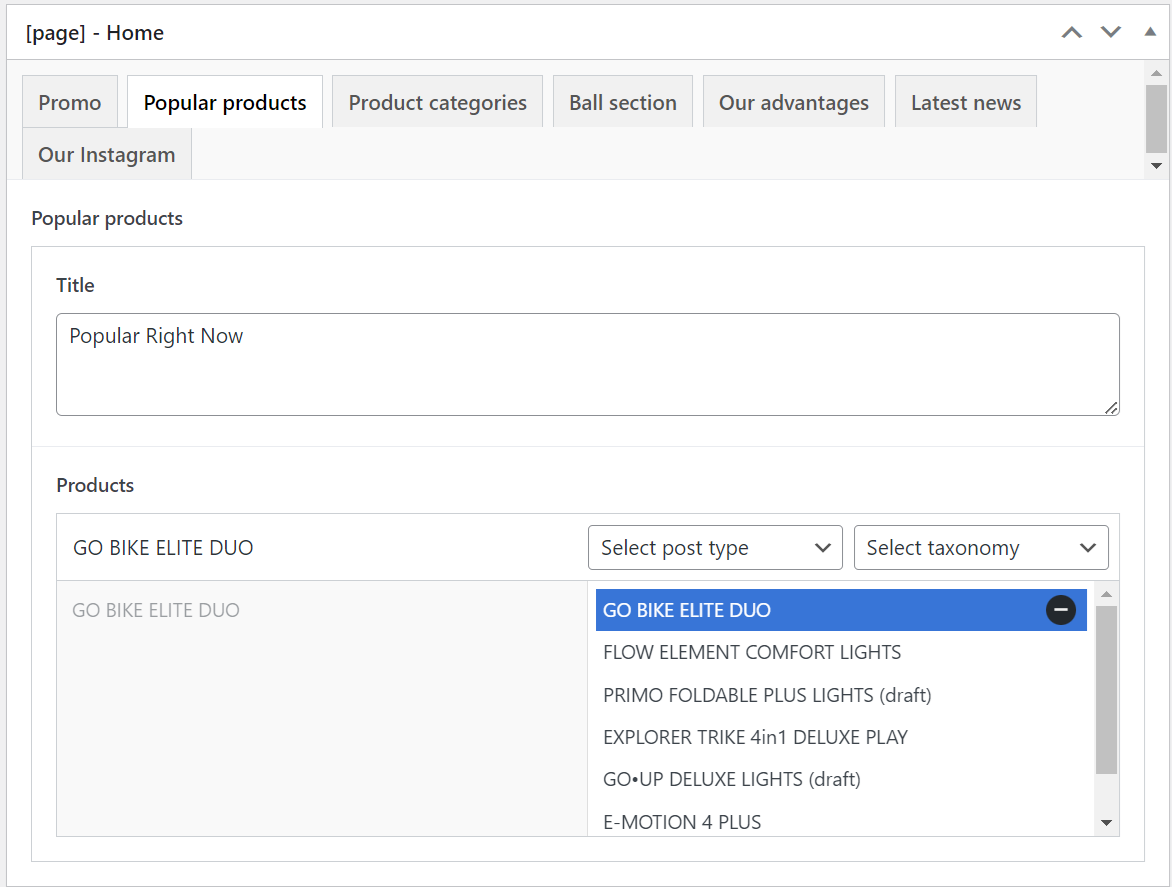
After adding GO BIKE ELITE DUO to the Award-Winning Rides section, you can re-arrange its placement. Simply drag GO BIKE ELITE DUO to your preferred placement.
Our DNA section covers Globber's key brand values.
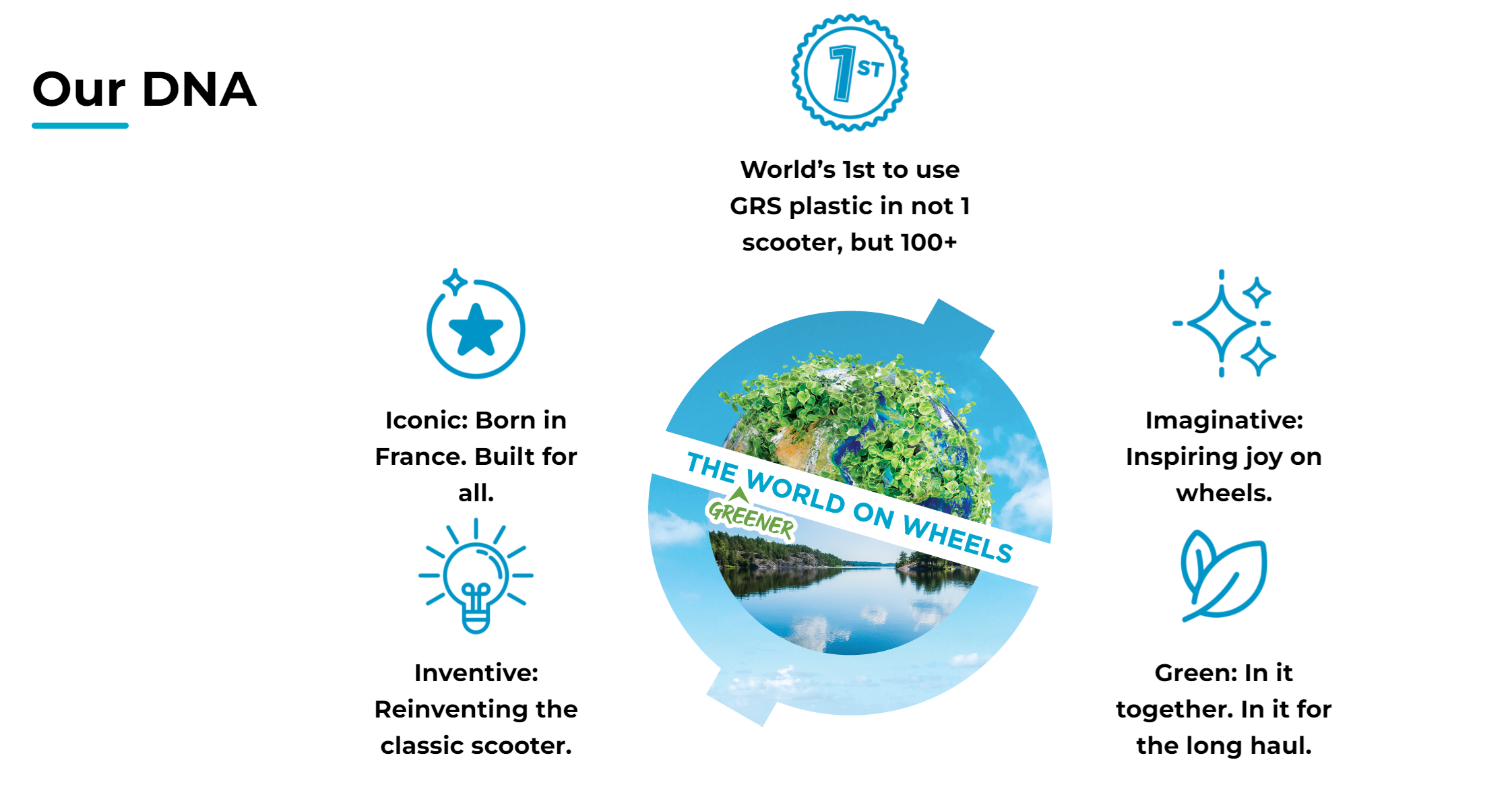
This section is not part of homepage settings since it's managed across different parts of the website. Information cannot be changed here.
To check Our DNA section, navigate to Pages on your left-hand side in WordPress.
In WordPress Pages section, scroll down to find Home — Front Page and click Edit.
Select Our advantages tab to view Our DNA section in WordPress.
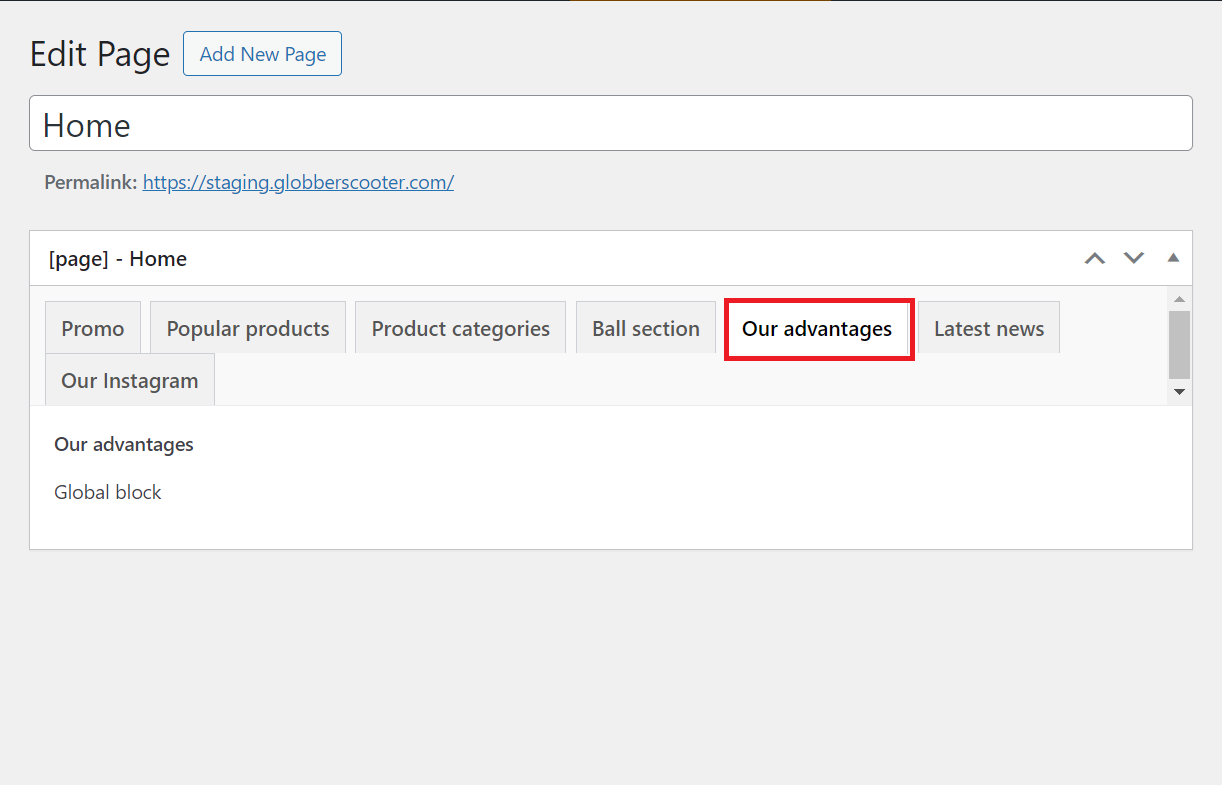
This section shows Globber's main brand message using its unique branding elements.
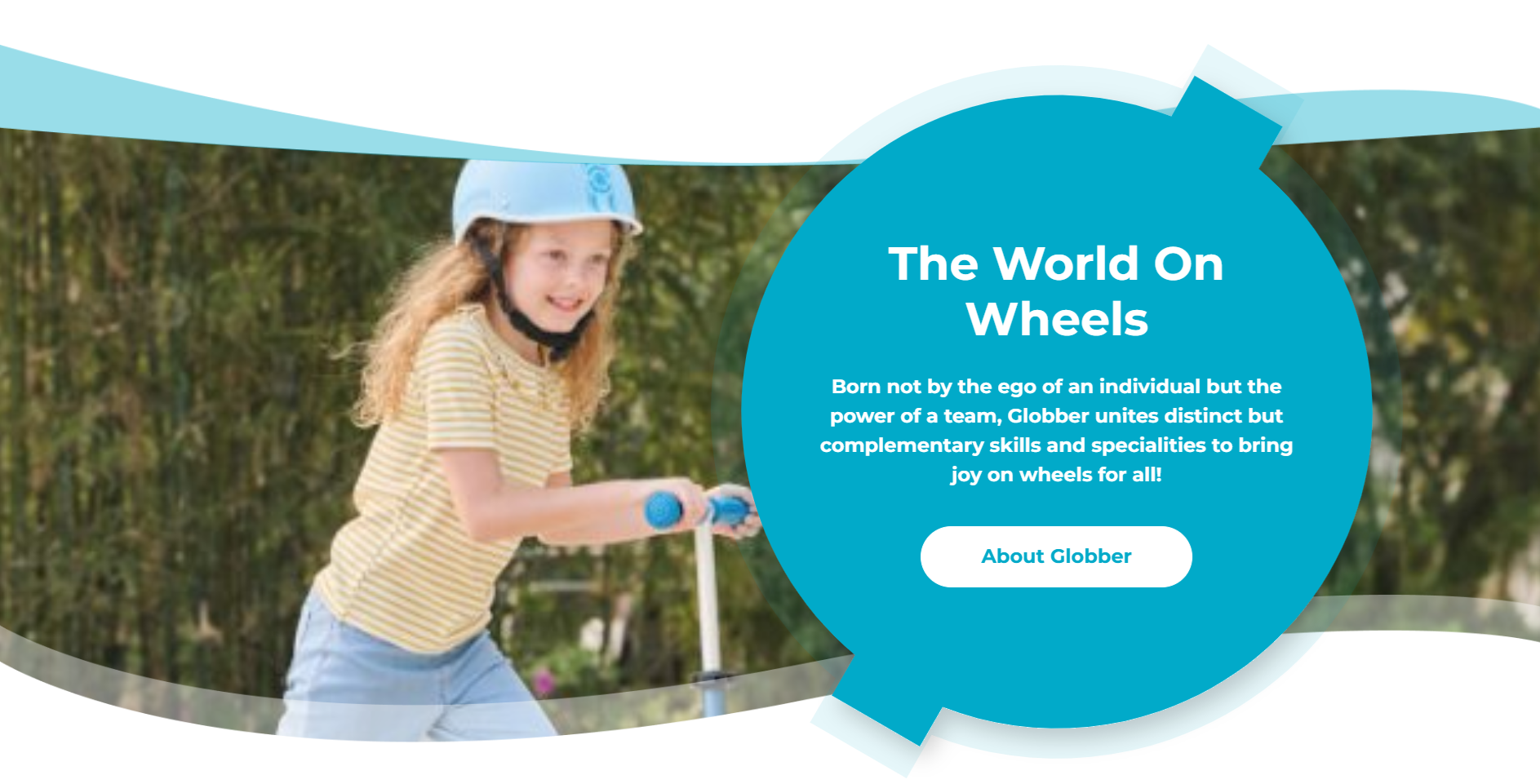
To edit the Ball Section, navigate to Pages on your left-hand side in WordPress.
In WordPress Pages section, scroll down to find Home — Front Page and click Edit.
Select Our advantages tab to view Our DNA section in WordPress.
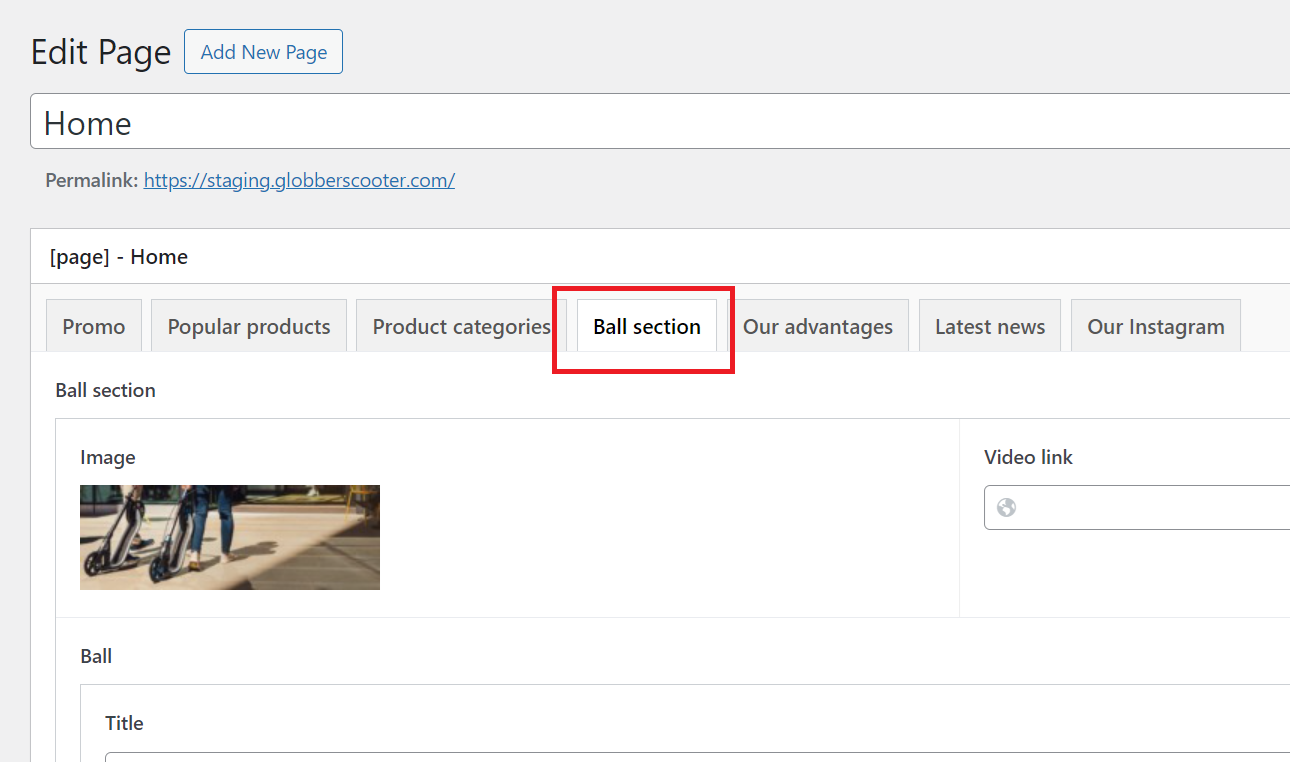
You can edit the Image, Header, Description, CTA Button and Link in this section.
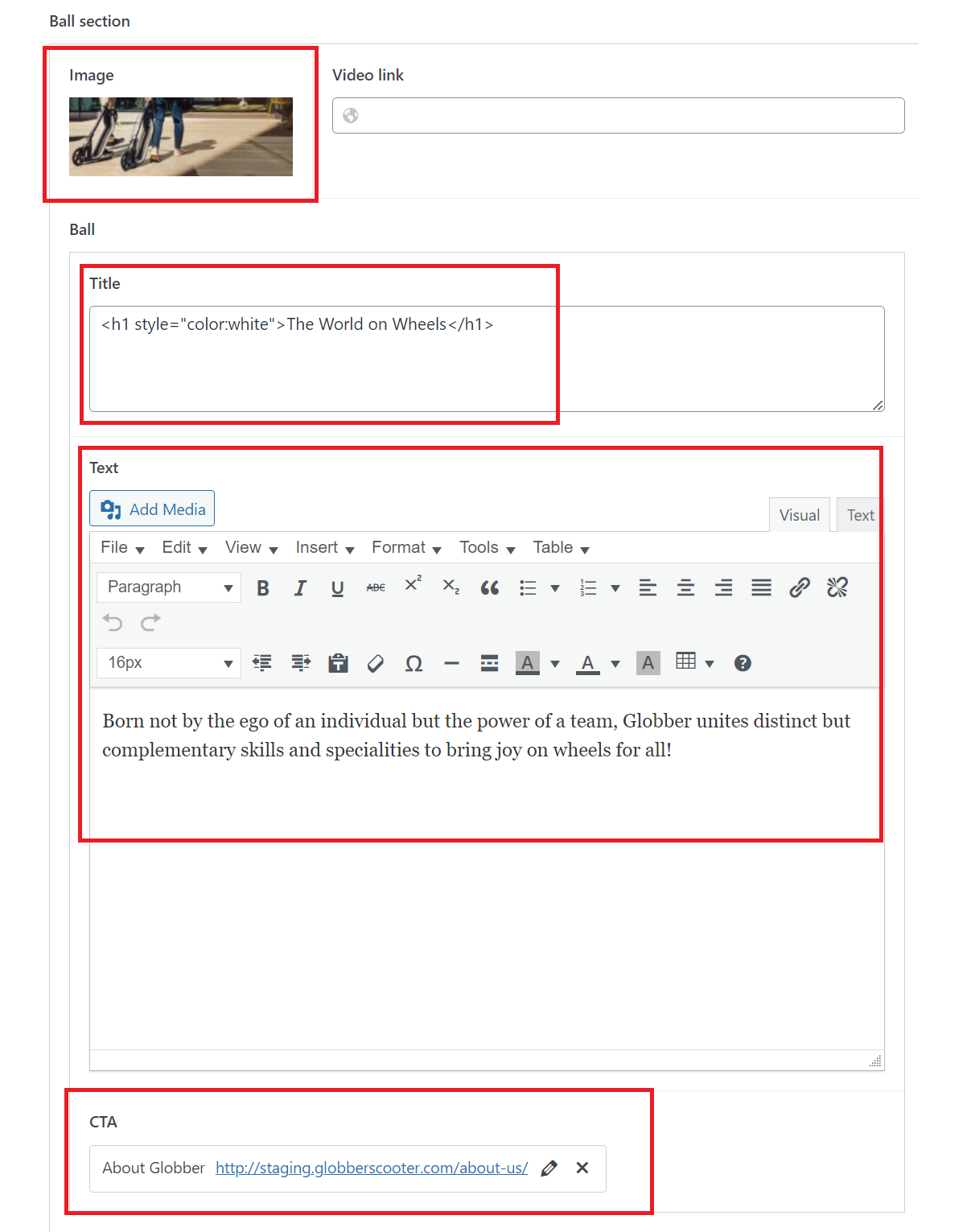
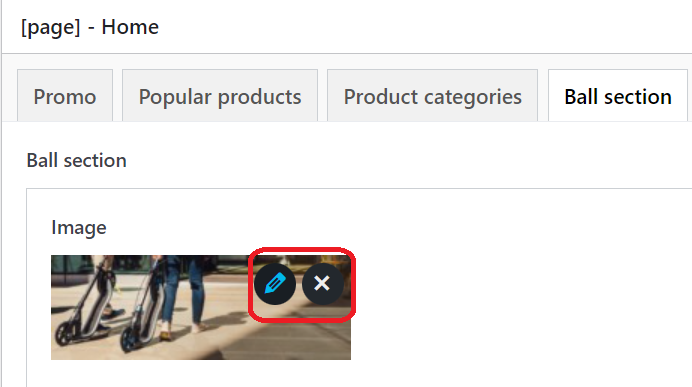
Image: Hover over the pencil section to edit the image.
Header: Change 'The World on Wheels' under Title to a header of your choice.

Description: Edit with description of your choice under 'Text' area.
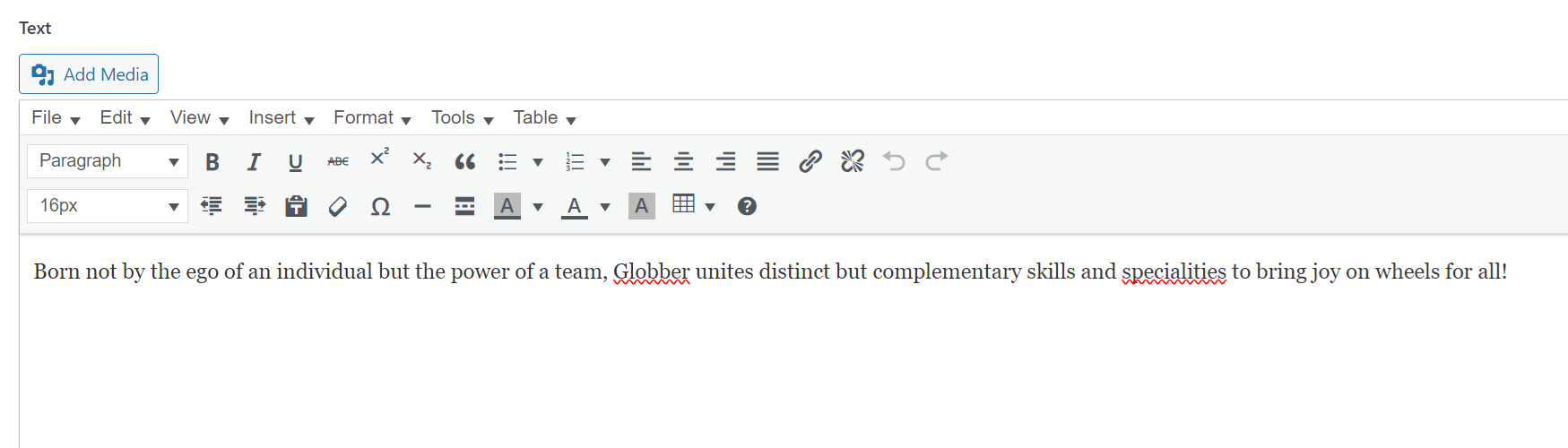
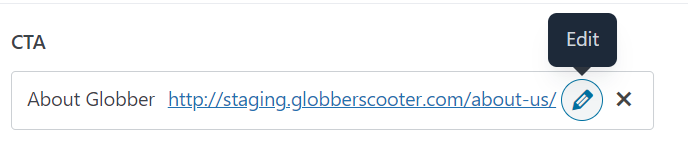
CTA Button: Customise the CTA Button and link with the Edit function under 'CTA' section.
The Scoot Scoop shows all of Globber's latest blog posts, with the newest ones starting from the left-hand side.
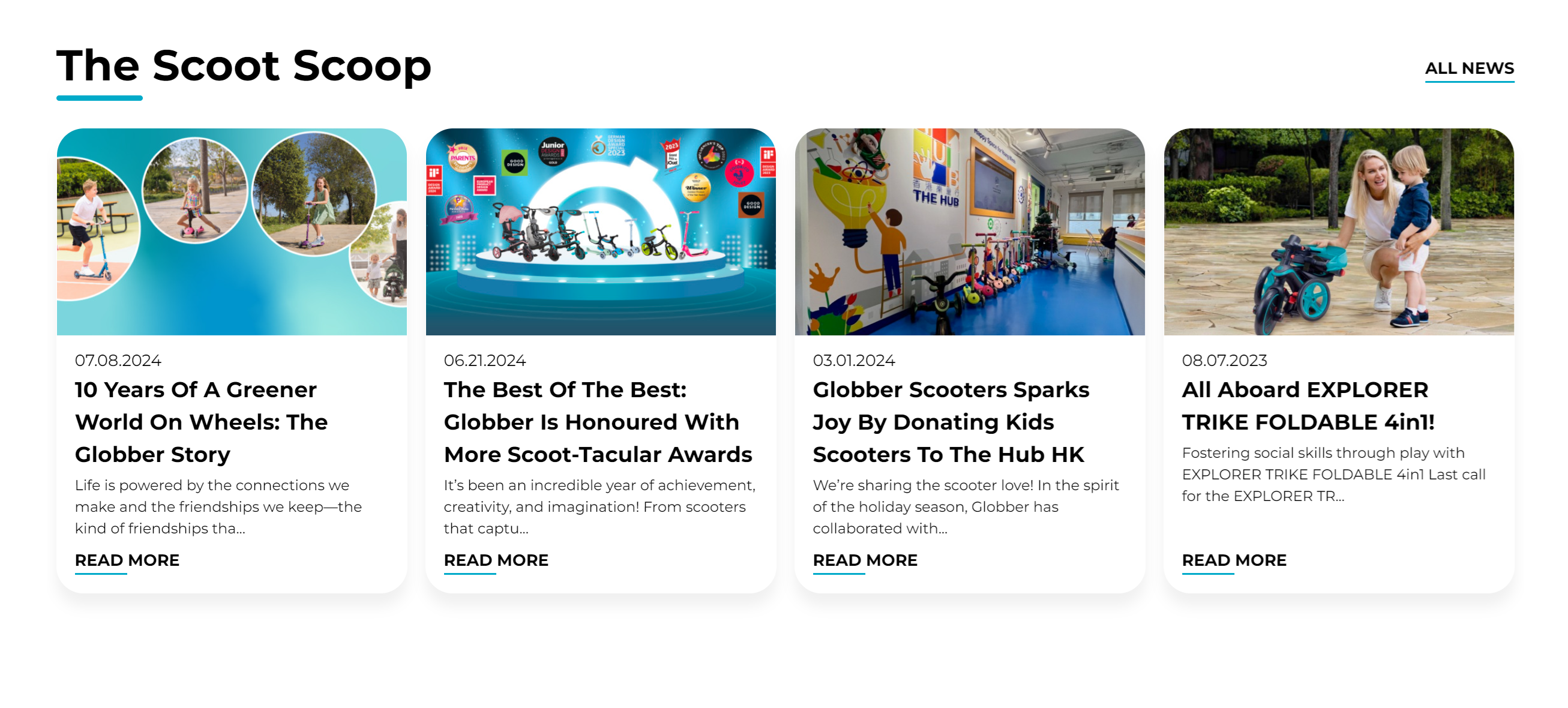
This section is not part of homepage settings since it's managed across different parts of the website. Information cannot be changed here.
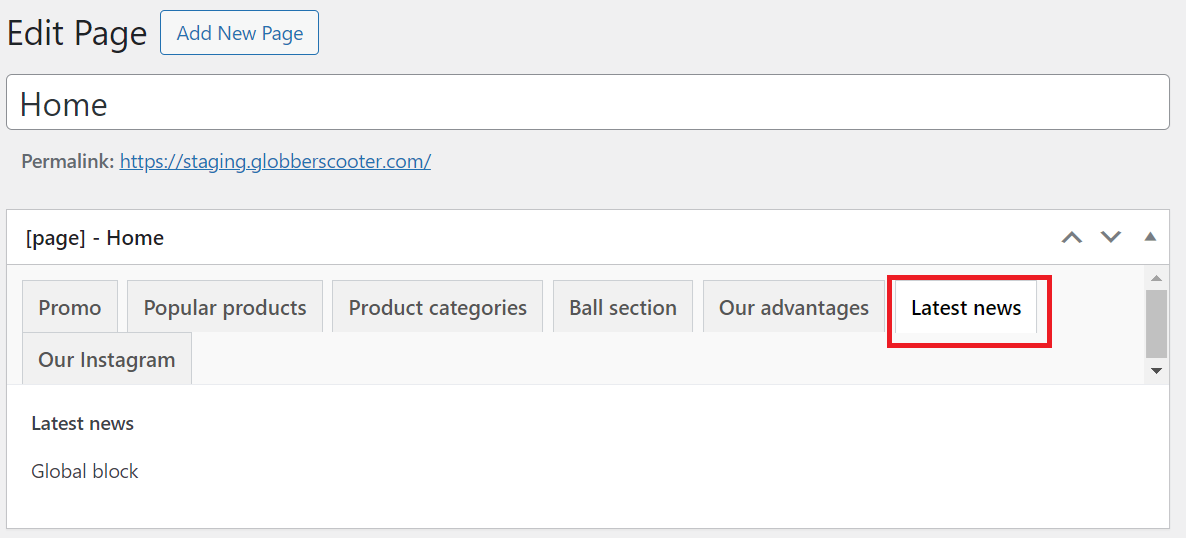
To check Scoot Scoop section, navigate to Pages on your left-hand side in WordPress.
In WordPress Pages section, scroll down to find Home — Front Page and click Edit.
Select "Latest news" tab to view The Scoot Scoop on WordPress.
To read about creating blog posts, refer to the Blog Post documentation.