Testimonials / Reviews
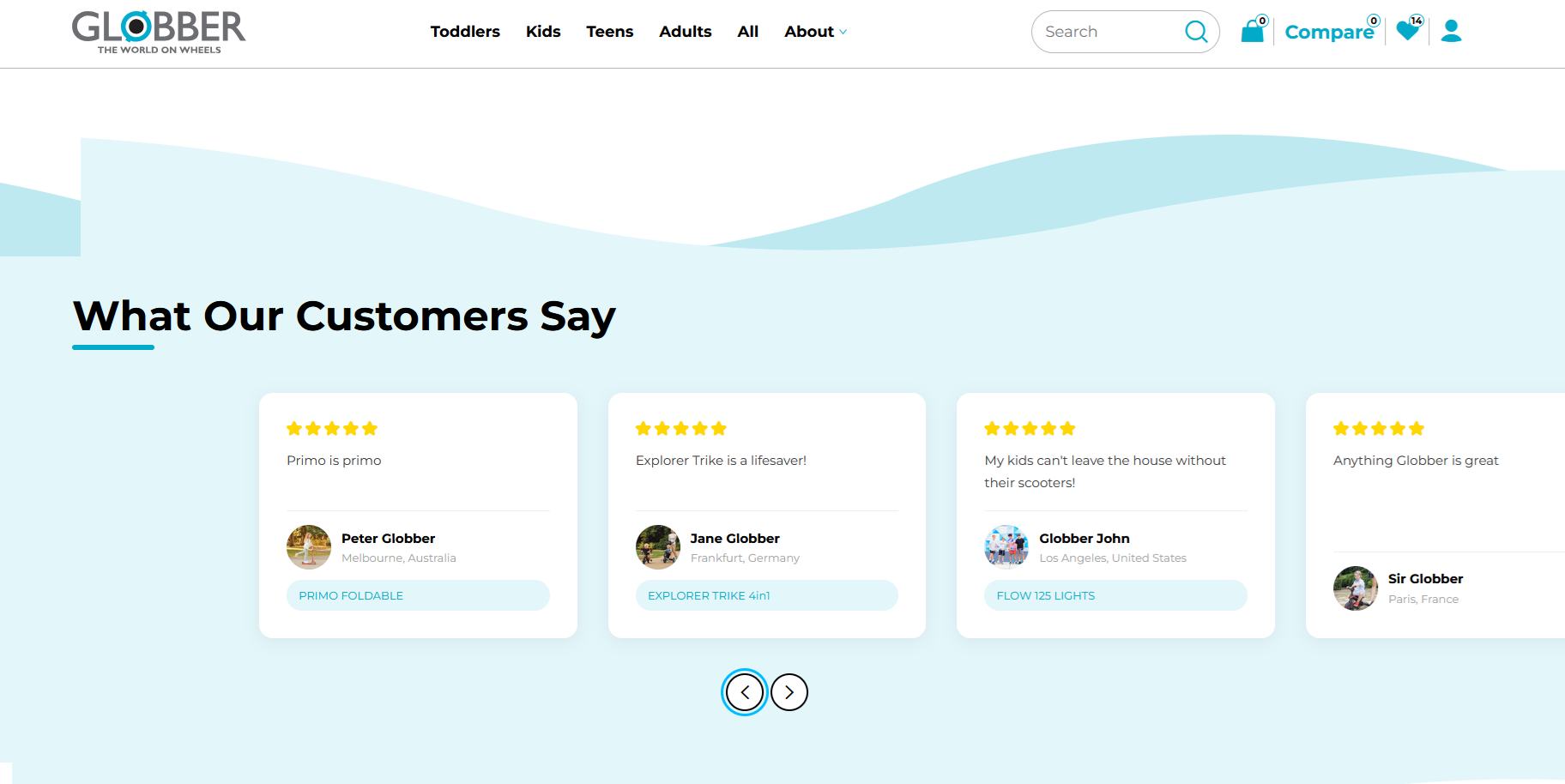
The Testimonials / Reviews section displays customer feedback and reviews on the homepage, helping build trust with visitors by showcasing positive experiences.
How to Setup Testimonials / Reviews
On the left-hand side menu, navigate to Pages and click All Pages.

In WordPress Pages section, scroll down to find Home — Front Page and click Edit to begin.

Under [page] - Home V2 section, click Add Section to get started.

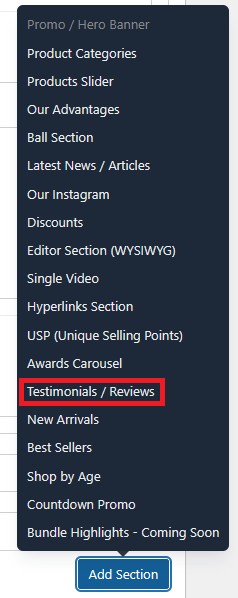
In the case of setting up a Testimonials / Reviews section, select Testimonials / Reviews
There are several options available to configure the Testimonials / Reviews section:

Title : The heading displayed at the top of the section (e.g., "What Our Customers Say").
Subtitle : An optional secondary line of text displayed beneath the title.
Show Wave Background : Toggle on to display a decorative wave background behind the section.
Decor: Scooter : Toggle on to display a scooter decorative element in the section.
Decor: Scooter Top : Toggle on to display a scooter top decorative element in the section.
Decor: Helmet : Toggle on to display a helmet decorative element in the section.
Testimonials : Add individual testimonials by clicking Add Testimonial. Each entry represents a single customer review displayed in the section. Each testimonial has the following fields:
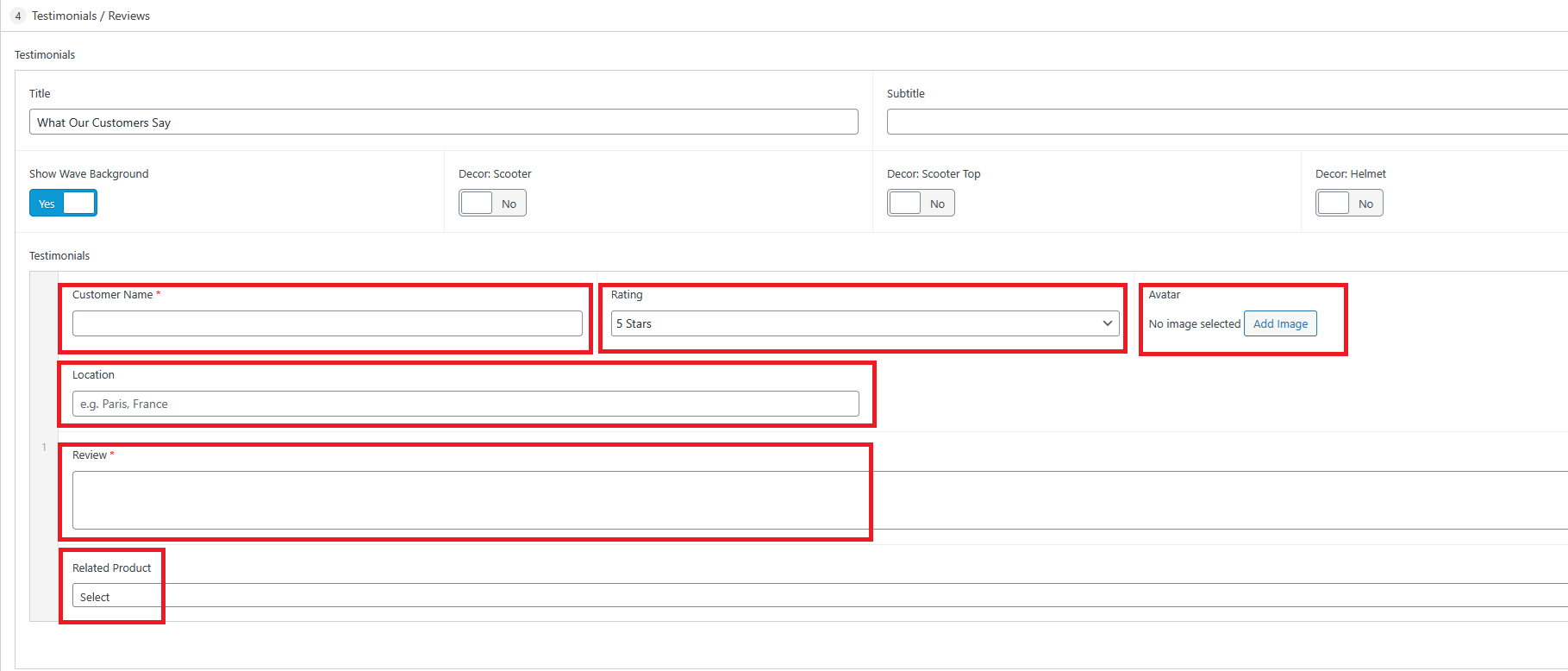
Customer Name (required) : The full name of the customer leaving the review.
Rating : Star rating for the testimonial, selectable from a dropdown (e.g., 5 Stars).
Avatar : An optional profile image for the customer. Click Add Image to upload or select one.
Location : The customer's location (e.g., "Paris, France").
Review (required) : The main review text written by the customer.
Related Product : Optionally link the testimonial to a specific product by selecting it from the dropdown.
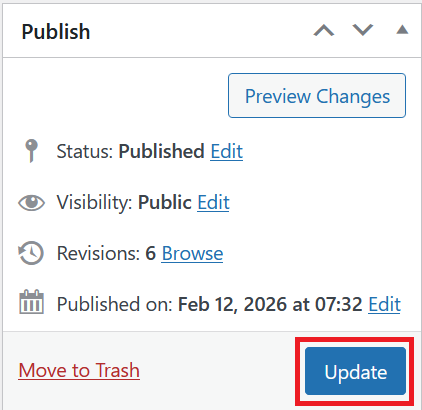
Once you're ready to publish changes, click Update or Publish on the right-hand side.