Product Categories
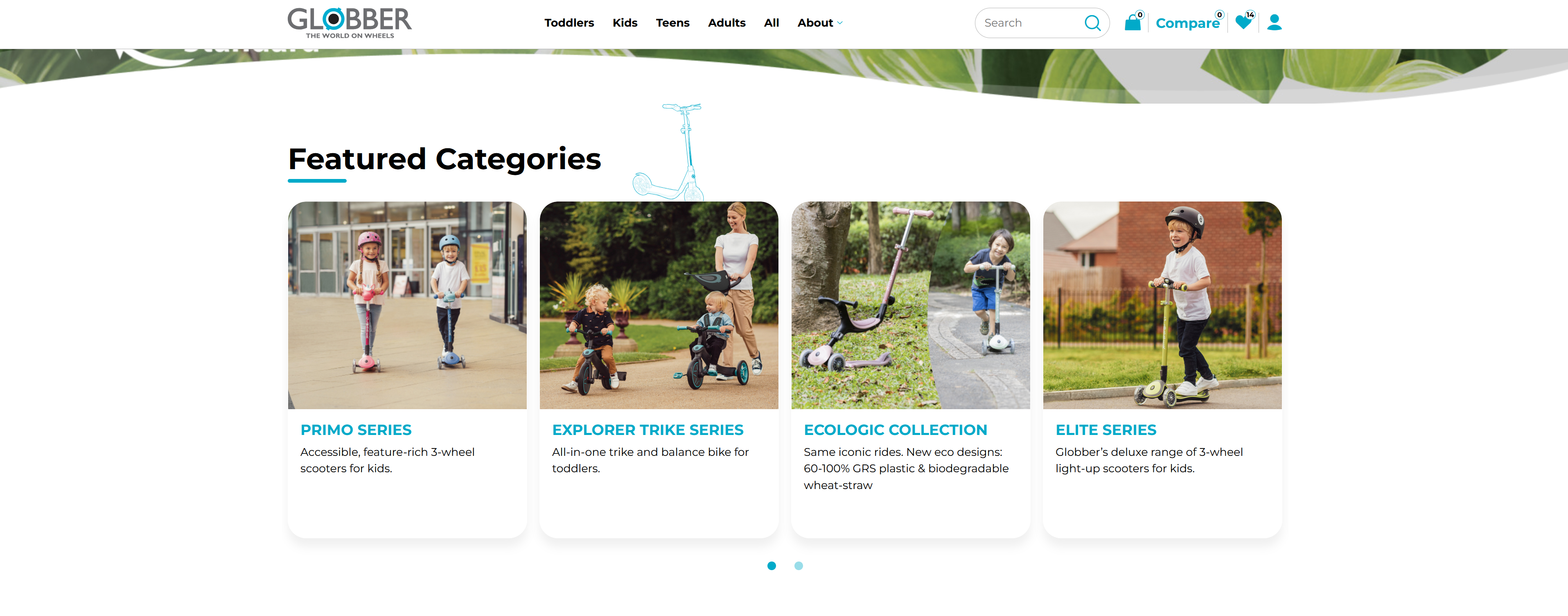
The Product Categories section displays your main product lines, allowing visitors to quickly navigate to specific product collections.
How to Setup Product Categories
On the left-hand side menu, navigate to Pages and click All Pages.

In WordPress Pages section, scroll down to find Home — Front Page and click Edit to begin.

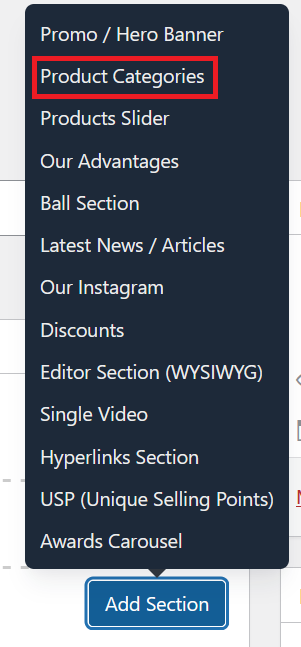
Under [page] - Home V2 section, click Add Section to get started.

In the case of setting up a Product Categories section, select Product Categories
This section allows you to configure the Product Categories block for your homepage. The available options are:

Title: Enter the heading or description for the Product Categories section - example "Featured Categories"
Link: Choose or add a link associated with this section.
List: Select one or more product categories from the dropdown list to display, they will display depending on the order you select.
Toggle this switch to enable or disable the scooter decorator graphic for this section.
- Yes: The scooter decorator will be shown.
- No: The scooter decorator will be hidden.
Once you're ready to publish changes, click Update or Publish on the right-hand side.