Ball Section
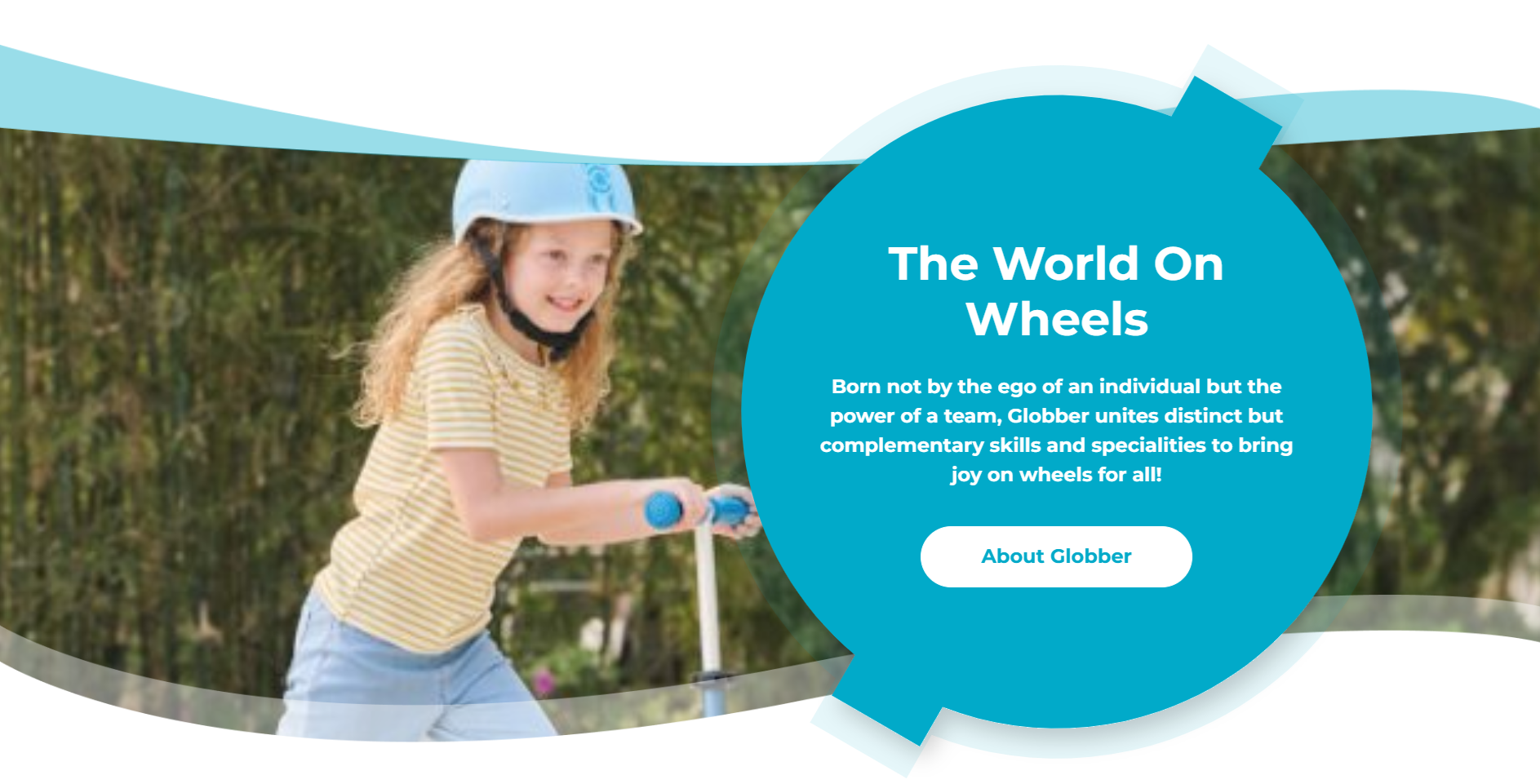
The Ball Section is a unique branded element featuring Globber's signature styling with prominent imagery and messaging.
How to Setup Ball Section
On the left-hand side menu, navigate to Pages and click All Pages.

In WordPress Pages section, scroll down to find Home — Front Page and click Edit to begin.

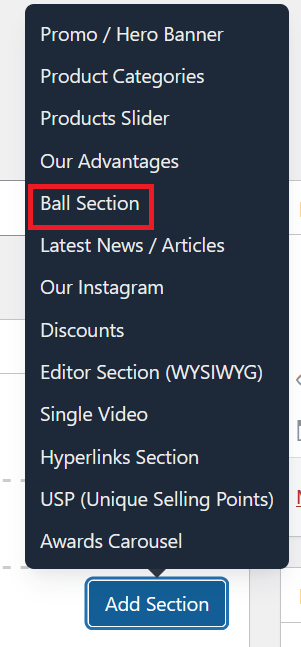
Under [page] - Home V2 section, click Add Section to get started.

In the case of setting up Ball Section, select Ball Section
This section allows you to configure the Ball Section. The available options are:
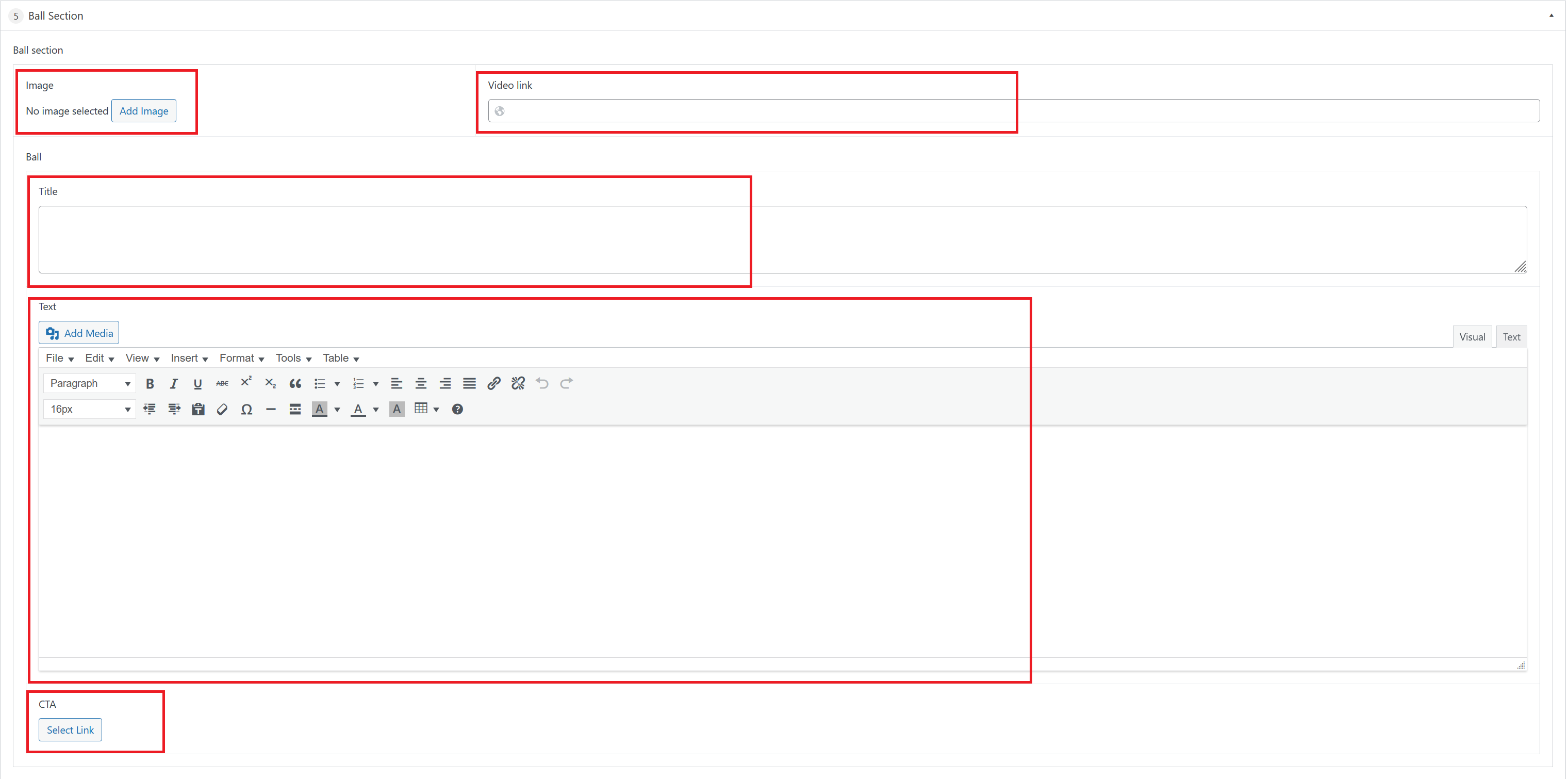
Upload the background image for this section. The branded globe ball is a fixed element and cannot be changed.
Set the bold headline displayed over the image (e.g., "THE WORLD ON WHEELS").
Add a short description displayed below the header.
Set a button label and destination URL to redirect users to another page (e.g., a product listing or campaign page).
Paste a video URL to make the section open a video when clicked. Leave blank if not needed.
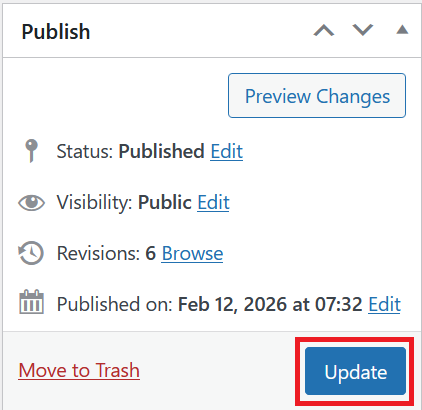
Once you're ready to publish changes, click Update or Publish on the right-hand side.