Best Sellers
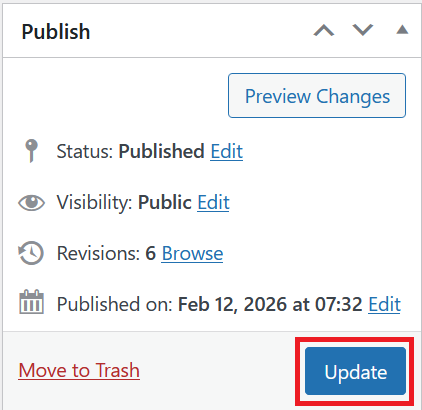
The Best Sellers section highlights the most popular products on the homepage, helping visitors quickly find top-rated and frequently purchased items.
How to Setup Best Sellers
On the left-hand side menu, navigate to Pages and click All Pages.

In WordPress Pages section, scroll down to find Home — Front Page and click Edit to begin.

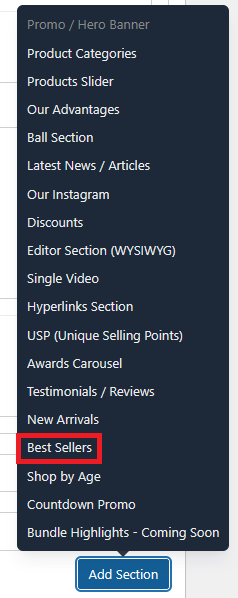
Under [page] - Home V2 section, click Add Section to get started.

In the case of setting up a Best Sellers section, select Best Sellers
There are several options available to configure the Best Sellers section:
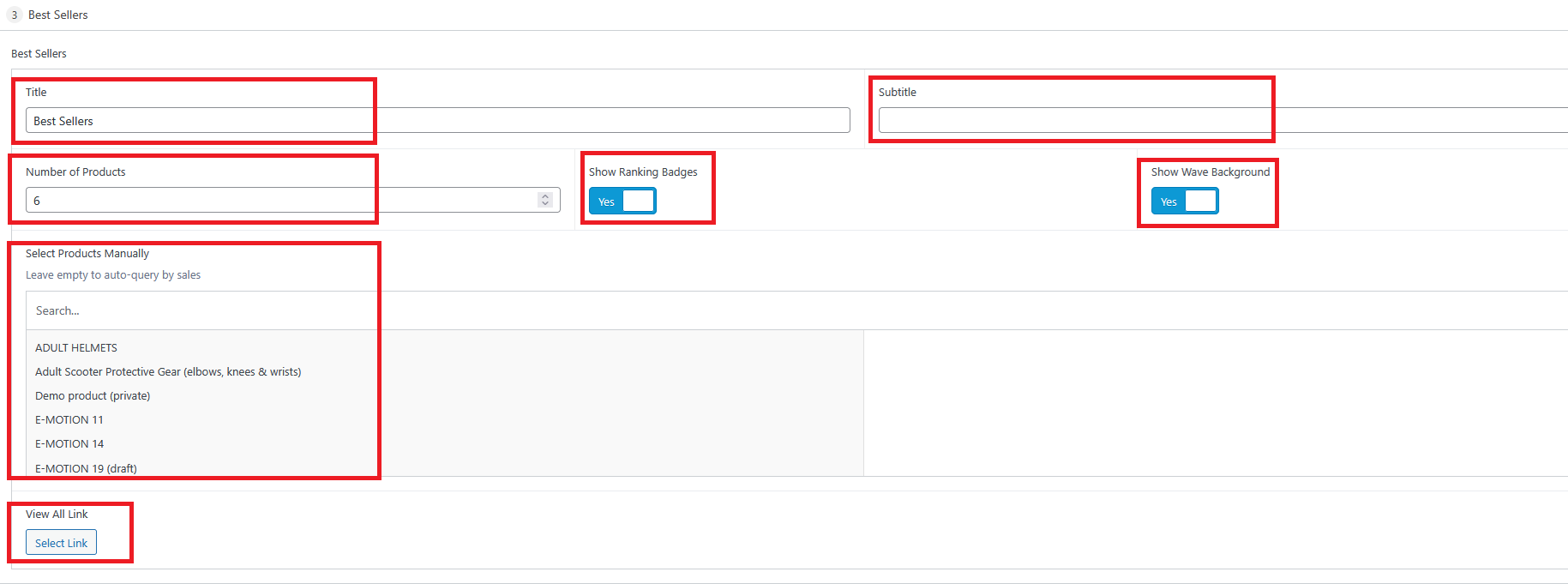
Title : The heading displayed at the top of the Best Sellers section (e.g., "Best Sellers").
Subtitle : An optional secondary line of text displayed beneath the title.
Number of Products : Controls how many products are displayed in the section. Default is 6.
Show Ranking Badges : Toggle on to display numbered ranking badges (1st, 2nd, 3rd, etc.) on each product card.
Show Wave Background : Toggle on to display a decorative wave background behind the section.
Select Products Manually : Choose specific products to feature in this section.
Leave this option empty to automatically display the best-selling products by sales count.
View All Link : An optional link added to the section that directs visitors to a full listing page (e.g., a shop or category page). Click Select Link to choose the destination.
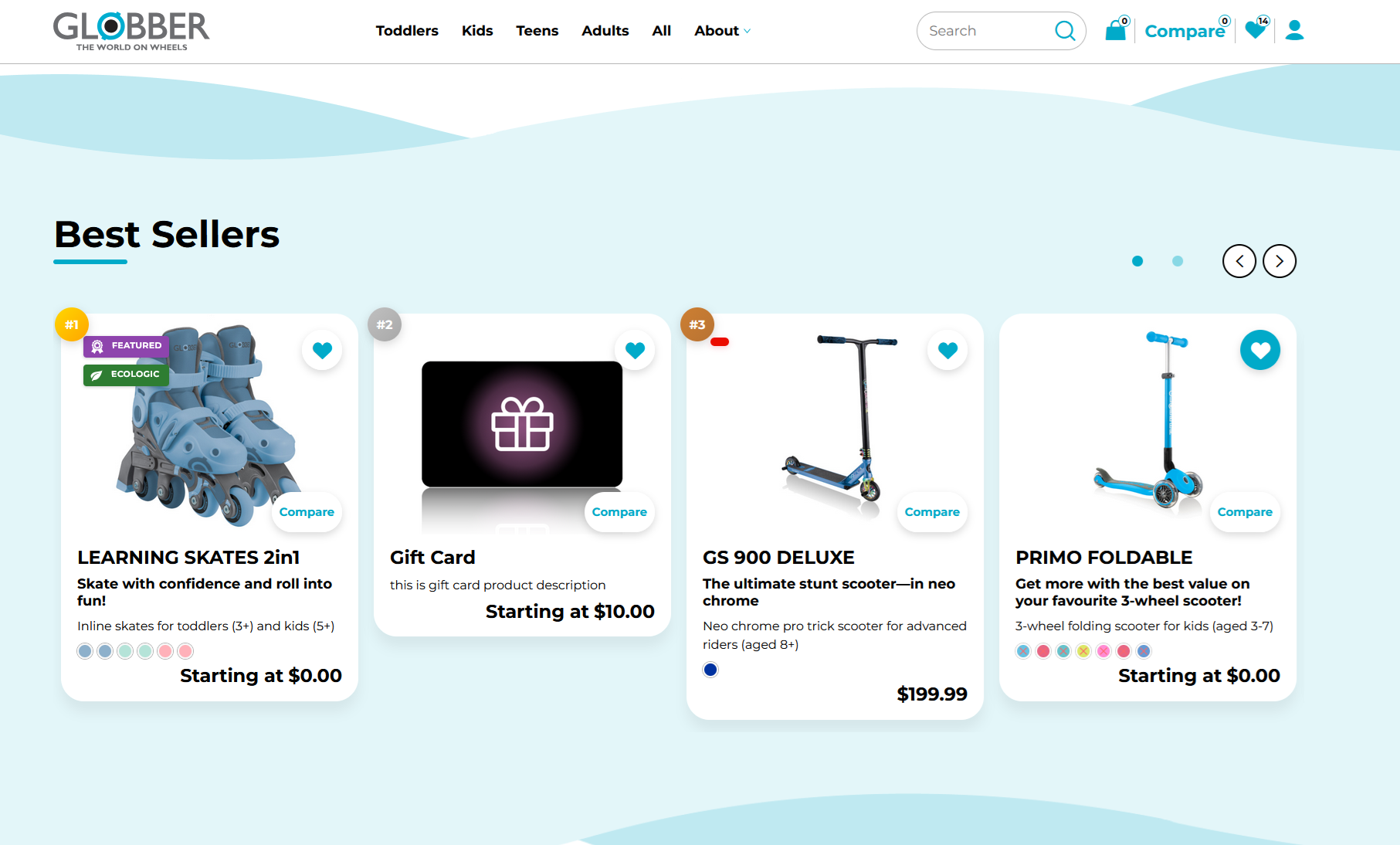
Once you're ready to publish changes, click Update or Publish on the right-hand side.