Discounts Section
The Discounts section promotes current sales, special offers, and promotional campaigns to drive conversions.
How to Setup Discounts Section
On the left-hand side menu, navigate to Pages and click All Pages.

In WordPress Pages section, scroll down to find Home — Front Page and click Edit to begin.

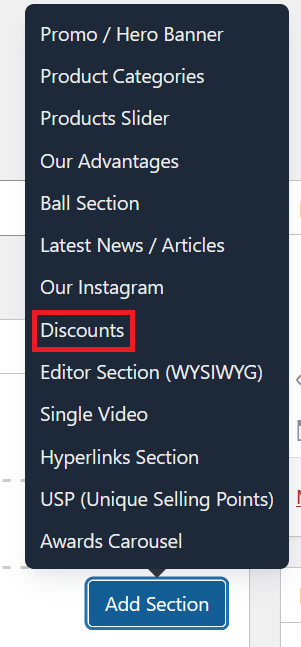
Under [page] - Home V2 section, click Add Section to get started.

In the case of setting up Discounts Section, select Discount
Select which discounts you want to display from the dropdown list. Only existing discounts will appear here.

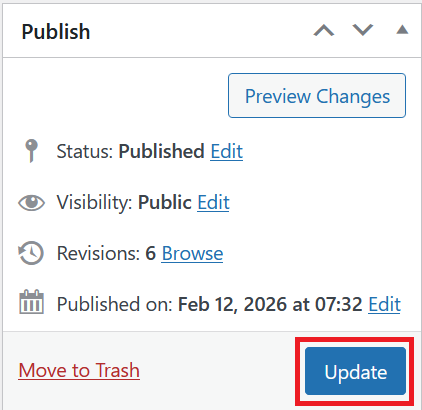
Once you're ready to publish changes, click Update or Publish on the right-hand side.