Products Slider
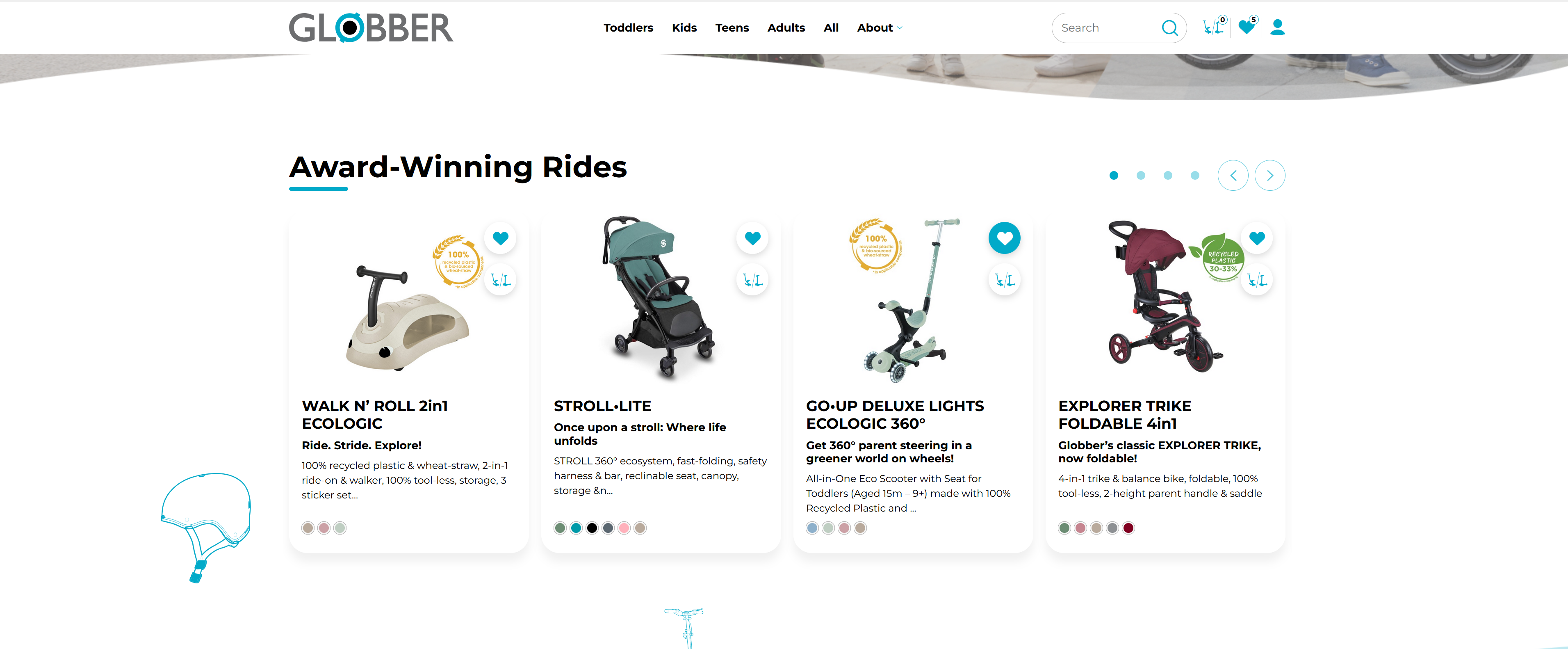
The Products Slider displays a curated selection of products in an interactive carousel on the homepage. It is configured as a Popular Products group, allowing you to set a title and hand-pick which products appear in the slider.
How to Setup Products Slider
On the left-hand side menu, navigate to Pages and click All Pages.

In WordPress Pages section, scroll down to find Home — Front Page and click Edit to begin.

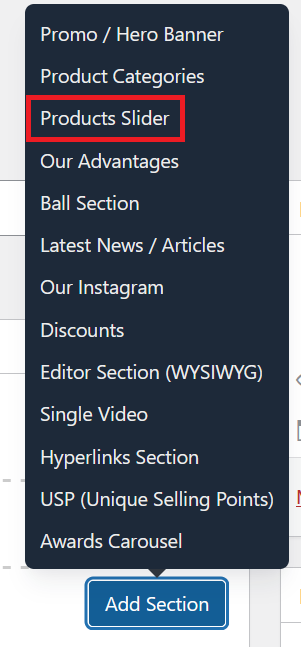
Under [page] - Home V2 section, click Add Section to get started.

In the case of setting up a Products Slider section, select Products Slider
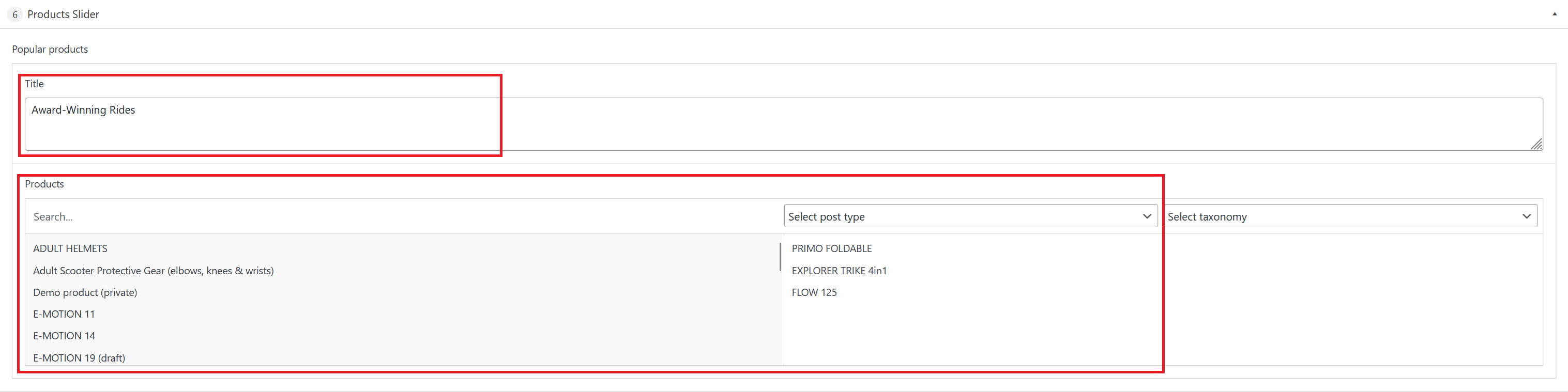
Inside the section you will see a Popular Products group with the following fields:
Enter the heading that will appear above the product carousel (e.g., "Award-Winning Rides").
Search and select products to display, filtering by post type or taxonomy if needed. Drag and drop to reorder them in the slider.
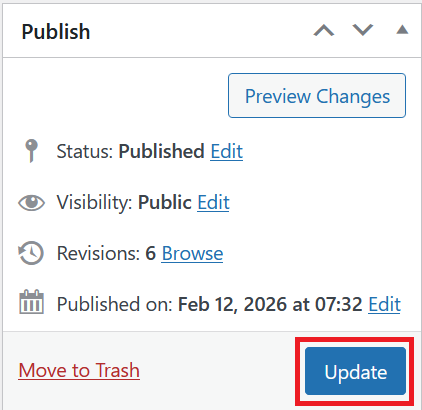
Once you're ready to publish changes, click Update or Publish on the right-hand side.