Single Video
The Single Video section features a prominent video player showcasing product demonstrations, brand stories, or promotional content.
How to Setup Single Video Section
On the left-hand side menu, navigate to Pages and click All Pages.

In WordPress Pages section, scroll down to find Home — Front Page and click Edit to begin.

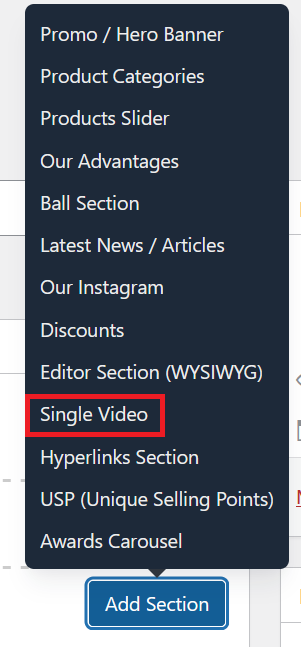
Under [page] - Home V2 section, click Add Section to get started.

In the case of setting up a Single Video section, select Single Video
The Single Video section displays a full-width video on the homepage. It's a simple section with one field to configure.

This works the same way as the Single Video field on product pages.
- Image - Insert image as a background image.
- Video Link — Paste the video URL.
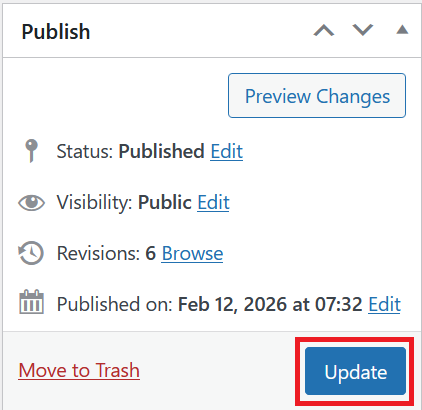
Once you're ready to publish changes, click Update or Publish on the right-hand side.