Home Custom HTML
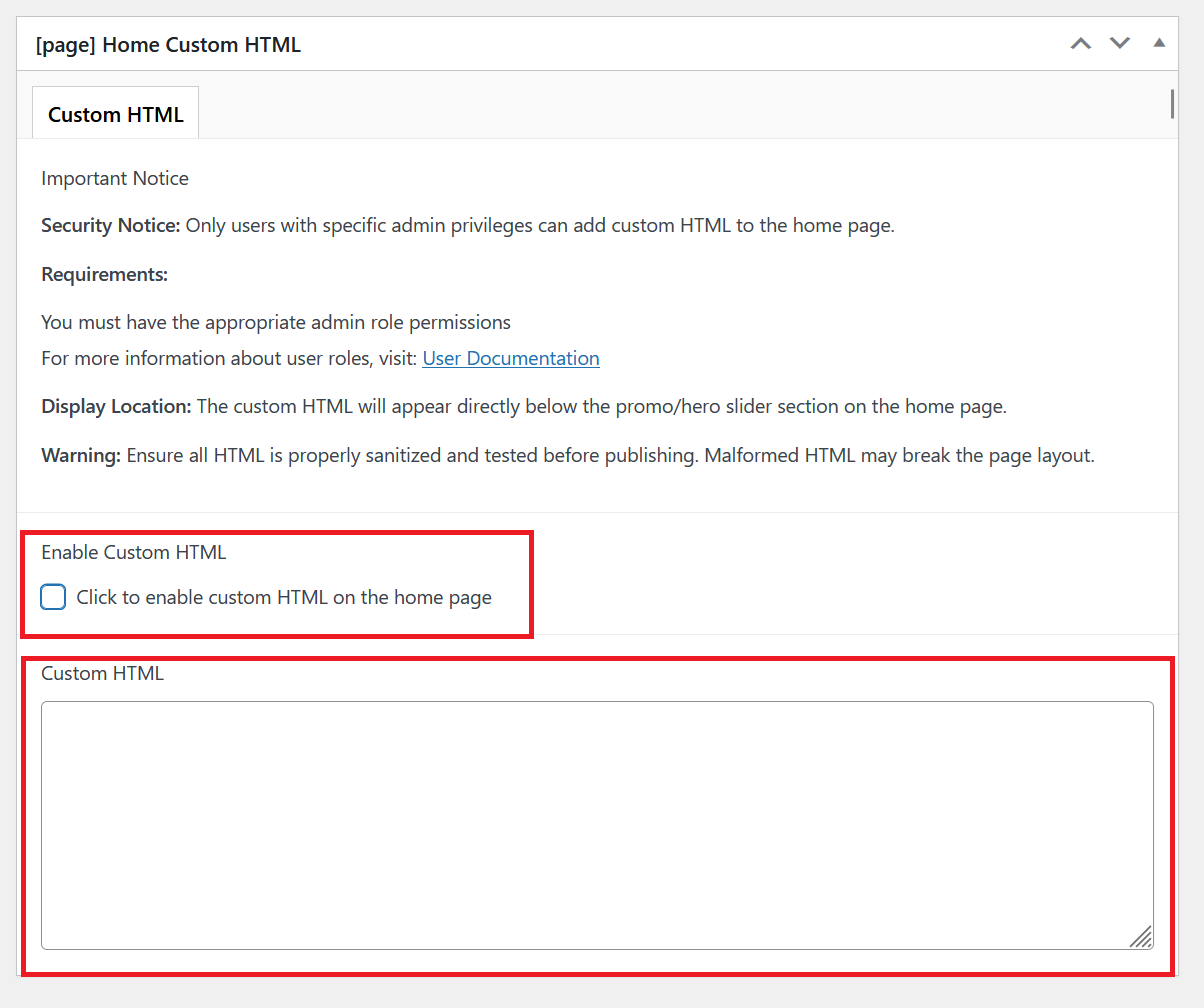
This page explains how to add custom HTML code to your home page.
Security Notice
Only users with specific admin privileges can add custom HTML to the home page.
Adding Custom HTML
Navigate to Pages and click All Pages.

Under Home, select Edit to work on the home page.

Scroll to the bottom section, this section is where you can add custom HTML to the home page.
warning
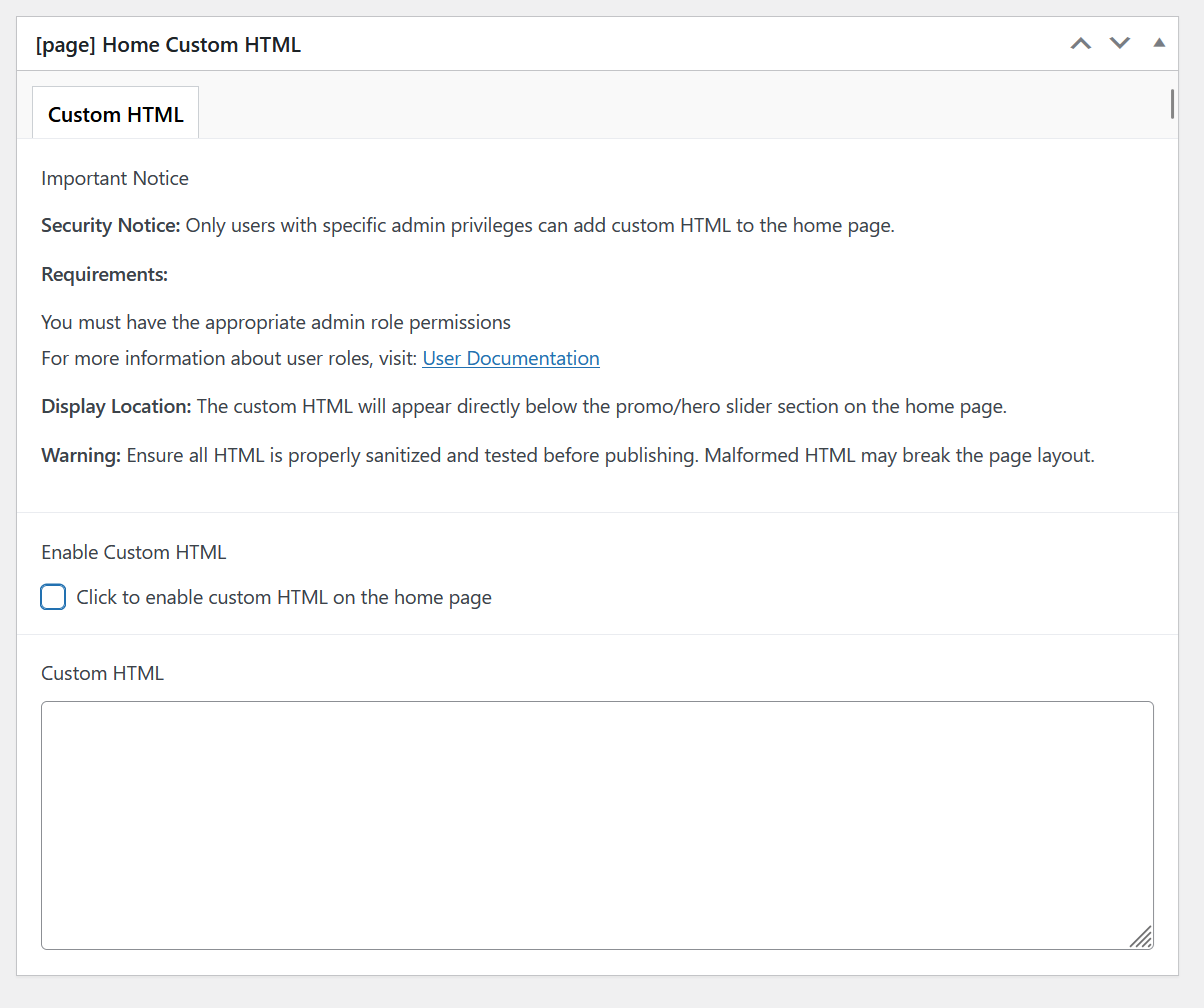
Ensure all HTML is properly sanitized and tested before publishing. Malformed HTML may break the page layout
You can add your desired custom HTML on the Custom HTML area. Don't forget to check on the box to enable Custom HTML.